Calibration
98-150471-A02 Chapter 6: Configuration 6-5
5. Click Apply.
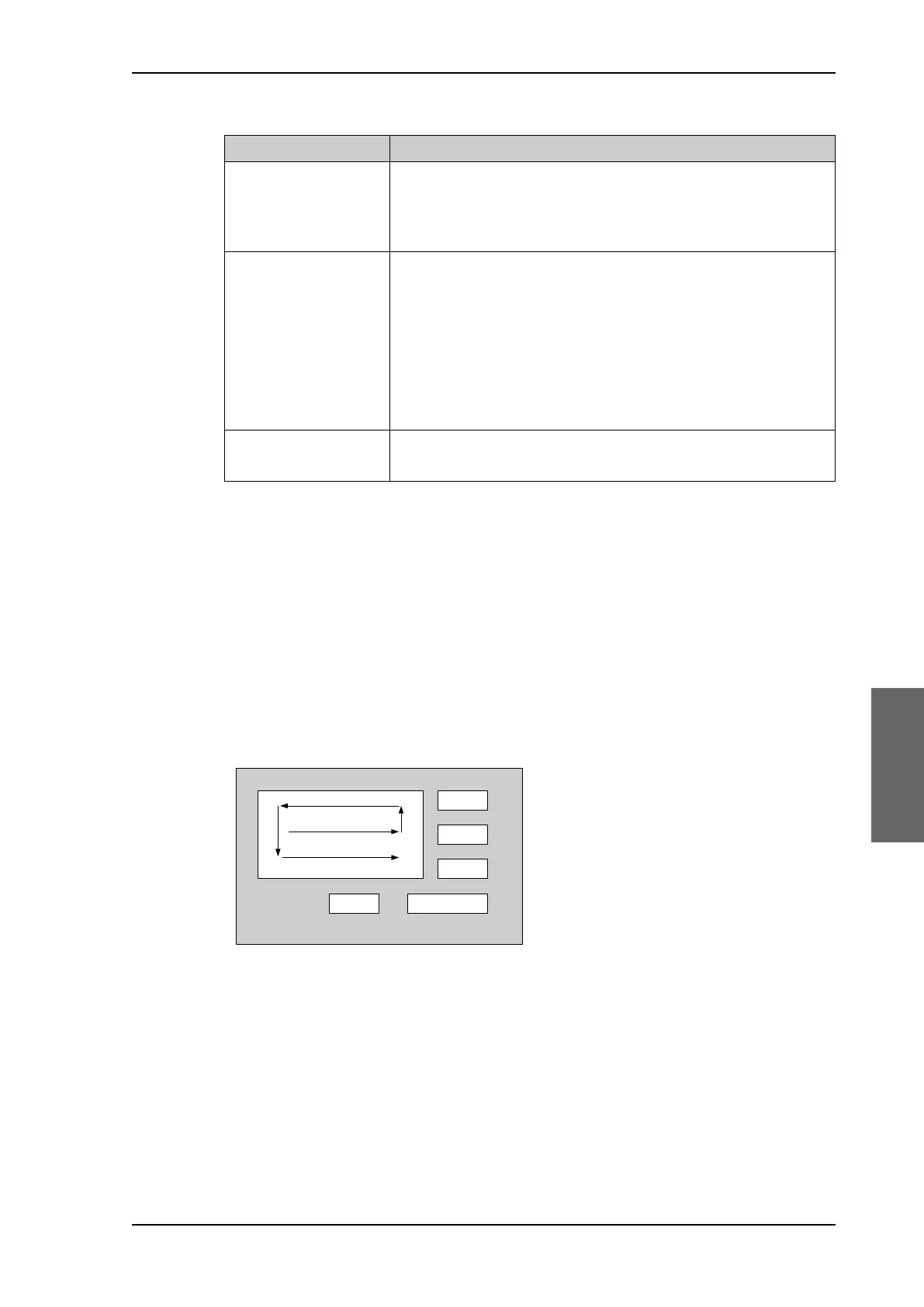
Acquisition process and search pattern
With heading input or fixed heading
1. The antenna starts the acquisition, searches for 10 seconds at the expected position. If
RX lock is detected the antenna goes to Tracking.
2. If no RX lock is detected, a box search pattern is started and the positions where RF
power can be received are stored.
3. The antenna checks each stored position for up to 10 seconds. If RX lock is detected for
more than 20% of the time, the antenna goes to Tracking.
With heading input or fixed heading, Inclined Orbit Satellite
1. The antenna starts the acquisition, searches for 10 seconds at the expected position. If
RX lock is detected the antenna goes to Tracking.
Position mode Description
Mode Select one of the following:
• GNSS (default)
•Manual
GNSS
a
a. This is only available if the antenna’s GNSS module supports GLONASS and BeiDou.
Select one of the following:
•GPS (default)
•BEIDOU
•GPS + BEIDOU
•GLONASS
•GPS + GLONASS
Latitude, Longitude,
Altitude
Enter the values if you have set the Position Mode to Manual.
Table 6-2: Position mode options
Figure 6-4: Acquisition, search pattern
VHFRQGV
SAILOR900HP.book Page 5 Monday, July 18, 2016 12:44 PM










 To Next Page