Configuration with the web interface
6-42 Chapter 6: Configuration 98-150471-A02
The user name is admin and the default password is 1234.
If you have forgotten the administrator password, you can reset the password. For
further information, see the next section.
3. Click Logon.
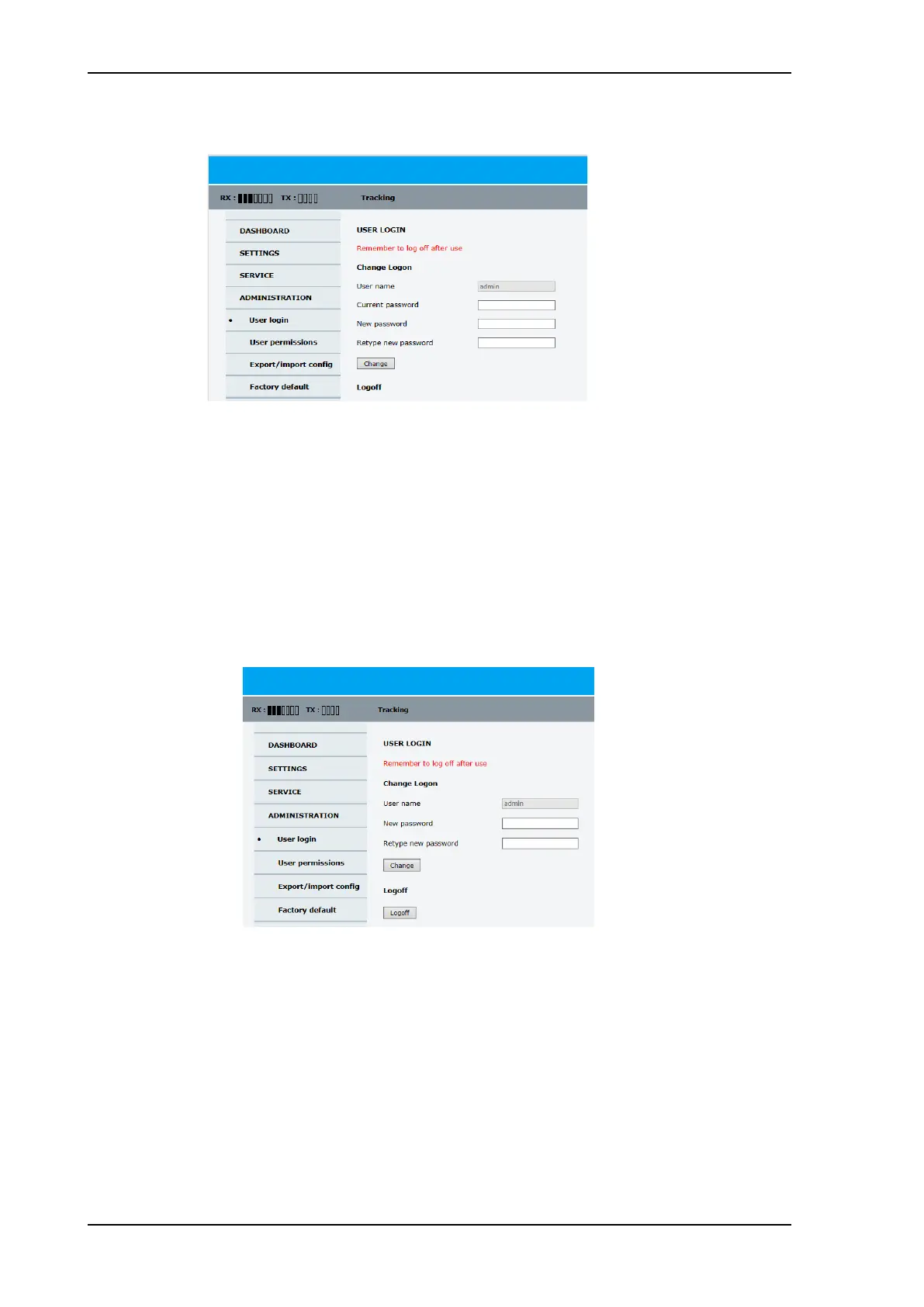
The Administration page is now updated to let you change the user name and password
or log off Administration.
To change the password for administrator or guest users, do as follows:
1. After entering the user name and password in the User login page, locate the section
Change Logon.
2. Type in the new password and retype it on the next line.
3. Click Change. At the next logon the new password is required.
To reset the administrator password, do as follows:
1. Contact your service partner for a reset code. Report the serial number of the ACU. You
find it in the Dashboard, ACU serial number.
Figure 6-34: Web interface: Administration
Figure 6-35: Web interface: Administration, change password
SAILOR900HP.book Page 42 Monday, July 18, 2016 12:44 PM










 To Next Page