Configuration with the web interface
98-150471-A02 Chapter 6: Configuration 6-43
2. Click the link Forgot administrator password? at the bottom of the
ADMINISTRATOR LOGON page (see Figure 6-34: Web interface: Administration).
3. Type in the reset code obtained from your service partner and click Reset.
4. Type in the user name admin, the default password 1234 and click Logon.
To log off administration
If you have not entered anything for 30 minutes under ADMINISTRATION, you are
logged off automatically. To log off manually, click Logoff under administrator logoff in the
ADMINISTRATION page.
To set up user permissions
You can manage user access to certain functions of the SAILOR 900 VSAT High Power
system. You can allow or deny users that are not administrators access to certain functions
and make these pages read-only. This is useful if you want to protect the system against
unintended changes or tampering of the system.
To set up the user permissions, do as follows:
1. From the left navigation pane, select ADMINISTRATION > User permissions.
2. For each item under ALLOW USERS TO: select
• Yes to allow access
• No to block access to the settings. Then the pages are read-only, changes cannot be
made by non-administrator users.
Change network: Change IP configuration of the LAN connectors. For further
information see To configure the LAN network on page 6-30.
Change email settings: Change e-mail addresses for sending reports. For further
information see E-mail setup on page 6-32.
Modify antenna data: Only used during service and maintenance.
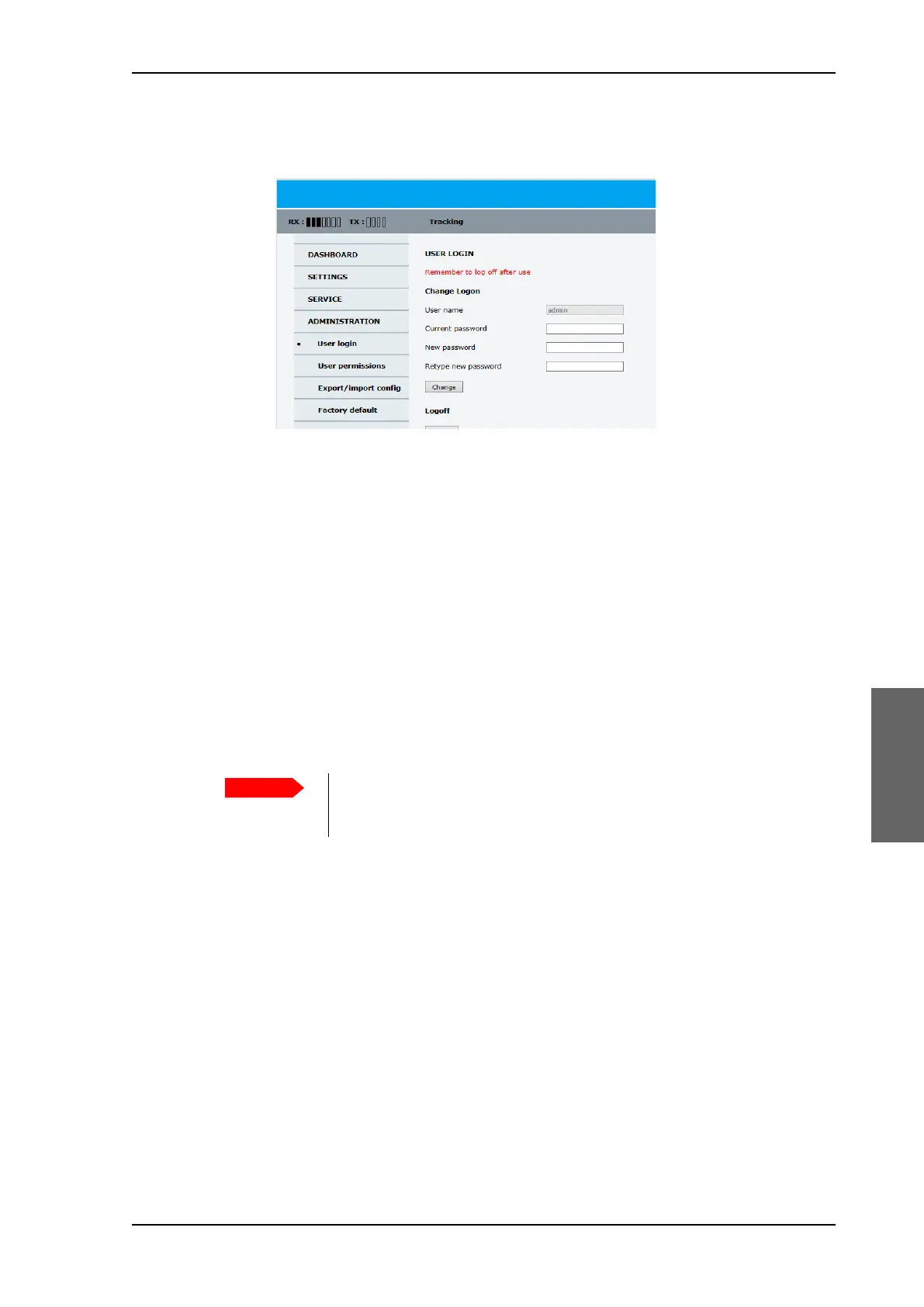
Figure 6-36: Web interface: ADMINISTRATION, Reset administrator password
Study this screen thoroughly and decide which areas of the SAILOR 900
VSAT High Power system you want to give non-administrator users access
to.
SAILOR900HP.book Page 43 Monday, July 18, 2016 12:44 PM










 To Next Page