Software update
8-6 Chapter 8: Service 98-150471-A02
8.2.3 To verify the software update
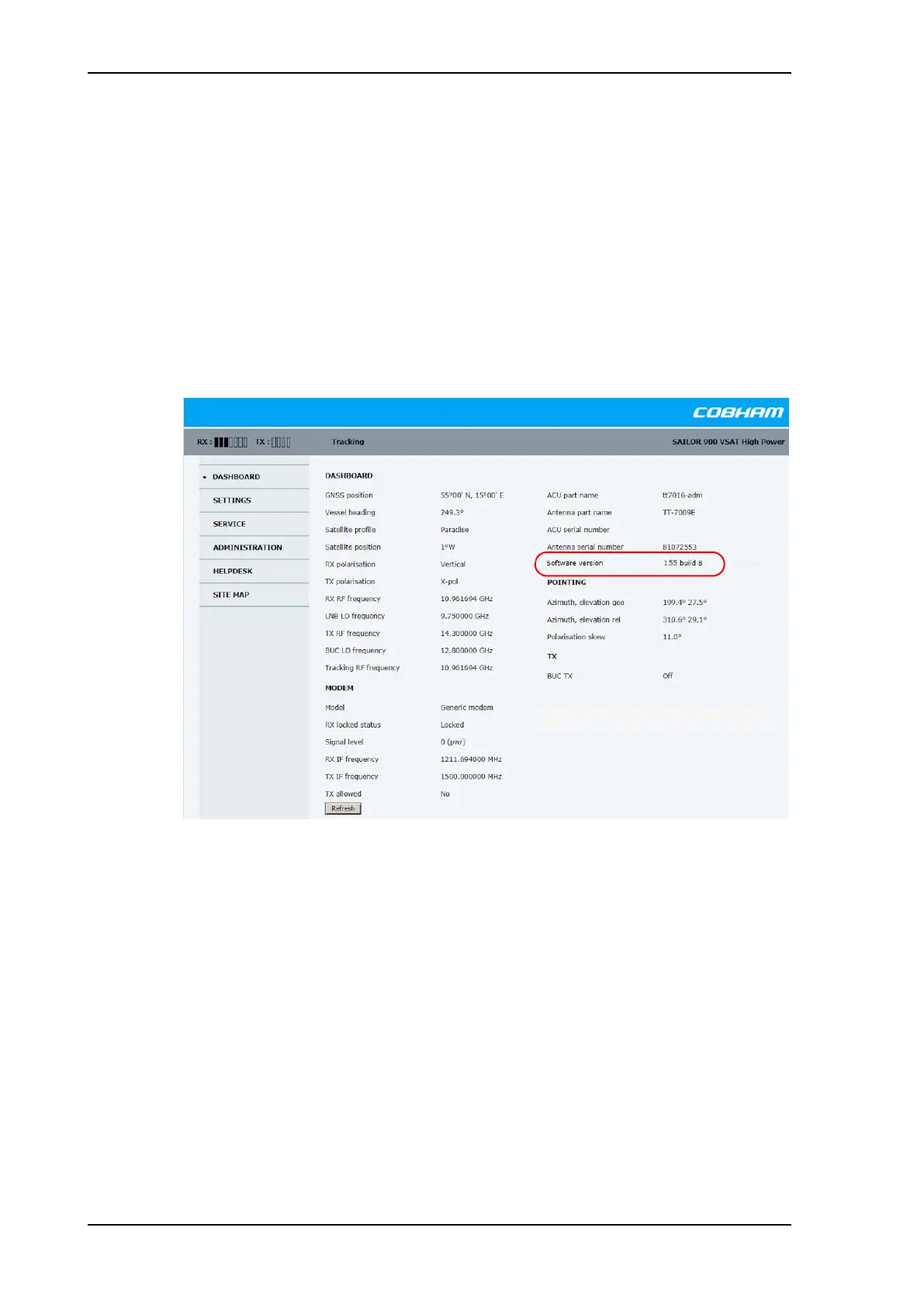
1. The software version can be viewed in the DASHBOARD window of the web interface.
2. After completing the software update procedure, the ACU will perform a POST (Power
On Self Test).
3. When the POST has finished, the green Pass/Fail LED on the front of the ACU must
become steadily green. Verify that the Pass/Fail LED is not red nor flashing orange once
every 2 seconds. Wait until the Pass/Fail LED is green.
4. Verify that the software update has been completed successfully. You find the software
version number in the DASHBOARD window of the web interface.
Figure 8-4: Verifying software update
SAILOR900HP.book Page 6 Monday, July 18, 2016 12:44 PM










 To Next Page