Supported commands
D-8 Appendix D: Command line interface 98-150471-A02
D.2.9 system
D.2.10 track
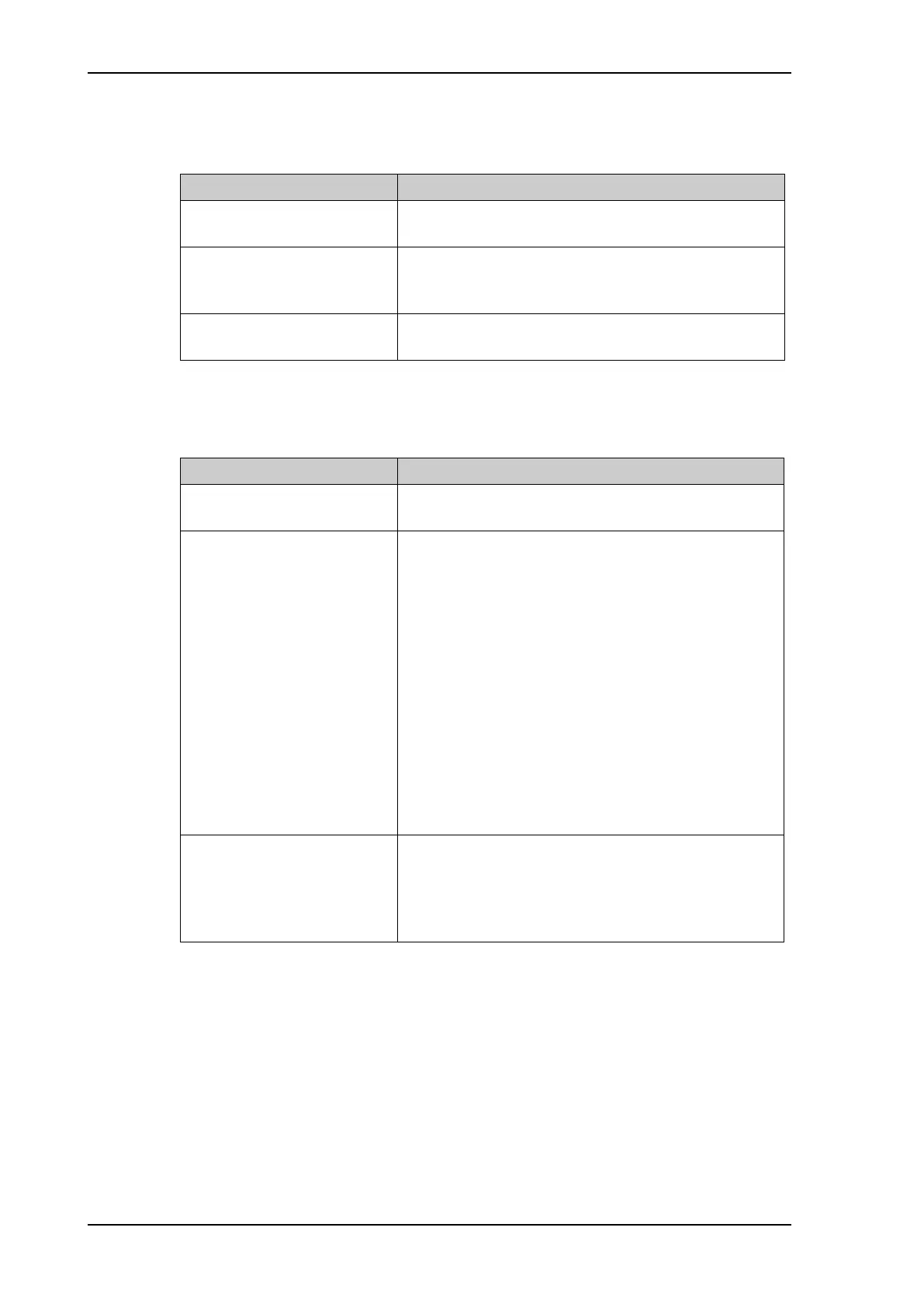
Command Description
system
Shows the sub commands available, including a short
description.
system restart
Sends a command to the ACU to restart the system
instantaneously. It makes a power-on self test and then
points to the last used satellite.
system info
Shows the software version, part names and serial
numbers of the SAILOR 900 VSAT High Power.
Table D-10: UCLI command: system
Command Description
track
Shows the sub commands available, including a short
description.
track mode
track mode dvb
Shows or sets the receiver bandwidth or mode, the way
the SAILOR 900 VSAT High Power tracks the satellite:
• narrow (recommended, uses the built-in 300 kHz
filter of the SAILOR 900 VSAT High Power)
• rssi (uses the RSSI signal from the VSAT modem)
• wide (uses the wide-band filter to track the satellite)
• dvb (uses the built-in DVB-S2 receiver of the SAILOR
900 VSAT High Power to track the satellite. You must
configure dvb_sym and dvb_nid.)
• GSC (uses Inmarsat Global Signalling Channel
• GSCpwr (uses power of Inmarsat Global Signalling
Channel)
track dvb_sym
track dvb_sym 22
Shows or sets the current mega symbols rate for the
DVB-S2 receiver when in dvb mode. The symbol rate
used to verify and track a transponder.
• Valid range: 0.1 — 99
Table D-11: UCLI command: track
SAILOR900HP.book Page 8 Monday, July 18, 2016 12:44 PM










 To Next Page