Configuration with the web interface
98-150471-A02 Chapter 6: Configuration 6-21
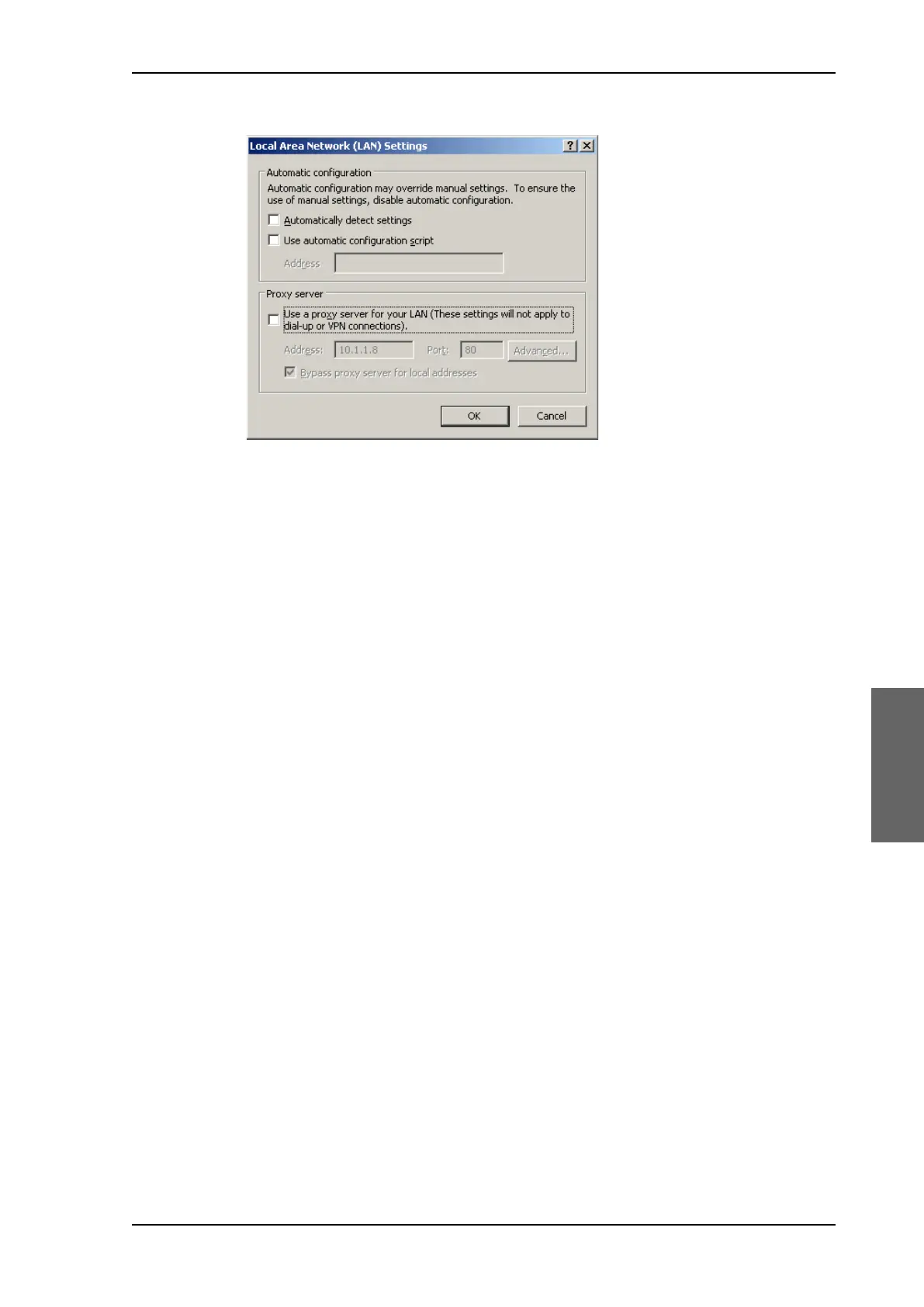
2. Clear the box labeled Use a proxy server for your LAN.
3. Click OK.
When the proxy server settings are disabled, close and restart your browser. You may need
to change this setting back on return to your Internet connection.
To connect a PC
To connect your PC to the ACU do as follows:
1. Connect a PC to LAN interface 3 (Service port, standard Ethernet) of the ACU or to the
front LAN connector of the ACU. If you want to use another LAN port than LAN 3 you
must configure it according to your network requirements. For information how to
configure the LAN connectors see To configure the LAN network on page 6-30.
2. Open your Internet browser and enter the IP address of the ACU. The default IP address
is http://192.168.0.1.
Status field in the top bar
The top bar shows the current status of the antenna. Examples are:
•Not ready (waiting for input from GNSS, e.g. GPS)
• Antenna initializing
•Antenna SW upload
• Antenna POST error
• XIM data error
• Unrecoverable XIM data error
•System upgrade
• Antenna POST pending
•Antenna POST
•Safe Mode (error, followed by an error description)
• Service switch (service switch in ADU activated)
•Ready (waiting for data from the modem or no satellite profile selected)
SAILOR900HP.book Page 21 Monday, July 18, 2016 12:44 PM










 To Next Page