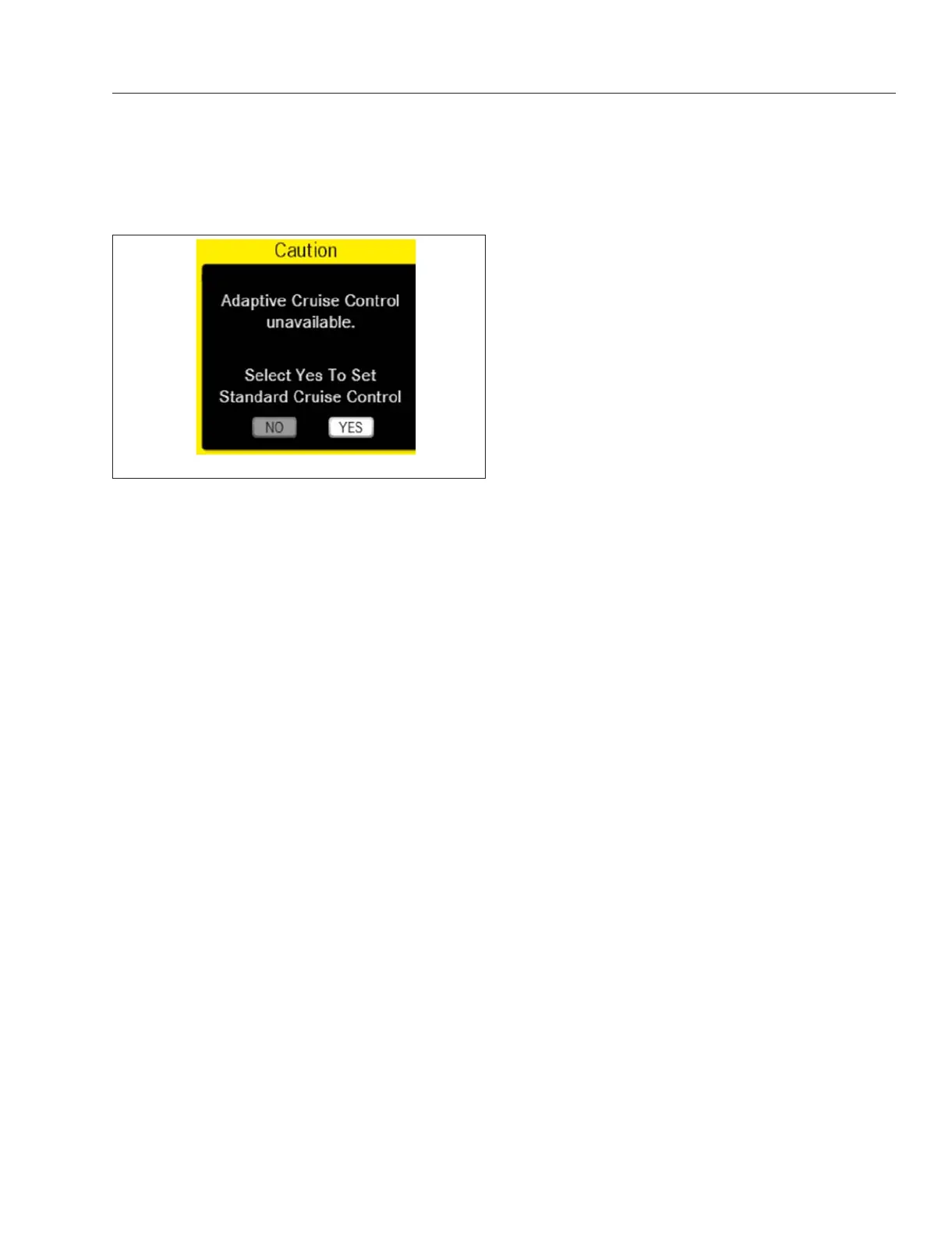
message will be displayed that allows the driver to
choose to use Standard Cruise Control. See Fig. 6.5.
Increasing or Reducing Adaptive Cruise
Control Speed
The Adaptive Cruise Control speed setting can only
be set when driving.
Press the –/SET switch on the steering wheel switch
pod to set the cruise speed when the vehicle is trav-
eling at the desired speed. To decrease the set
cruise speed, press and hold –/SET.
Setting the Adaptive Cruise Control
Distance to the Vehicle in Front
The Adaptive Cruise Control settings menu under
Vehicle Settings can be used to set the distance to
the vehicle in front. Adjust the specified minimum dis-
tance to the vehicle in front if necessary.
IMPORTANT: Make sure that the minimum dis-
tance required by law is maintained.
Overtaking When Using Adaptive Cruise
Control
NOTE: It is possible to exceed the set speed
when overtaking.
The set speed of Adaptive Cruise Control (ACC) can
be exceeded using the accelerator pedal. When the
accelerator pedal is released, the ACC set speed will
be resumed.
Deactivating Adaptive Cruise Control
To deactivate Adaptive Cruise Control (ACC), press
the CNCL switch on the steering wheel switch pod or
press the brake pedal.
NOTE: The set speed remains stored when
ACC is deactivated.
Tailgate Warning
Tailgate Warning provides alerts when the vehicle in
front is being followed too closely. The system gives
warning when:
•
Adaptive Cruise Control (ACC) is not active;
and
•
the vehicle is moving faster than 20 mph (32
km/h); and
•
the driver follows a vehicle for longer than 10
seconds at a distance that will be traversed in
less than 2.6 seconds.
The system will not give warning when:
•
the vehicle is moving slower than 20 mph (32
km/h);
•
another vehicle cuts in front;
•
the vehicle in front is moving away; or
•
Adaptive Cruise Control (ACC) is activated.
The system will continue to give warning every 20
seconds if the gap between the vehicles does not
increase.
Active Brake Assist (ABA)
Overview
Active Brake Assist (ABA) is always on. ABA in DA
5.0 uses fused camera and radar signals for im-
proved object recognition, enabling it, in some cases,
to recognize potential hazardous situations faster
than a driver. If the camera system becomes dis-
abled, radar signals alone are used.
Active Brake Assist tracks both moving and station-
ary objects in the vehicle’s path and engages in a
cascade of actions: visual and auditory warnings,
partial braking, and full braking. ABA has the capacity
to engage full braking on moving pedestrians, parked
vehicles, and stopped traffic.
The system may not detect pedestrians or objects in
every situation, nor is it a substitute for cautious driv-
ing.
f61145509/15/2016
Fig. 6.5, Adaptive Cruise Control (ACC) Unavailable -
ICUC
Detroit Assurance 5.0
6.4



 To Next Page