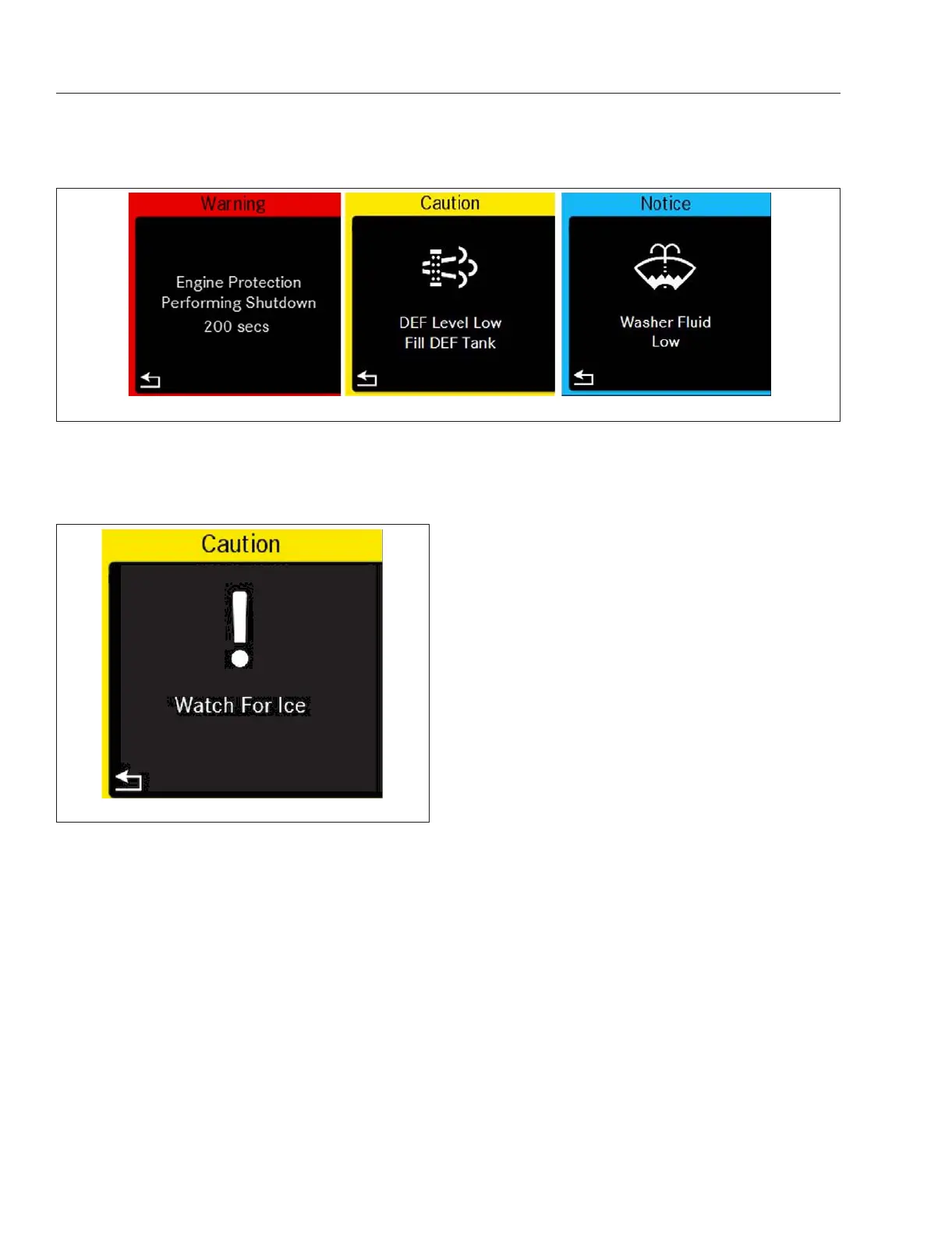
See Fig. 3.7. Acknowledge and dismiss this mes-
sage by pressing the back button in the left hand
steering wheel switch pod.
An ambient air temperature below 34°F (1°C) will
also cause a snowflake icon to appear next to the
display temperature. The snowflake icon will display
until the ambient air temperature rises to 37°F (3°C).
If the temperature drops below 34°F (1°C) after rising
above 37°F (3°C), the Watch For ICE popup and
snowflake will reappear.
ICUC Time and Alarm Settings
Time Settings: Display Format
NOTE: Local Time Offsets can also be viewed
under this menu.
In the ICUC, time can be displayed in 12 or 24 hour
format. Time format is set under Time Settings under
User Settings.
1.
Select the gear icon to open the User Settings
menu. The last settings menu accessed will
open.
2.
If not on the Settings Options List Screen, use
the Up arrow in the left-hand steering wheel
switch pod to move to this screen.
3.
Press OK to access the settings menus.
4.
Use the Down arrow in the left-hand steering
wheel switch pod to get to Time.
5.
Press OK to access Time.
6.
Use the Right arrow to navigate from 12h to 24h
or 24h to 12h.
7.
Press OK on the left-hand steering wheel switch
pod to choose an option.
Setting An Alarm
In the ICUC, one alarm can be set under Alarms
under the User Settings. See Fig. 3.8.
The alarm triggers a repeated chirping sound as well
as a alarm pop-up. Both can be dismissed by press-
ing the back button on the left hand steering wheel
switch pod.
1.
Select the gear icon to open the User Settings
menu. The last settings menu accessed will
open.
2.
If not on the Alarms screen, use the Down arrow
in the left-hand steering wheel switch pod to
move to this screen.
3.
Press OK to access the alarm clock options.
f61144410/31/2016
Fig. 3.6, Sample Alert Messages
f61175305/21/2019
Fig. 3.7, ICUC Watch for Ice Popup
Instruments
3.5



 To Next Page