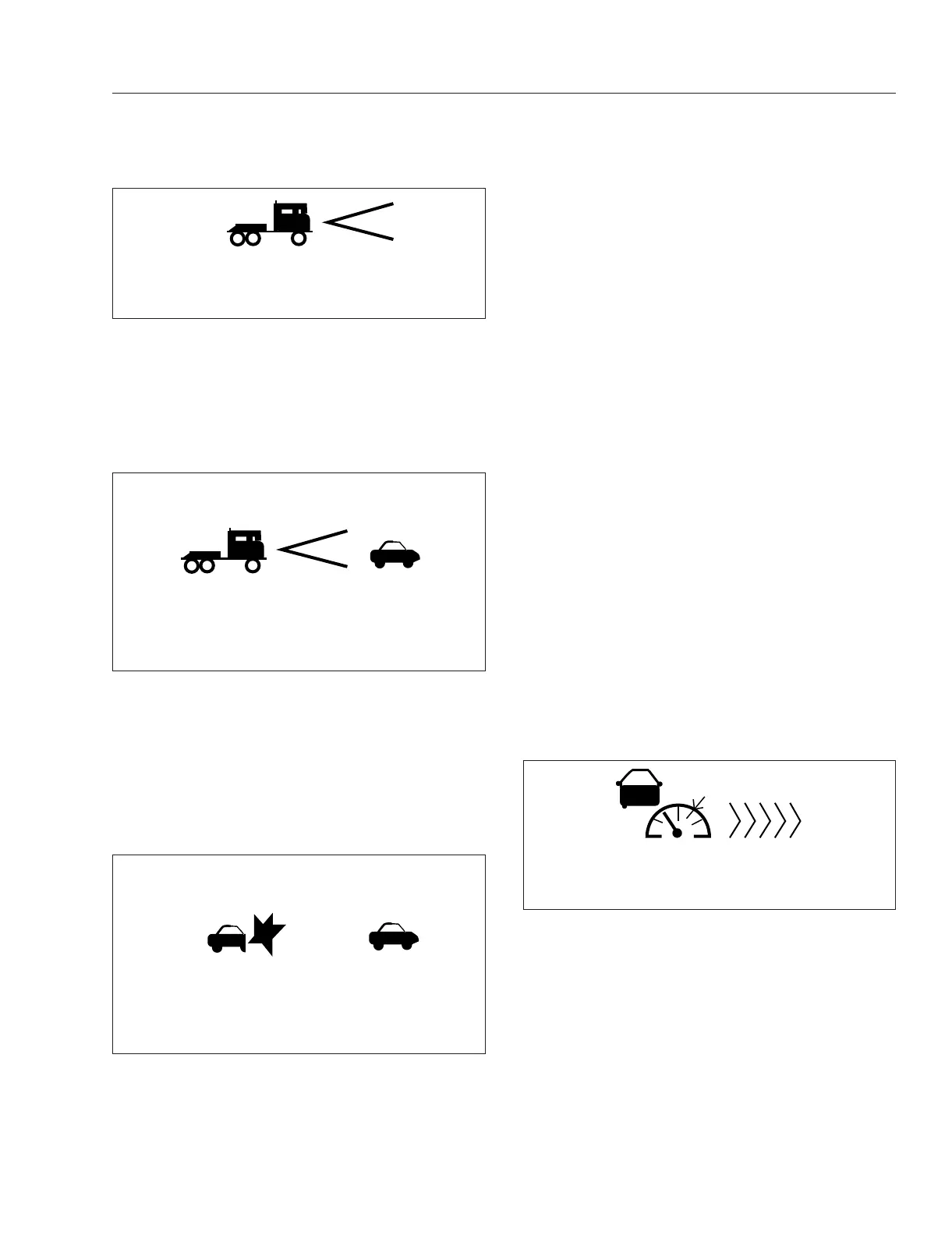
If the following distance between the vehicle and the
lead vehicle is too close, the CMS will emit an au-
dible alert and the display background will turn yel-
low. The alert will end when the vehicle speed drops
below the lead vehicle speed and the following dis-
tance is increased.
Collision Warning
When a lead vehicle is detected traveling slower than
your vehicle, or the gap between them becomes too
close, the CMS warns of an impending collision by
emitting an urgent audible alert and displaying the
collision warning symbol with a red background. See
Fig. 7.28.
Adaptive Cruise Control (ACC)
Adaptive Cruise Control (ACC) works in conjunction
with conventional cruise control to maintain a mini-
mum following distance when a lead vehicle is being
tracked. The minimum following distance is main-
tained by automatically decelerating the vehicle using
accelerator pedal, engine, and service brakes without
driver intervention.
When the lead vehicle is no longer being tracked, the
set cruise control speed resumes automatically.
Vehicles equipped with the WABCO OnGuard CMS
and Cummins engines come standard with Adaptive
Cruise Control (ACC) and Adaptive Cruise Control
Recovery enabled.
If ACC is not available, the cancel button must be
used to engage standard cruise control.
To obtain cruise control when the adaptive cruise
control function has been interrupted, press the
pause button 2 times (ON-OFF-ON-OFF) and then
press the set button once.
A Set or Resume command on the Set, Resume but-
tons will now engage the standard cruise control fea-
tures.
Standby
When no lead vehicle is detected, OnGuard ACC
operates similarly to conventional cruise control. The
cruise control set speed is shown on the OnGuard
display unit. See
Fig. 7.29.
Lead Vehicle Detected
When a lead vehicle is detected in the lane ahead,
the display shows that ACC is on and the radar is
tracking it. See
Fig. 7.30.
If the driver uses the accelerator pedal to override
the cruise control and approach a vehicle too closely,
the ACC will emit an audible alert and the display
background will turn yellow. The alert will end when
CMS
12/18/2014 f611143c
Fig. 7.26, CMS Standby (blue)
CMS
12/18/2014 f611143b
55 MPH
230FT
Fig. 7.27, CMS Lead Vehicle Detected (green)
12/18/2014 f611144a
CMS 15 MPH
15 FT
Fig. 7.28, CMS Collision Warning (red)
f61114502/17/2017
Set: 60 MPH
Fig. 7.29, ACC Standby (blue)
Driver Assistance Features
7.22



 To Next Page