lever up activates the right-turn signal; pushing it
down activates the left-turn signal. The lever is typi-
cally a non-canceling combination turn-signal, wind-
shield wiper/washer switch, and high beam headlight
control unit. See
Fig. 4.5.
When a turn signal is activated, a green telltale light
flashes on the instrument panel.
On a self-canceling turn signal lever, the lever auto-
matically returns to the neutral position when the
steering wheel returns to the straight-ahead position
after a turn.
Utility Lights
Utility lights can be swivel-mounted on upper half of
the cab, mounted on the exhaust support, or flush-
mounted on the back of the cab or sleeper. Press the
upper half of the switch to turn the utility lights on or
off.
When activated, a red indicator light in the switch is
illuminated.
Interior Lighting Controls
Interior light controls are listed here in alphabetical
order.
The interior lights include panel lights, dome lights,
reading lights, and courtesy lights.
Vehicles come pre-set from the factory with theater
lighting, which ramps up lights from low power to full
power when activated. See
Fig. 4.9.
Sleepers have rear dome lights, ambient lights, read-
ing lights, task lights, foot well lights, and baggage
compartment lights.
Many interior lights have a dimming function. By
holding down the switch, the lights can be cycled be-
tween bright and dim.
The ICC5 provides some digital interior light controls.
See
Chapter 3 Instruments for more information.
Baggage Compartment Lights
Baggage compartment lights are located on the un-
derside of the lower bunk, on both sides. Both lights
turn on when either baggage compartment door is
opened to illuminate the baggage compartment. The
lights also come on when the lower bunk is raised.
Foot Well Lights
When the driver or passenger doors are opened,
amber lights illuminate both foot wells. These lights
can also be activated with the foot well light switch.
See
Fig. 4.3. Press the upper half of the switch to
turn the foot well lights on or off.
Overhead Console Lights
The overhead console lights consist of two dome
lights, two reading lights, and an amber lamp that
provides ambient light for the center dash panel and
the cup holders. The dome lights illuminate when a
door opens, then stay on for a short time after both
doors are closed. Press the lens of the reading light
or dome light to activate each one independently of
the others.
Dash Lights
The dash lighting illuminates independently of the
headlights. The brightness can be set to adjust auto-
matically based on ambient lighting.
The brightness can also be adjusted in either the
ICUC or ICC5 under the Settings menu or through
the use of an optional dash switch.
When using the dash switch, the panel lights
brighten and dim in 10% increments, depending on
whether the upper half or the lower half of the switch
is pressed. When the panel lights are turned on with
the switch, they will default to the intensity that was
last set.
Cab Dome Light
A rear cab dome light is located on the headliner,
between the bunk and the cab on sleeper vehicles.
The rear cab dome light will activate with the dome
lights when a door is opened, then stay on for a
short time after both doors are closed. The length of
time this courtesy lighting stays on can be controlled
via the settings menu in any ICU system as can the
time the entrance light stays on.
f61143608/04/2016
LIGHT
TEST
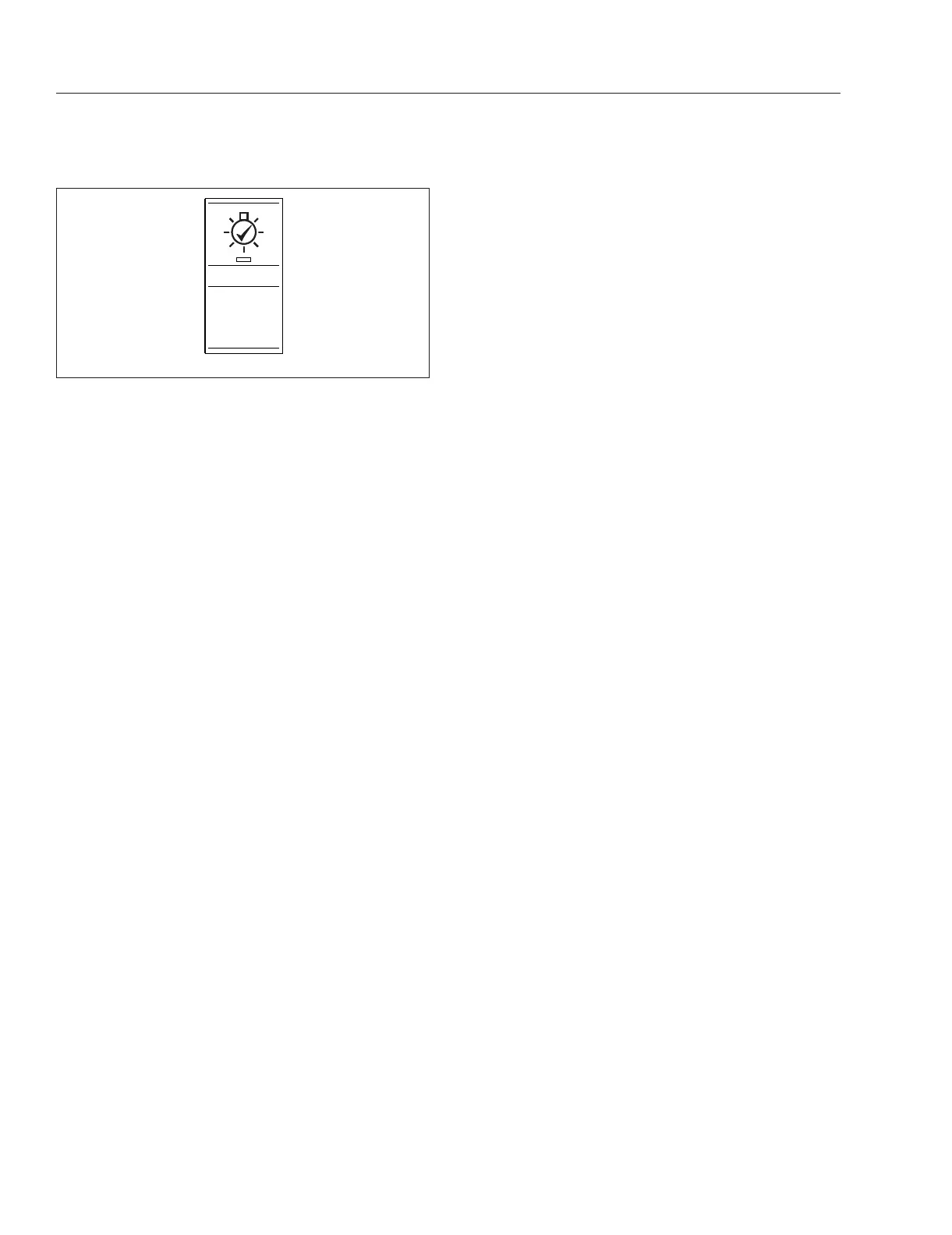
Fig. 4.8, Pretrip Light Test Switch
Driver Controls
4.5



 To Next Page