The component test menu provides verification of
system component operation and acts as a valuable
OnGuard system diagnostic tool. The header will dis-
play either COMPONENT TEST or ACC FUNCTION,
depending on the software release version of the On-
Guard system. The component test screen shown in
Fig. 7.34 provides access to the following compo-
nents (press the up or down arrows to scroll through
the menu):
•
brake pedal position
•
EBS brake switch
•
CCVS brake switch
•
clutch switch
•
park brake switch
•
accelerator pedal position
•
driveline engaged
•
cruise control enable
•
cruise control set speed switch
•
cruise control coast switch
•
cruise control resume switch
•
cruise control accelerate switch
•
cruise control pause switch
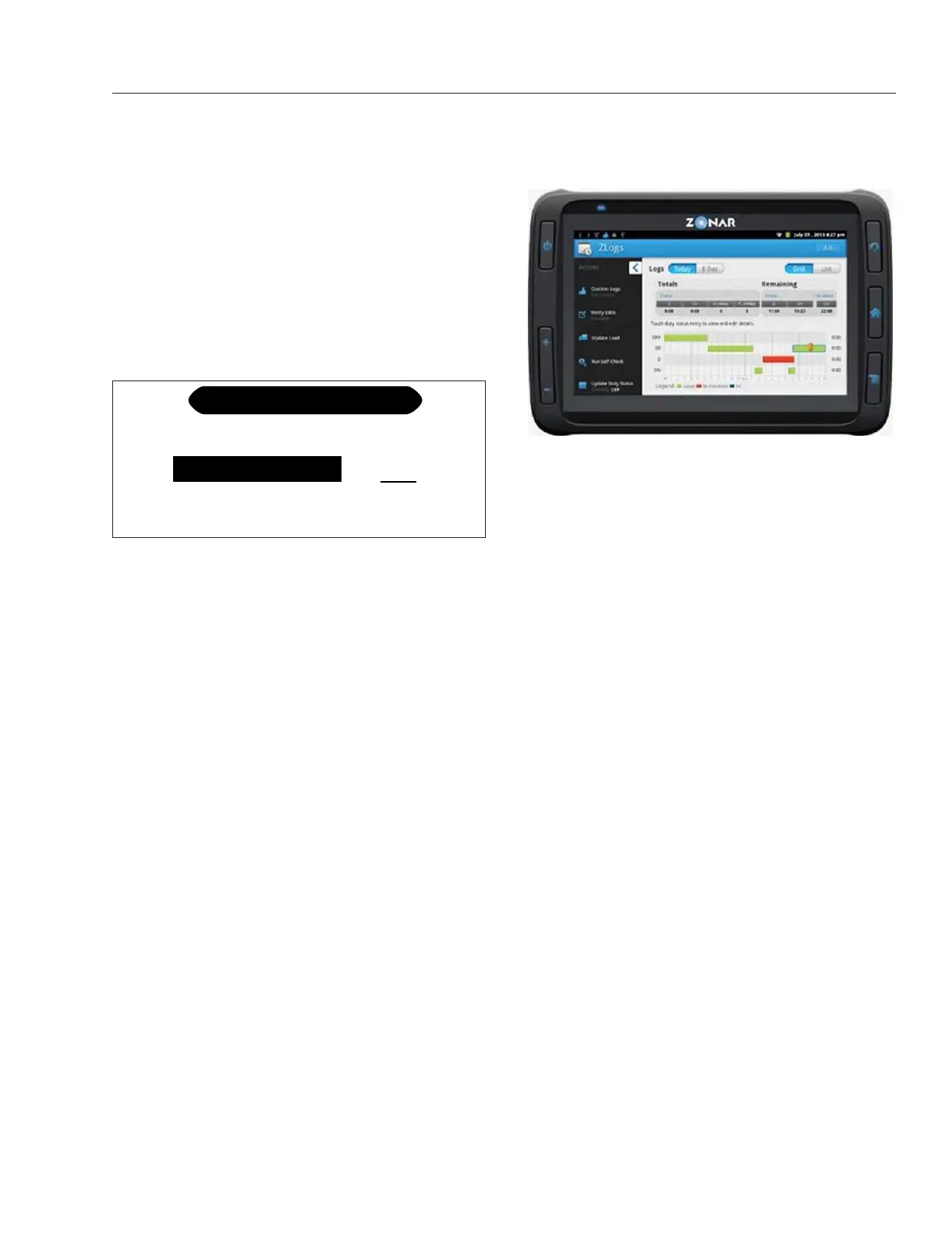
Zonar® 2020 Tablet
The Zonar 2020 on-board tablet is an optional fea-
ture that tracks hours of service, posts driver alerts,
documents pre- and post-trip vehicle inspections, and
provides advanced navigation. See
Fig. 7.35.
The tablet operates in conjunction with the connectiv-
ity onboard platform to provide communication be-
tween drivers and fleet managers.
Refer to Zonar user documentation for more informa-
tion.
f61115102/17/2017
COMPONENT TEST
CCVS Brake Switch
Brake Pedal Position
ON
37%
ON
EBS Brake Switch
Fig. 7.34, Component Test Menu
11/19/2014 f546116
Fig. 7.35, Detroit Connect Tablet
Driver Assistance Features
7.24



 To Next Page