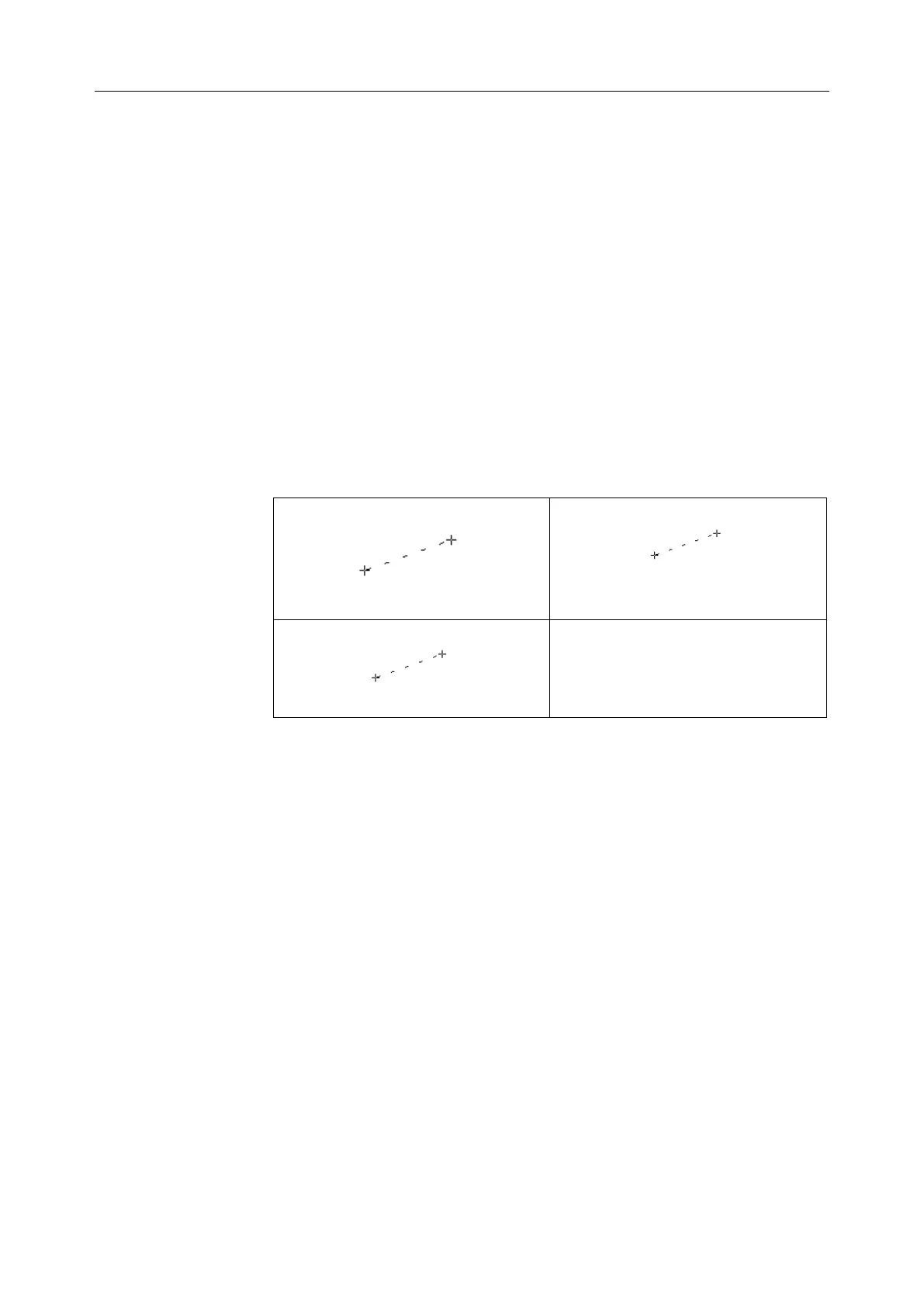
2. Measure the length and the width.
3. Unfreeze the system to acquire a new image (vertical-section image),
and then freeze it.
4. Measure the height. The outcome will be displayed in the measurement
result window.
In the 2B mode or 4B mode
1. Obtain the cross-section image and the vertical-section image.
2. Measure the length and the width.
3. Roll the trackball to the next image, vertical section image, measure the
height. The outcome will be displayed in the measurement result window,
as shown below.
4. Press Caliper to finish and exit.
To determine the ratio, perform two measurements: A and B. The system
calculates the ratio: A/B or B/A.
To measure ratio:
1. Press Caliper to activate generic measurement function.
2. Roll the trackball to highlight Ratio, press Set to activate a
measurement cursor on the screen.
3. Measure the first distance A with the distance measurement method.
4. Measure the second distance B, move the cursor and press Set to
anchor the start point, and the mark “+” appears. Move the cursor with
trackball, Measurement Results displays the real time measurement
value and calculation result.
5. During measurement, you can press Update once to change the
settled point and the active point; if you press Update a second time,



 To Next Page