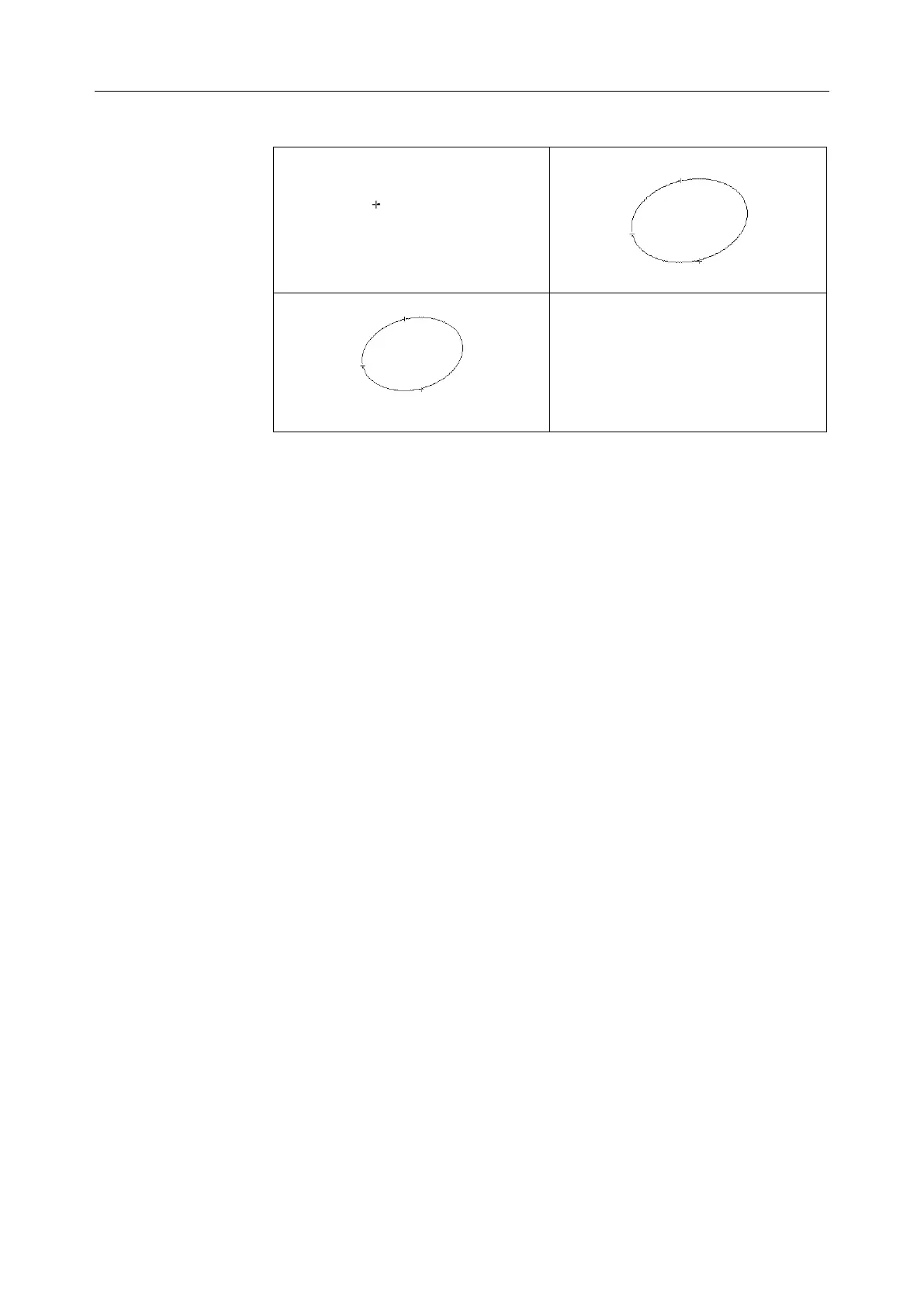
To determine an angle, draw two lines: A and B. The system calculates the
angle.
To measure angle:
1. Press Caliper to activate generic measurement function.
2. Roll the trackball to highlight Angle, and then press Set to activate a
measurement cursor on the screen.
3. Draw the first line A with the distance measurement method.
4. Draw the second line B, move the cursor and press Set to anchor the
start point, and the mark “+” appears. Move the cursor with trackball.
Measurement Results displays the real time measurement value and
calculation result.
5. During measurement, you can press Update to change the start point
and the end point; if you press Update again, the system interchanges
line A and line B.
6. Roll the trackball and press Set to complete this measurement.
7. Roll the trackball and press Set again to begin a new angle
measurement. You can measure a maximum of eight groups of data.
The angles formed by the two lines are displayed in measurement
result window, in units of degrees. The outcome will be displayed in
the measurement result window.
8. Press Caliper to finish and exit.



 To Next Page