The image will be frozen automatically after entering histogram
measurement.
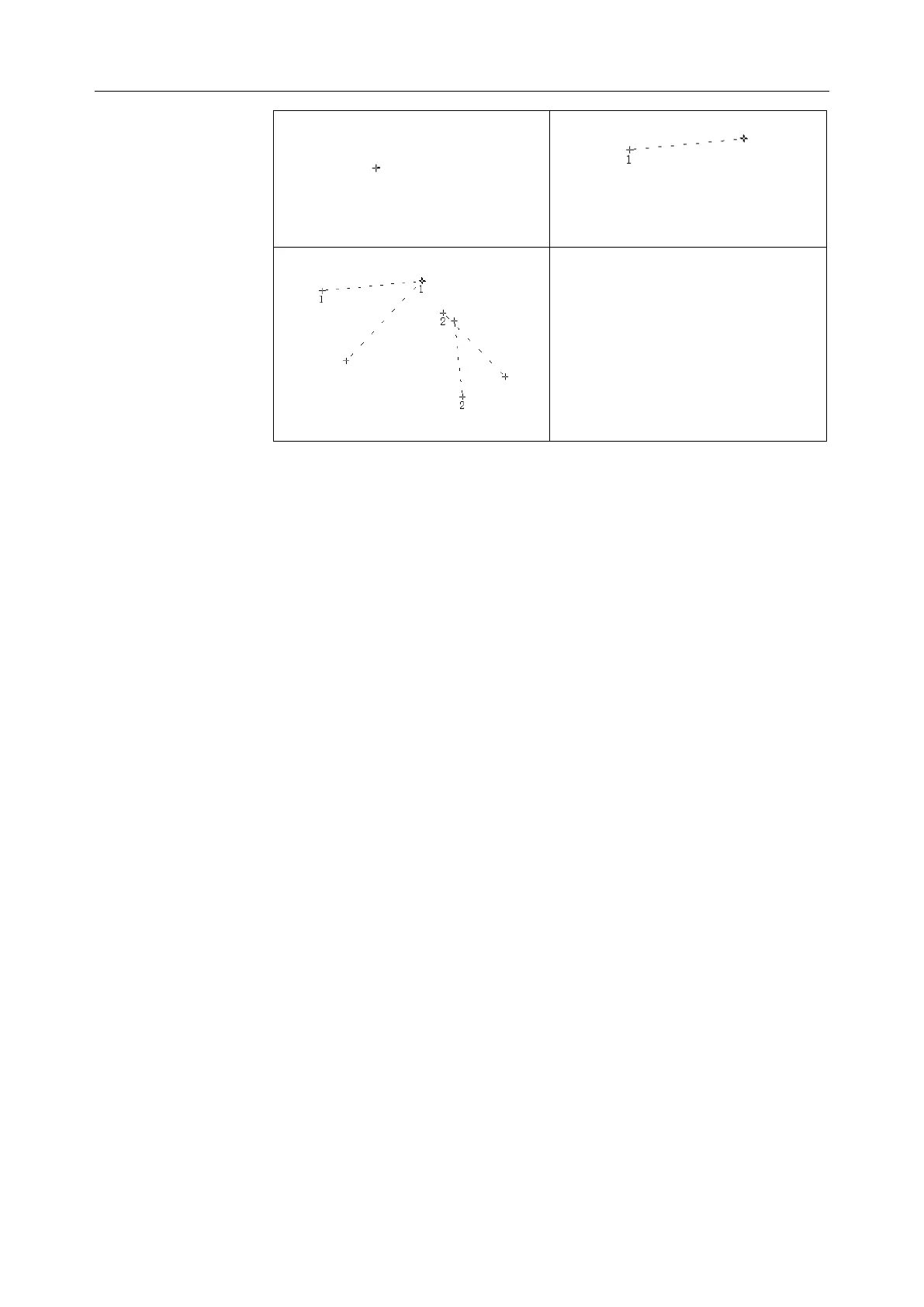
1. Press Caliper to activate generic measurement function.
2. Roll the trackball to highlight menu Histogram, and then press Set to
activate a measurement cursor on the screen.
3. Roll the trackball, and press Set to anchor the start point.
4. Roll the trackball, adjust the position and size of the histogram, and
then press Set to anchor the end point.
5. During measurement, you can press Update to change the start point
and the end point.
6. Roll the trackball and press Set again to begin a new histogram
measurement. You can measure a maximum of four groups of data.
The outcome is displayed in Measured Results.
7. Press Caliper to finish and exit.
Note:
1. Please freeze the image before Histogram measurement.
2. Do not use Histogram measurement when the image is zoomed.
3. All the measurements you have done will be cleared when
selecting Histogram measurement.



 To Next Page