Page 164
Fire Alarm Computer 8000C / M
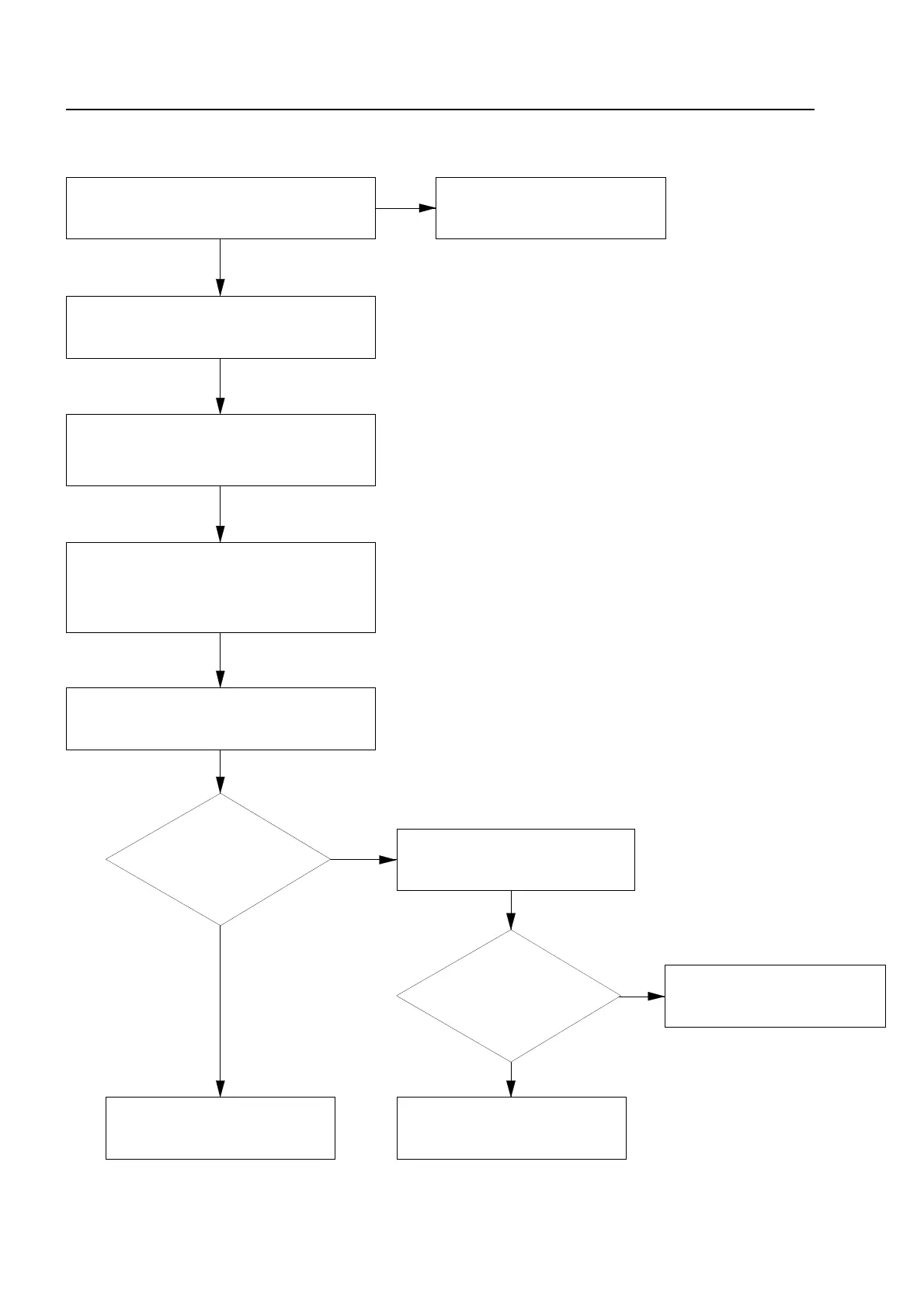
Fig. 9: Flow diagram of detector replacement
ommissioning / Servicing
Using the table on next page,
find out whether the replacement can be carried out
Wait until the display "TEST"
for the primary loop go out.
Have malfunctions occurred?
Replacement of detectors is completed.
Check the execution of the
replacement and reactivate
Replace detector function.
Switch the primary loop, detector
zone or detector. Replacement
of detectors is completed.
carry out automatic wiring
Enter the installation code, select primary loop
function, enter the primary loop number and select
function 4 "replace detector".
On the primary loop all zones and the Primary loop
are indicated on the display with "TEST"
Which trouble code appears
see section 11 (detector malfunctions).
Exchange all detectors which are to be replaced in the
analog ring loop. Screw the new detectors tightly into
the detector bases, do not damage connecting cables.
Enter the installer code, select primary loop function,
enter the primary loop number and
select function 2 "swich off"



 To Next Page