Page 70
Fire Alarm Computer 8000C / M
Compact housing FACP 8000C (with battery)
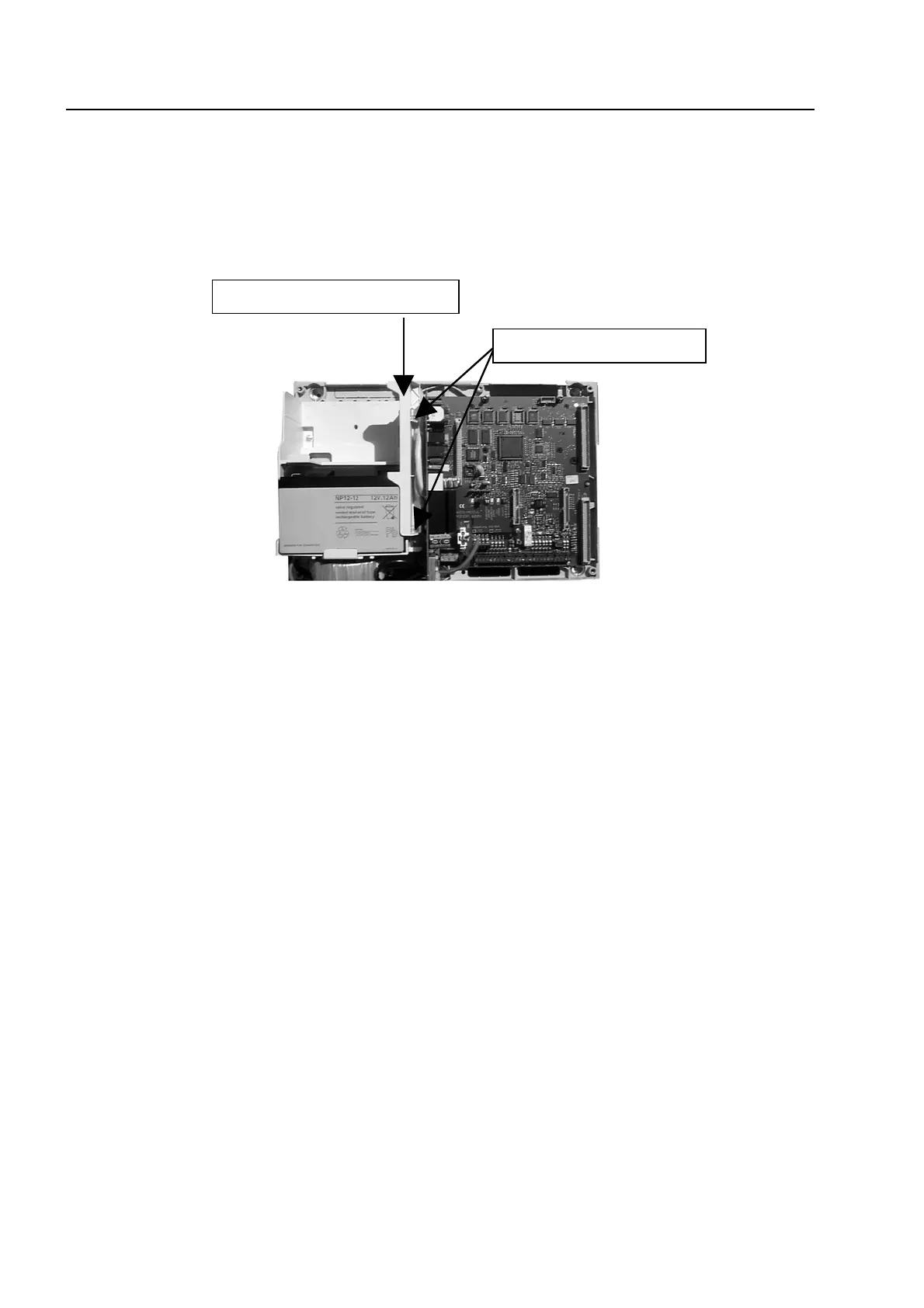
1. Insert the rechargeable battery (batteries) into the battery compartment and secure the battery
fastener by screwing in the two screws. The mechanical battery fastener (plastic part) is
enclosed in the central unit’s additional pack.
Fig. 16: FACP 8000C (compact housing)
2. Carefully place the housing frame onto the base plate.
When doing so, ensure that no connecting cables are trapped between the base plate and the
housing frame and that the insulation of the cables is not damaged.
3. Screw the four connecting screws between the base plate and the housing frame back into the
fasteners (housing corners).
ssembly
echanical battery fastener
wo screws



 To Next Page