3025EMC Master Control Switching & Channel Branding
Revision 3.0.3 Page 107
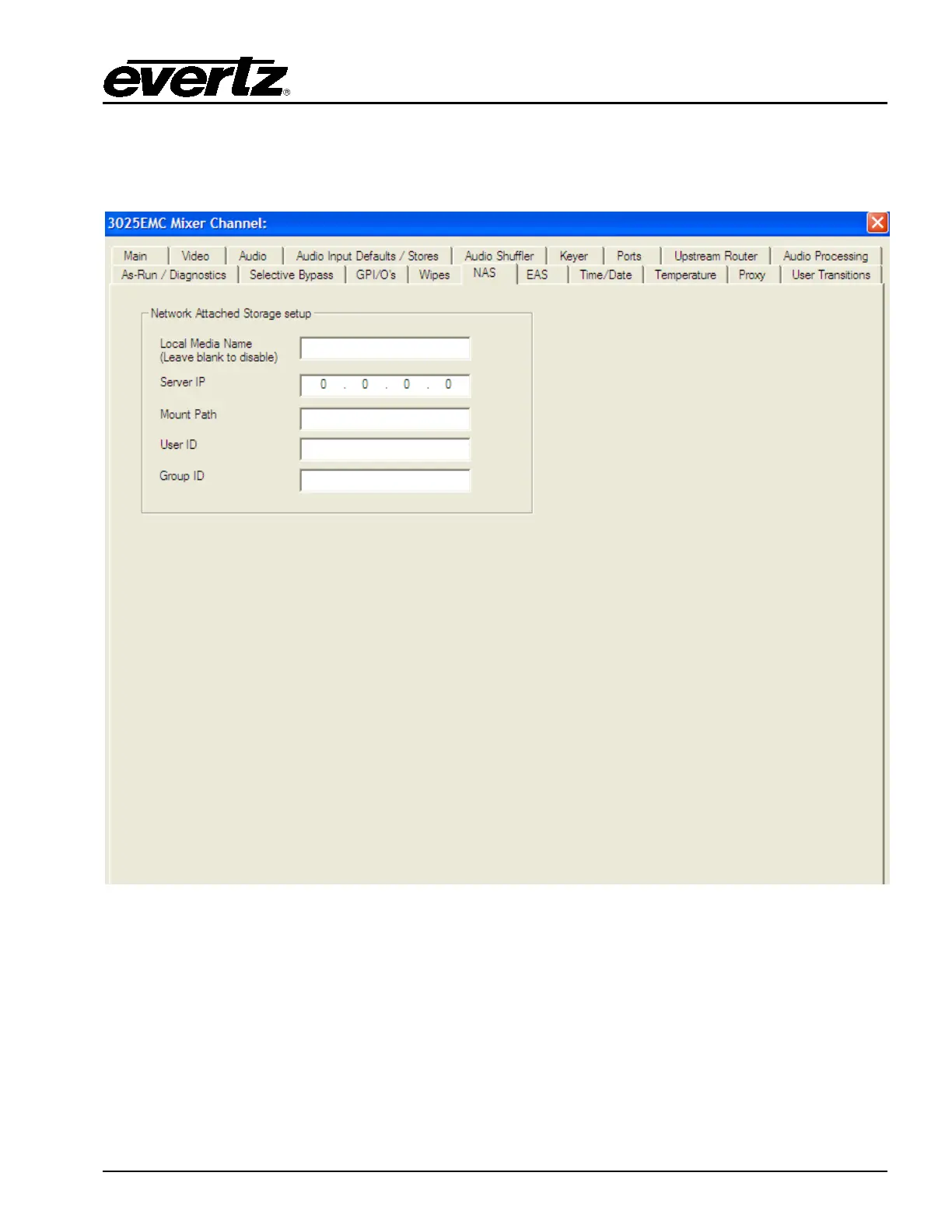
4.17. NAS
This section configures the Network Attached Storage (+NAS) option. These parameters will point the
EMC to the network drive to connect to with the appropriate parameters.
Figure 4-36: Nas Configuration
Local Media Name: Enter a local media name in this field. Adding a name here enables the NAS.
The name is only used in the configuration file.
Server IP: This field sets the server IP address. This is the IP address of the network
attached server.
Mount Path: Enter a mount path in this field. This is the directory on the network attached
storage where the media (i.e. static, animations, etc.) is stored.



 To Next Page