3025EMC Master Control Switching & Channel Branding
Page 118 Revision 3.0.3
4.21.1. Video & Keyer Timings
Type: Enables you to select to the transition type. Types include: Cut, V Fade, Cut-Fade, Mix,
and Fade-Cut.
Duration: Enables you to set the total duration.
Fall / Dwell / Rise: Enables you to the set the fall, dwell, and rise options.
4.21.2. View Table
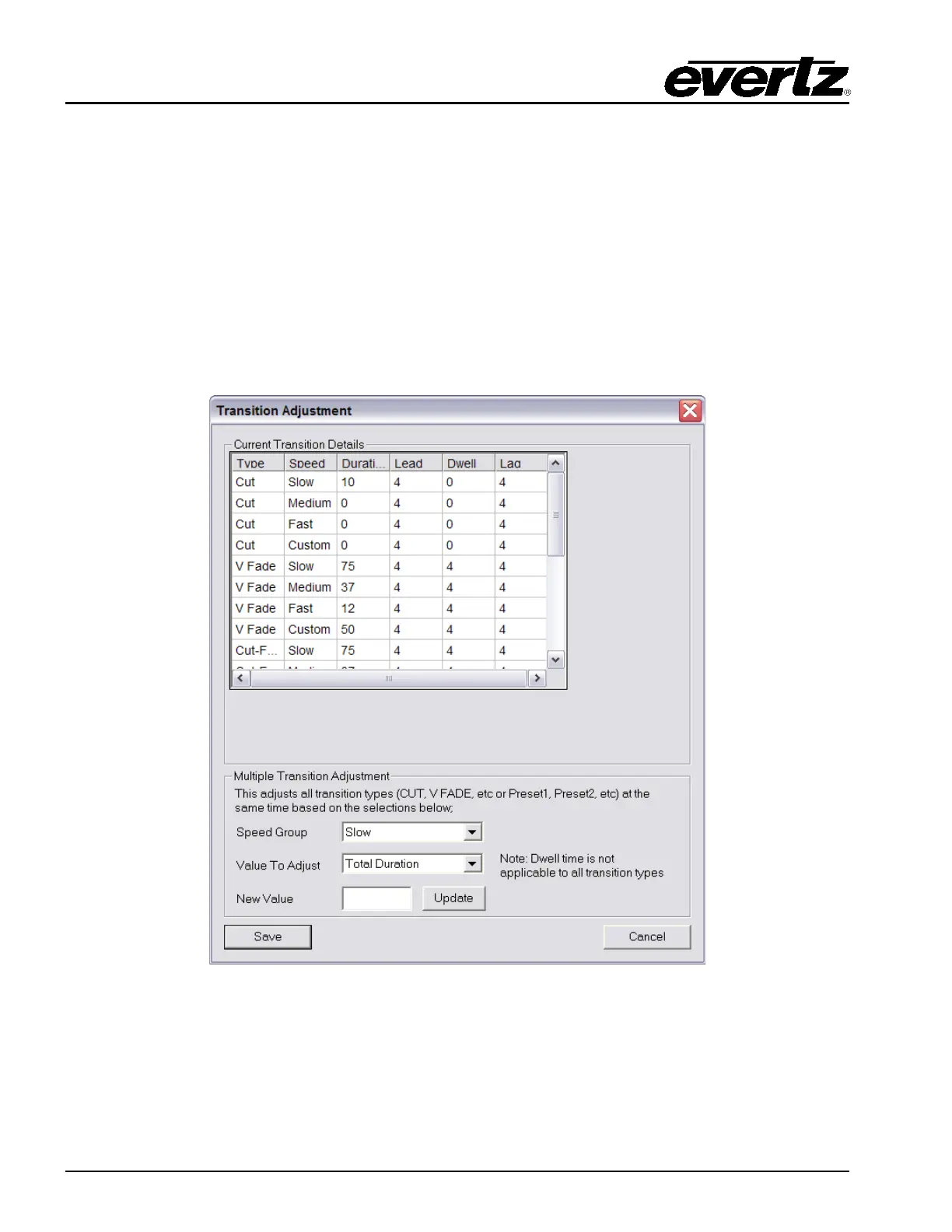
Selecting this button will open the “Transition Adjustment” window as illustrated in Figure 4-43. This
window enables you to view your current transition details for each transition.
Figure 4-43: Transition Adjustment Window



 To Next Page