3025EMC Master Control Switching & Channel Branding
Revision 3.0.3 Page 151
(3). If the 3025EMC is controlling the upstream router.
(4). If the foreground input is NOT PGM/PST. The DVE engine purposely does not
have access to route the PGM/PST source as part of a DVE move.
Background Input: When the DVE is triggered this is the 3025EMC input that will be used for the DVE
A or DVE B background. If the background input is configured for PGM/PST then
the background will be PST if the move is previewed and PGM if the move is taken
on-air. Other possible sources are KEY/FILL 1, 2 & 3, DVE 1 & 2, EMG and AUX 1,
2 & 3.
Source: If a source change is required on the specified input then the required upstream
router source is configured here. Whenever the DVE move is either pre-selected or
triggered this source will be routed to the specified foreground input selected. This
will only happen if:
(1). A Source is specified in this dialogue.
(2). The upstream destination for the specified input has been configured in the
channel upstream router tab.
(3). If the 3025EMC is controlling the upstream router.
(4). If the foreground input is NOT PGM/PST. The DVE engine purposely does not
have access to route the PGM/PST source as part of a DVE move.
If both DVE A and DVE B are on-air at the same time (possible when either DVE-2D or DVE-2D-2
options have been purchased) and the background inputs are different then whichever DVE, A or B,
currently has priority the background source for this DVE will be used.
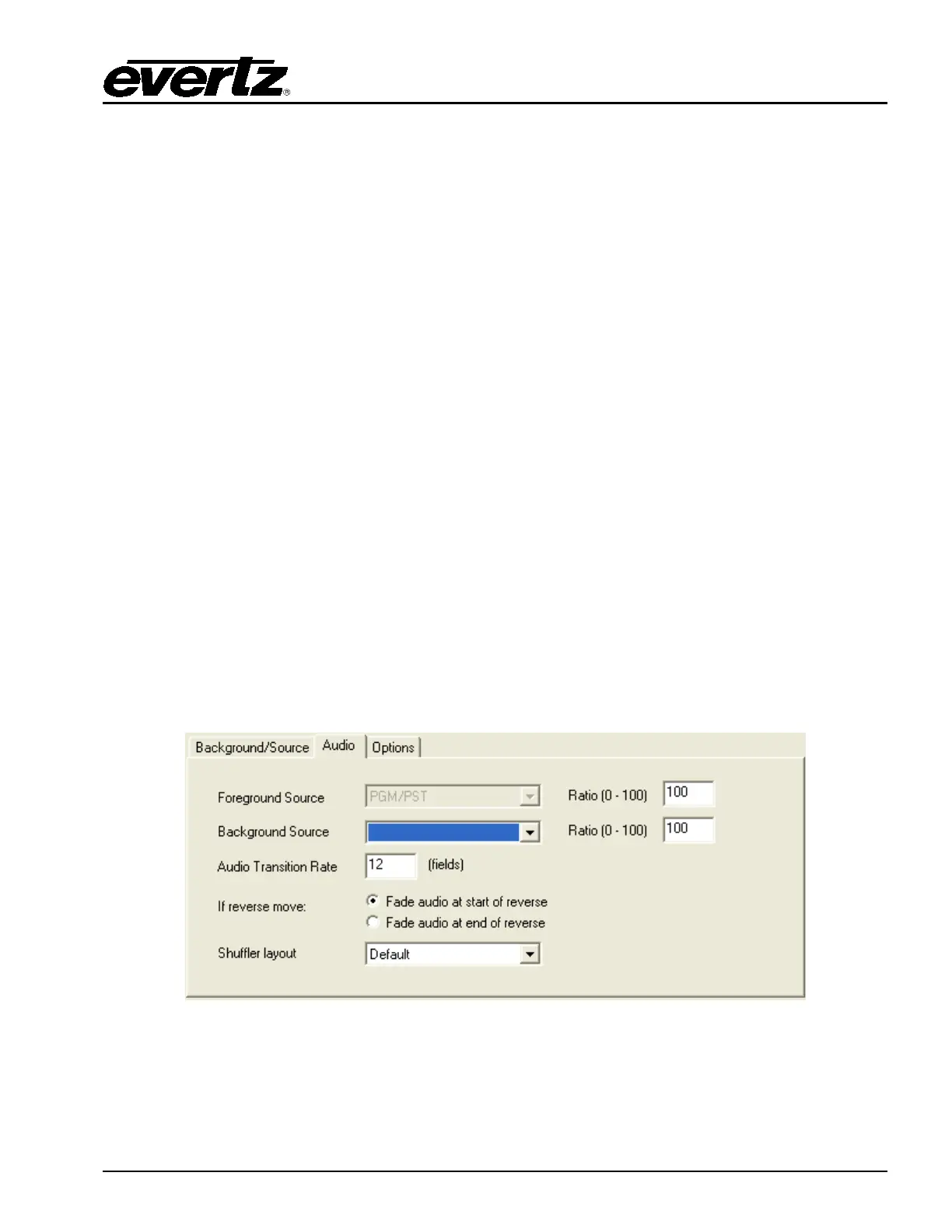
7.2.2.5. Audio Source
This control allows the user to specify the audio background source for the DVE move. This control will
define if additional audio will be mixed with the Program or Preset sources.
Figure 7-4: Audio Tab



 To Next Page