3025EMC Master Control Switching & Channel Branding
Page 198 Revision 3.0.3
9.4. CONFIRMING THE FIRMWARE/SOFTWARE VERSION AND ORDERING OPTIONS
It is common for a service engineer to ask for the current EMC firmware version, EMC-Setup
configuration software version and ordered options for the unit. It is important to know how to obtain this
information.
9.4.1. EMC-Setup Version Information
To confirm the current version of EMC-Setup that you are using, from the EMC-Setup main window
select “Help” then “About EMC-Setup”.
9.4.2. Current Firmware Version
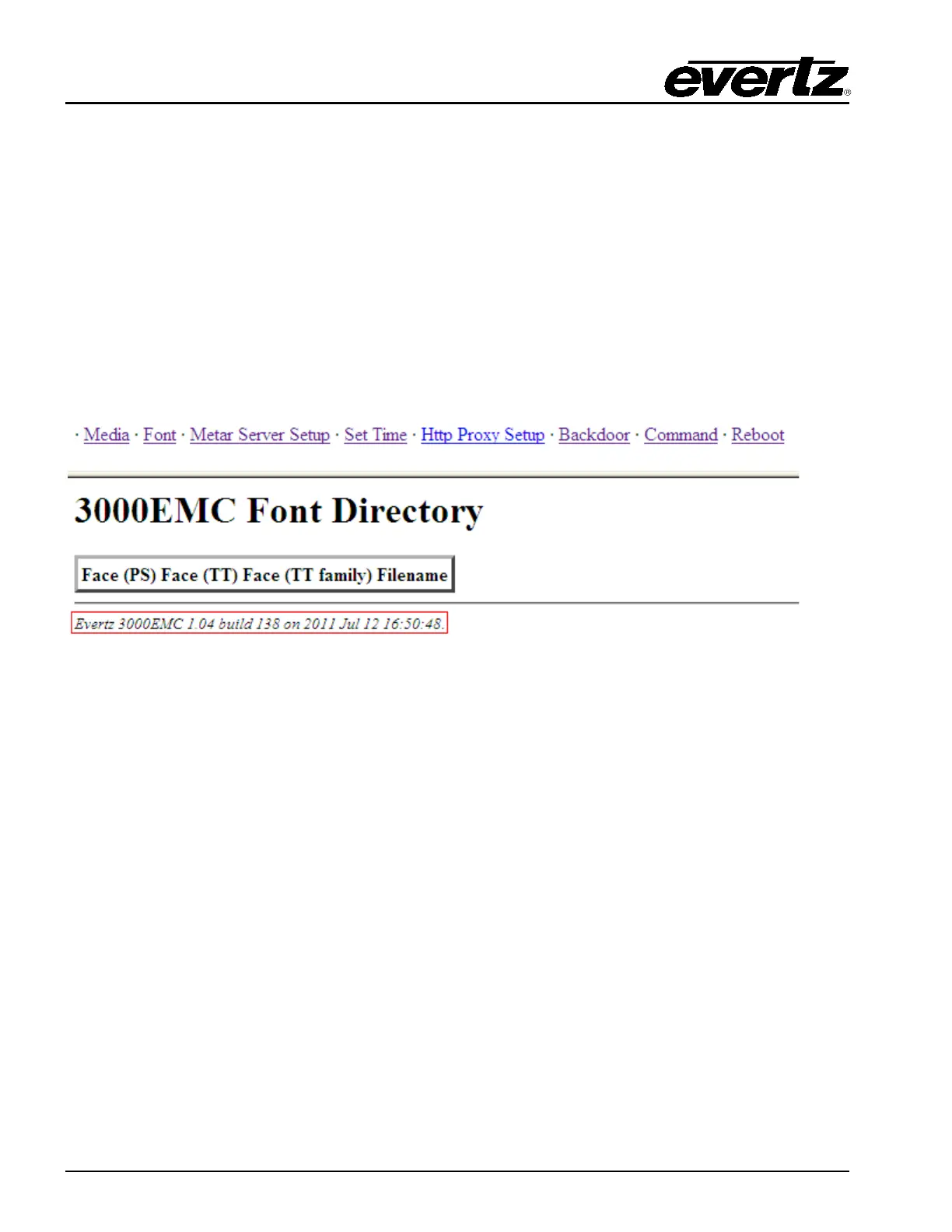
This can be confirmed either by using the webpage.
Figure 9-3: 3025EMC Firmware Build Revision
OR by typing “.#98,V” in the Comms Window of EMC-Setup as illustrated in Figure 9-4.



 To Next Page