3025EMC Master Control Switching & Channel Branding
Revision 3.0.3 Page 123
6. CONTROL PANELS
The EMC system supports a range of manual control panels that can be used individually or in pairs. A
system can consist of a single panel dedicated to a single EMC channel. Others can consist of a single
(or multiple) control panels controlling multiple EMC channels. The EMC can be connected to various
types of control panels (QMC-CP-E, QMC-CP-1000E, QMC-CP-2408E, QMC-DCP and EMC-DCP) to
allow manual operation. All the control panels are fully software configurable using EMC-Setup.
6.1. SINGLE CHANNEL PANELS
Typically, for single channel panels customers can use any of the available panels.
6.1.1. QMC-CP-E
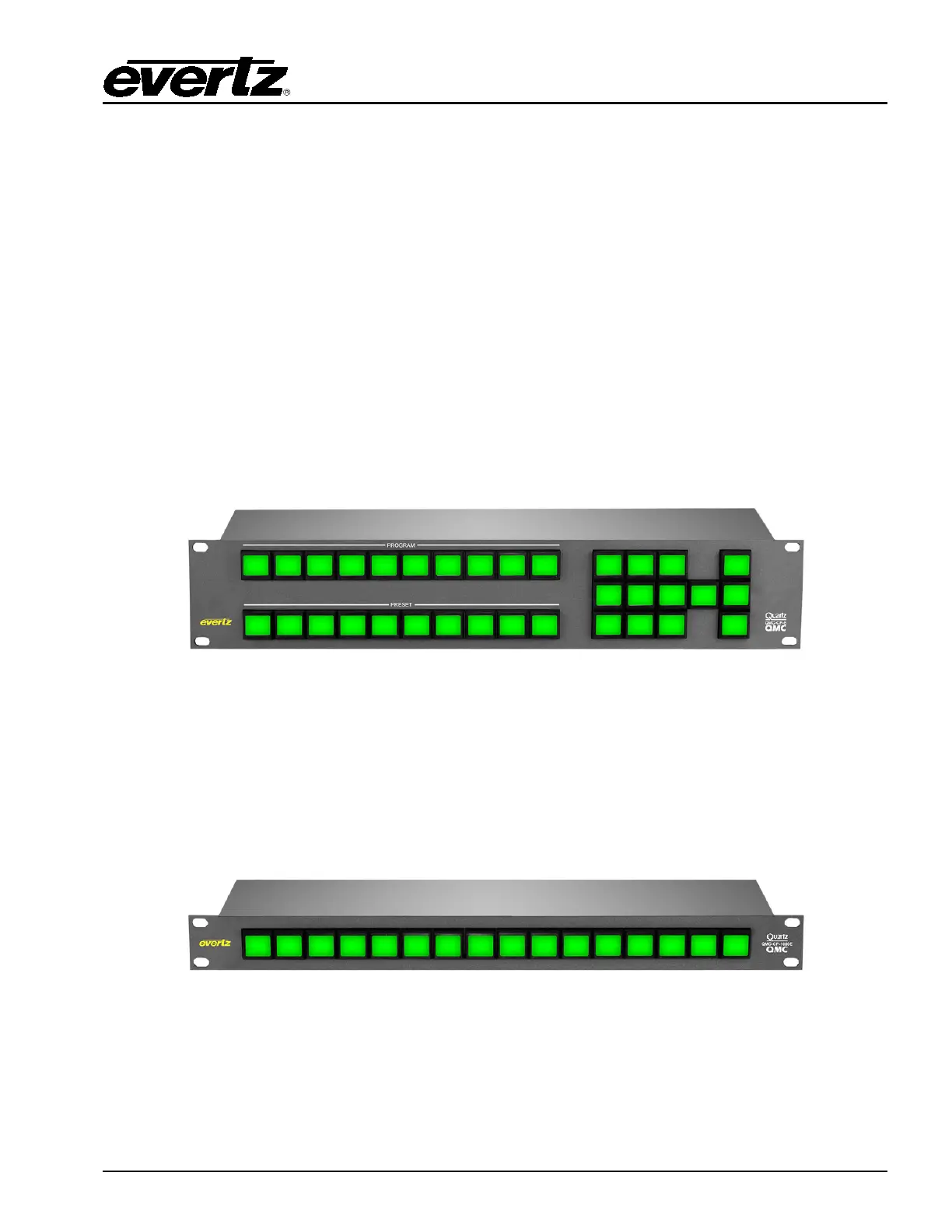
This 2RU control panel is typically used for facilities that are looking for a simple control panel that allows
for Program and Preset bus selection, Keyer, DVE, and VO selection, and TAKE. As with all the control
panels for the EMC, the LCD buttons are fully configurable to suit the customer application. The LCD
buttons also offer different colours to show status.
Figure 6-1: QMC-CP-E Control Panel
6.1.2. QMC-CP-1000E
The 1RU control panel is typically used for facilities that are looking for Program Bus only control panel.
With the facility typically under full automation control, the QMC-CP-1000E offers users a simple panel to
perform Program Bus hot cuts in cases of emergency. As will all the control panels for the EMC, the
LCD buttons are fully configurable to suit the customer application. The LCD buttons also offer different
colours to show status.
Figure 6-2: QMC-CP1000E Control Panel



 To Next Page