3025EMC Master Control Switching & Channel Branding
Page 38 Revision 3.0.3
4.2. CONFIGURING AN EMC CHANNEL
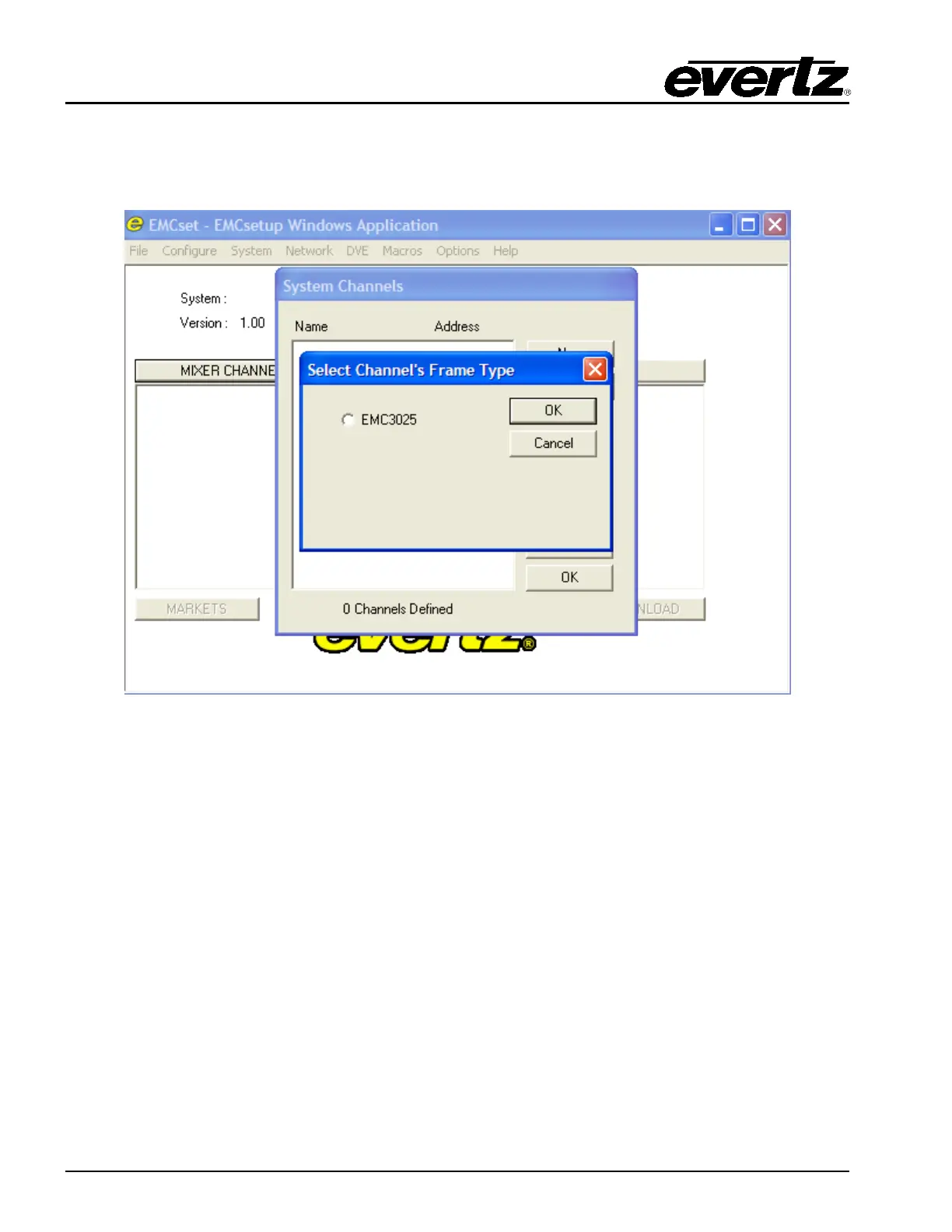
To start, double click on the Mixer Channels tab, and select NEW. The menu you will see is shown in
Figure 4-5. For setting up a 3025EMC channel, select EMC3025 and click on OK button.
Figure 4-5: Channel Type
A “Mixer Channel” window will open, as illustrated in Figure 4-6, enabling the user to configure the EMC
Channel’s parameters.



 To Next Page