3025EMC Master Control Switching & Channel Branding
Page 34 Revision 3.0.3
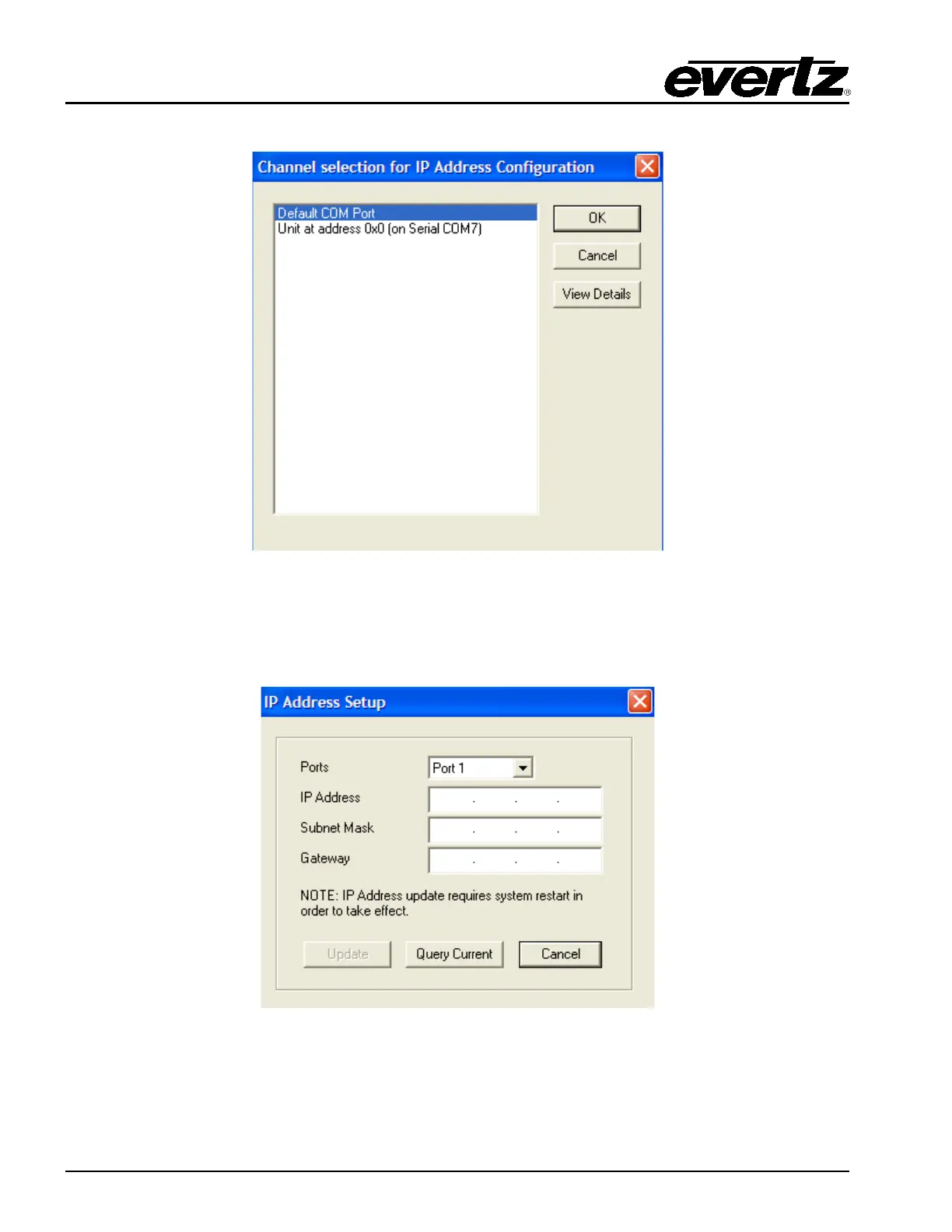
Next, choose Network then IP Address Setup. You will then be presented with the following dialogue.
Figure 4-2: Channel Selection for IP Address Configuration
Next, choose Default COM Port and the select OK.
The following dialogue will now be displayed.
Figure 4-3: IP Address Setup



 To Next Page