3025EMC Master Control Switching & Channel Branding
Page 210 Revision 3.0.3
9.7.1.2. Example 2 - Dolby E Decoders Metadata to Internal Dolby E Encoders & SMPTE 2020
Embedders
PGM Path
DE
Decoder
PST Path
DE
Decoder
PGM
A
9/
A10
PST
A9/A10
A9/A10
A11/A12
A13/A14
A15/A16
A9/A10
A11/A12
A13/A14
A
15
/A
16
AUDIO
MIXER
DE Encoder
# 1
DE Encoder
# 2
A9/A10
A11/A12
A13/A14
A15/A16
AUDIO
EMBEDDER
PGM
A7/A8
PGM
A9/A10
METADATA
ROUTER
SMPTE 2020 EMBEDDER
PGM
CLN
PVW
Figure 9-14: Metadata Routing Example 2
For this example, the configuration of the DE decoders and encoders is identical to the previous
example. The difference here is that we want to metadata from the decoders to be embedded to the
PGM, PVW and CLN outputs of the 3025EMC (remember that SMPTE 2020 metadata is not inserted on
the AUX output of the 3025EMC.
We will assume just for this example that we want all four SMPTE 2020 embedders to use metadata
channel one. We will also assume that line 12 will be used for metadata channels 1/2 and line 13 will be
used for metadata channels 3/4.
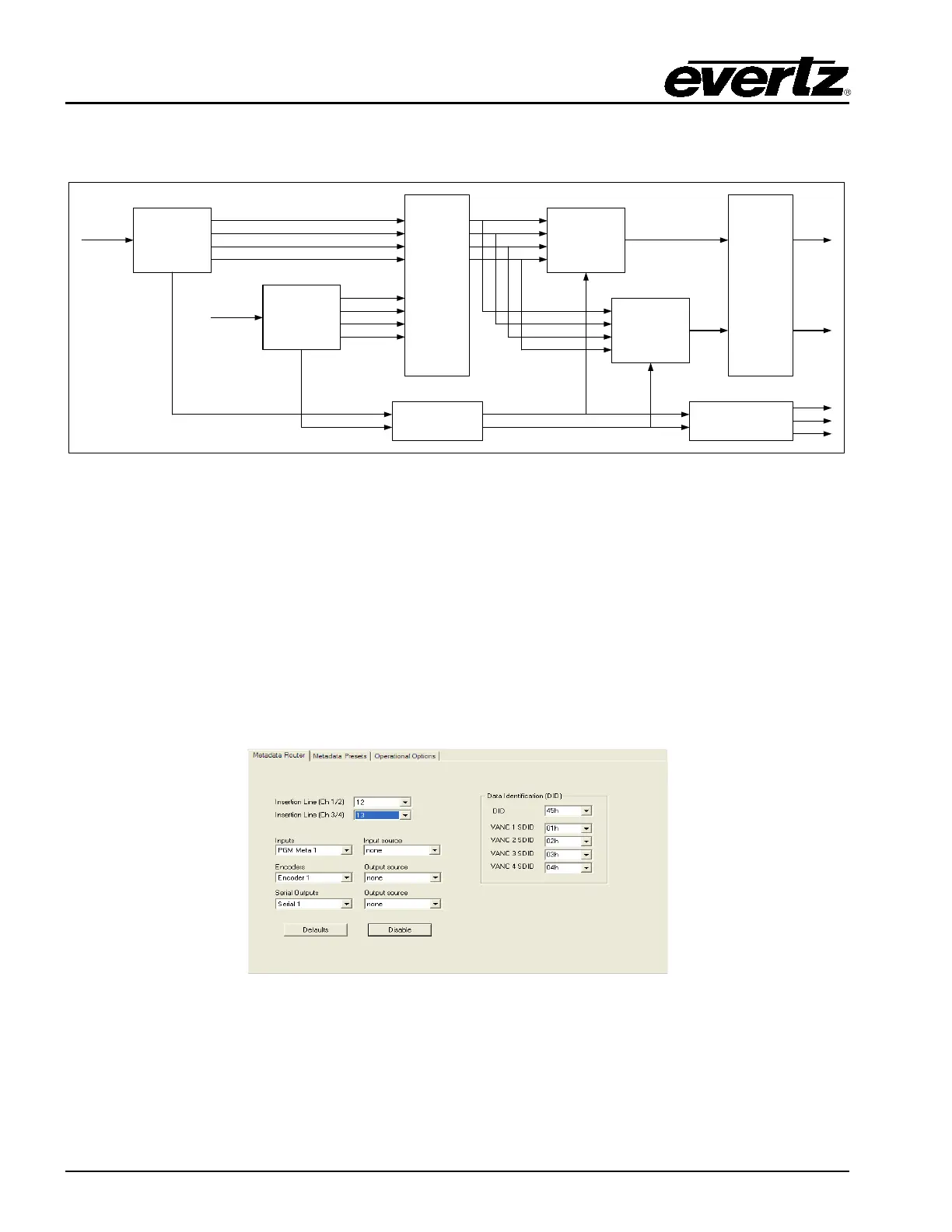
As before, configure the metadata routing to disabled and then enable SMPTE 2020 insertion on lines
12 and 13 for metadata channels 1/2 and 3/4 respectively.
Figure 9-15: Metadata Routing Example 2 – Metadata Routing Configuration



 To Next Page