3025EMC Master Control Switching & Channel Branding
Revision 3.0.3 Page 161
7.4.1. System Markets
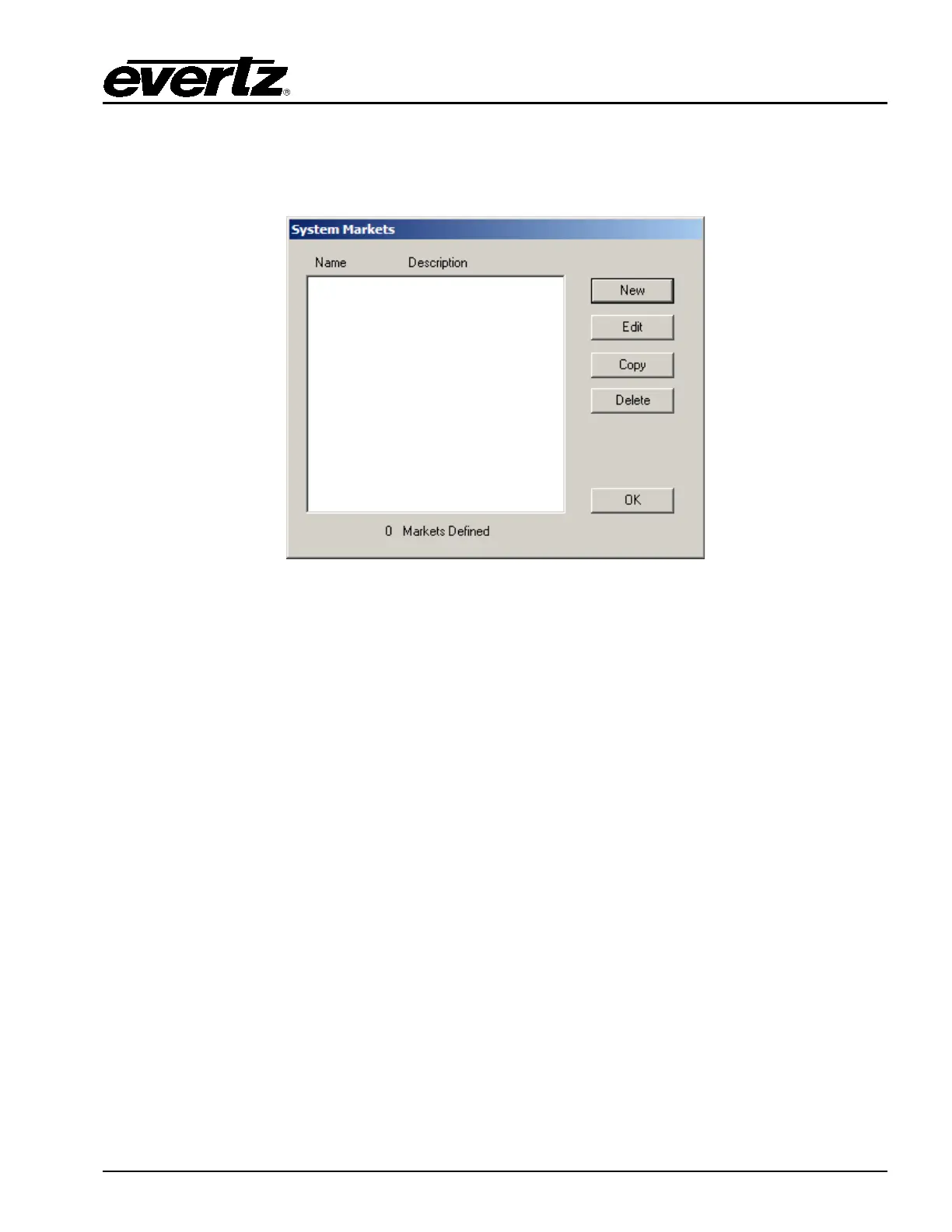
To create or edit Markets, the user selects the Markets button on the main EMC-Setup page. The
System Market window will open up.
Figure 7-11: System Markets Window
The choices available to select in this window are:
New: Create a new market.
Edit: Edit the selected market.
Copy: Copy selected market.
Delete: Delete the selected market.
7.4.2. Creating / Editing Markets
The Edit Market window will open up if the user selects New or Edit from the System Markets window.
These parameters allow the user to define the Markets.



 To Next Page