3025EMC Master Control Switching & Channel Branding
Page 110 Revision 3.0.3
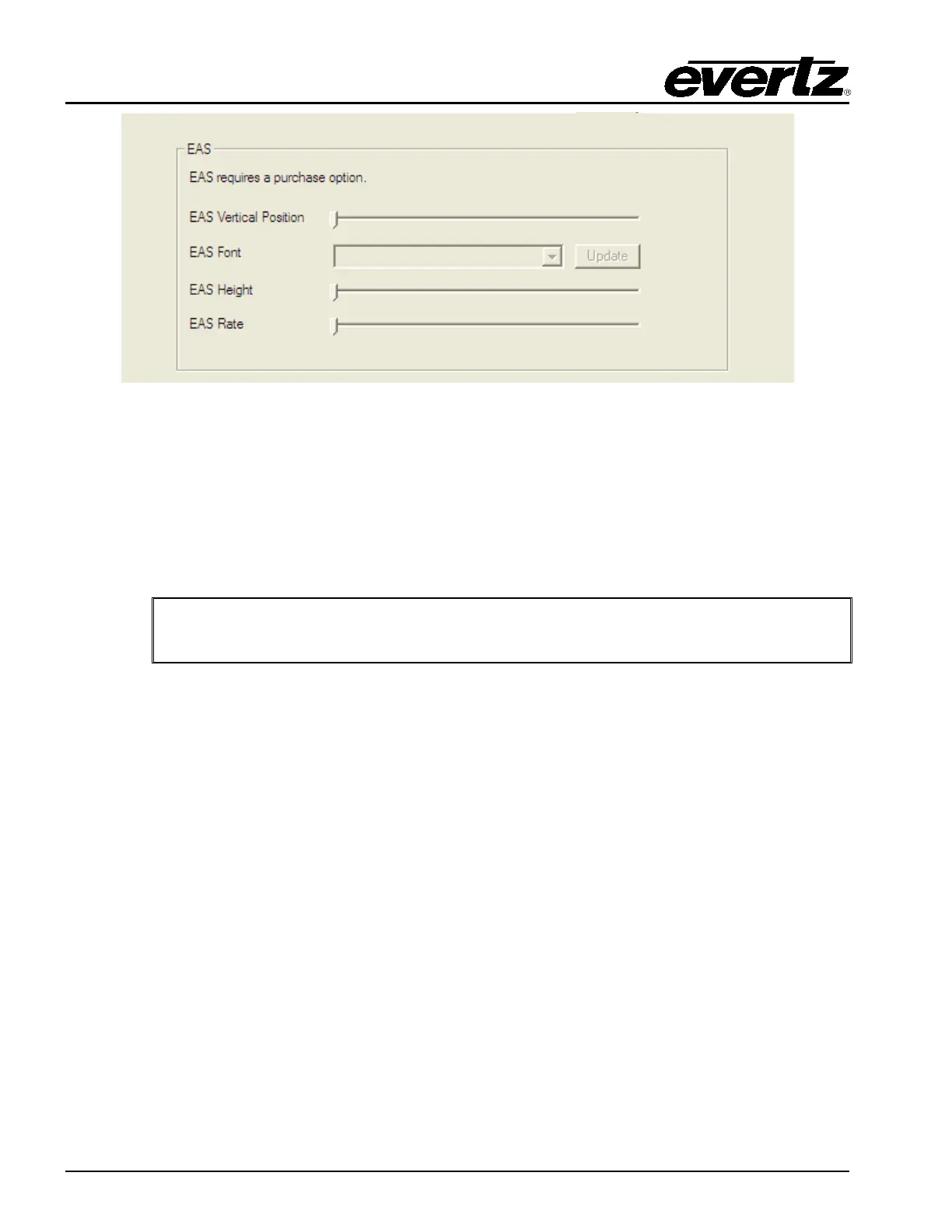
Figure 4-38: No EAS option
The first thing that should be done when the EMC has connected to the channel is click “Update”. This
uploads the list of true type font (TTF) files that are currently present in the EMC’s static storage. TTF
files are required to render the EAS crawl text. Whenever the EMC configuration is reopened the EAS
tab will prompt the user to update the font list by notifying the user of “Update Required”. This is to check
that the list of TTFs has not been updated since the last configuration upload to the EMC.
The TTF files are located on the CF card in the “logos” folder or are located on the NAS.
IMPORTANT: The TTF file specified MUST be present on the CF Card/NAS or the
EAS crawl will NOT be visible.
4.18.1. EAS Vertical Position
The EAS Vertical Position option is used to set the vertical position of the EAS scrolling text
message. The EAS Vertical Position value is the video line where the top of the scrolling message
will be placed. The range for placement is from 21 to 379 as set by the FCC rules.
4.18.2. EAS Font
The EAS Font option is used to set the font that will be used for the EAS scrolling text message.
When the user selects Update the list of available fonts on the EMC will appear.
4.18.3. EAS Height
The EAS Height option is used to set the font size that will be used for the EAS scrolling text
message.
The EAS height is the vertical size of the font measured in lines of video.



 To Next Page