3025EMC Master Control Switching & Channel Branding
Revision 3.0.3 Page 137
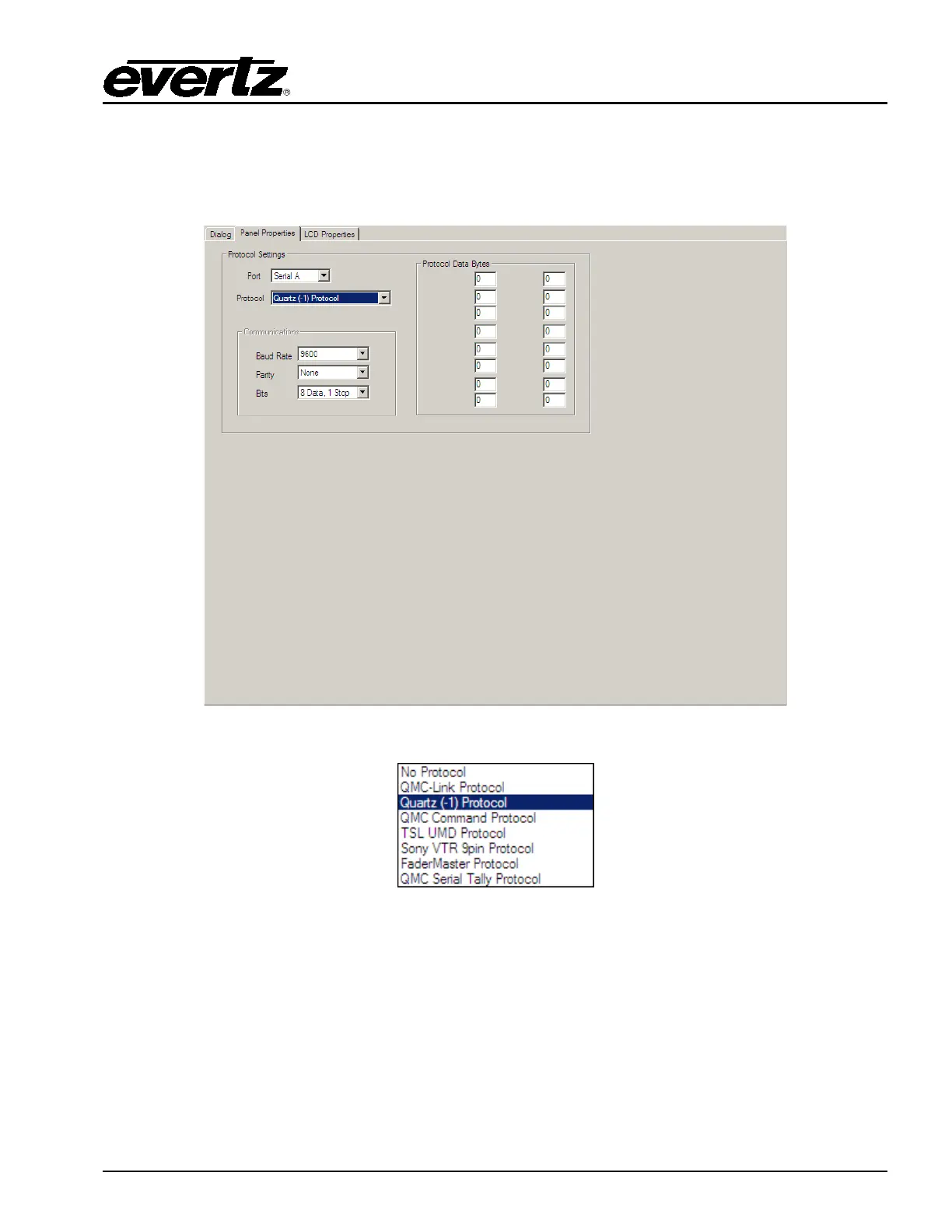
6.3.6. QMC-DCP – Panel Properties
Similar to the EMC ports the QMC-DCP has a number of serial ports that can be configured to control
other devices.
Figure 6-12: Panel Properties Tab
Figure 6-13: Protocol Drop Down Menu
6.3.7. QMC-DCP LCD Properties
The LCD Properties tab allows users to configure the colour for various behaviors of the LCD buttons.
By default different key types use a 'standard set' of colours, but the user can change these colours on
an individual panel basis.
There are a number of standard key types that have colour configuration capability; these are shown in
greyed-out edit boxes within this section. Any key type not covered by these types will be configured by
the "Other Off" or "Other On" settings.



 To Next Page