3025EMC Master Control Switching & Channel Branding
Page 156 Revision 3.0.3
7.3.2. Creating or Editing a Macro
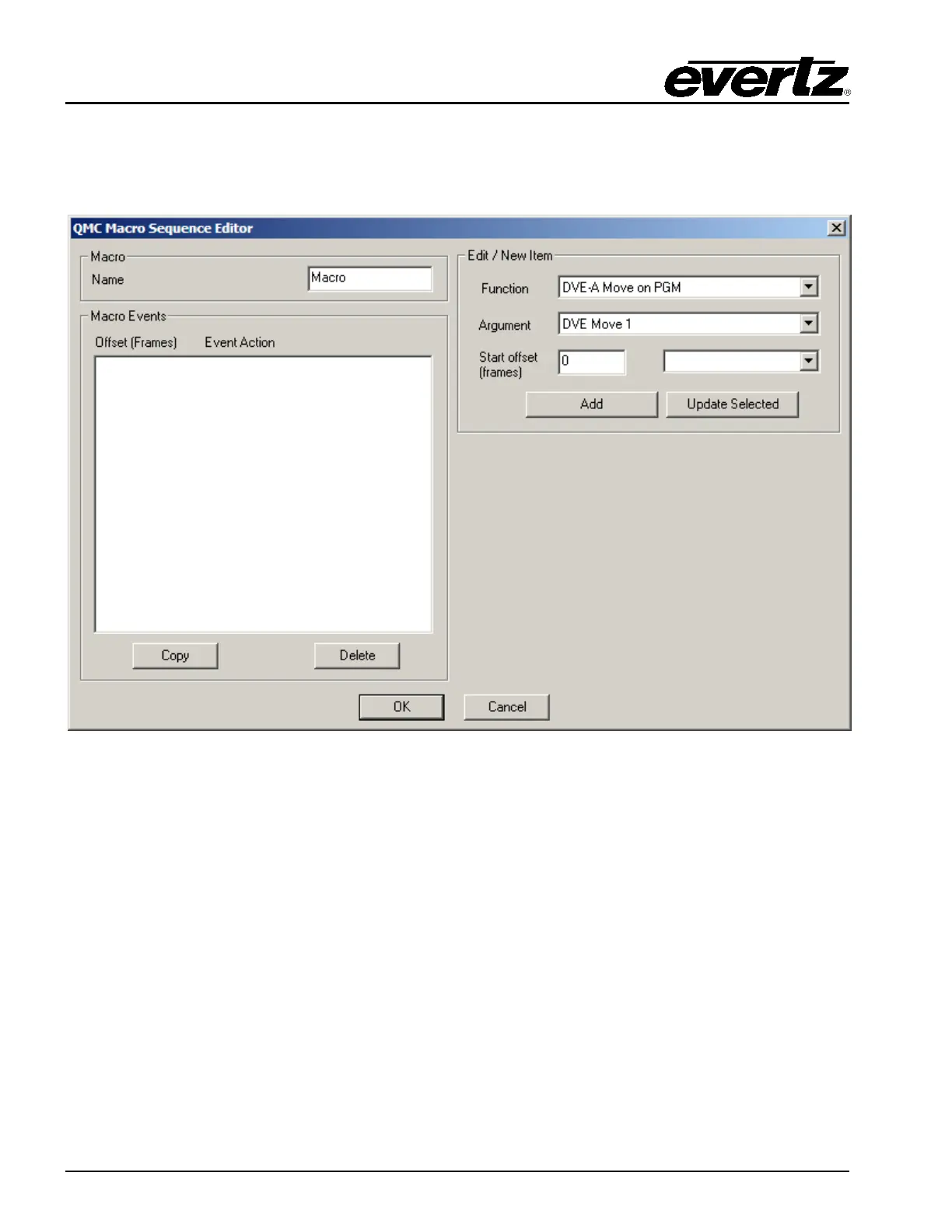
When choosing either New or Edit from the main Macro Manager window, the user will see the main
Macro Sequence Editor. This is where the Macro is created.
Figure 7-10: EMC Macro Sequence Editor
The Macro Sequence Editor builds a macro as a series of macro events in a timed sequence. Each
macro event is added to the list of Macro Event with an offset relative to the start of the macro (time = 0).
The time offset for each macro event is based on frames. As an example, a macro event can be set to
start at time 0 (i.e. start as soon as the macro is called) or an offset from time 0 (i.e. start after some
period of frames). Each macro event is based on the start offset.
The Name field is the text that will be displayed on the Macro Selection keys on the control panels. A
maximum of 10 characters can be specified. 5 for the top 5 characters and 5 for the bottom.
The Macro Events is the list of events that the macro will perform in a timed manner. Users have an
option to:
Copy: This copies the selected event.
Delete: This deletes the selected event.



 To Next Page