3025EMC Master Control Switching & Channel Branding
Page 138 Revision 3.0.3
Key Type: This selects the key type that requires a colour change, when changing the selection the
current colour setting will change in the Colour selector.
Colour Selector: This will change the colour of the currently selected key type, when changing the
selection the colour setting shown in the greyed-out edit box will change to show the
result of the change.
Restore: This will restore all the key type colours to the Evertz standard.
Save Default: This will save the current colour settings as the default for any LCD panels that are
created subsequently.
6.3.8. QMC-DCP – Side Car
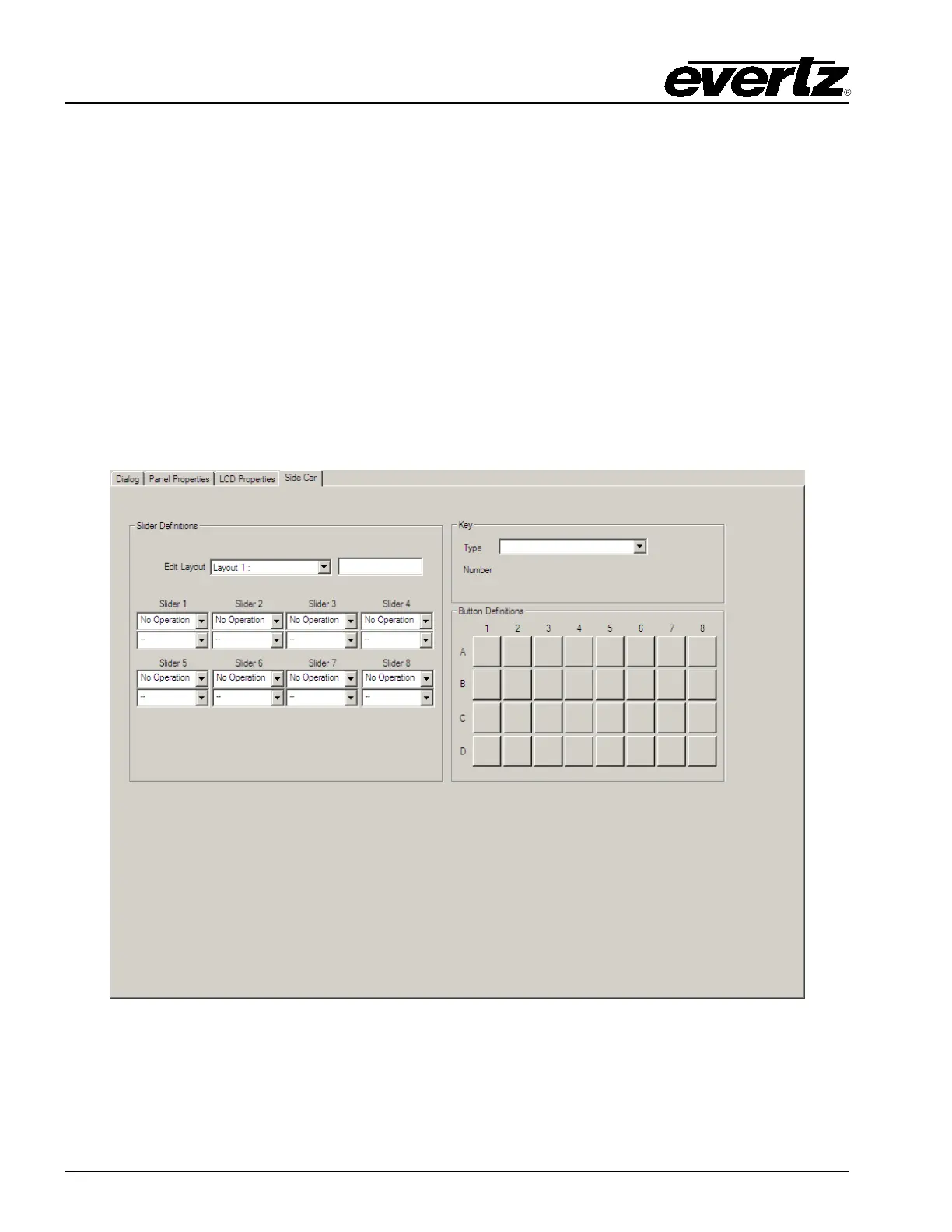
The QMC-DCP allows for JLCooper Fader Master to be connected (via serial) to offer a manual control
for audio. The Side Car configuration tab allows for the user to configure various controls to the sliders
and functions to the buttons on the Fader Master panel.
Figure 6-14: Side Car Tab



 To Next Page