3025EMC Master Control Switching & Channel Branding
Revision 3.0.3 Page 163
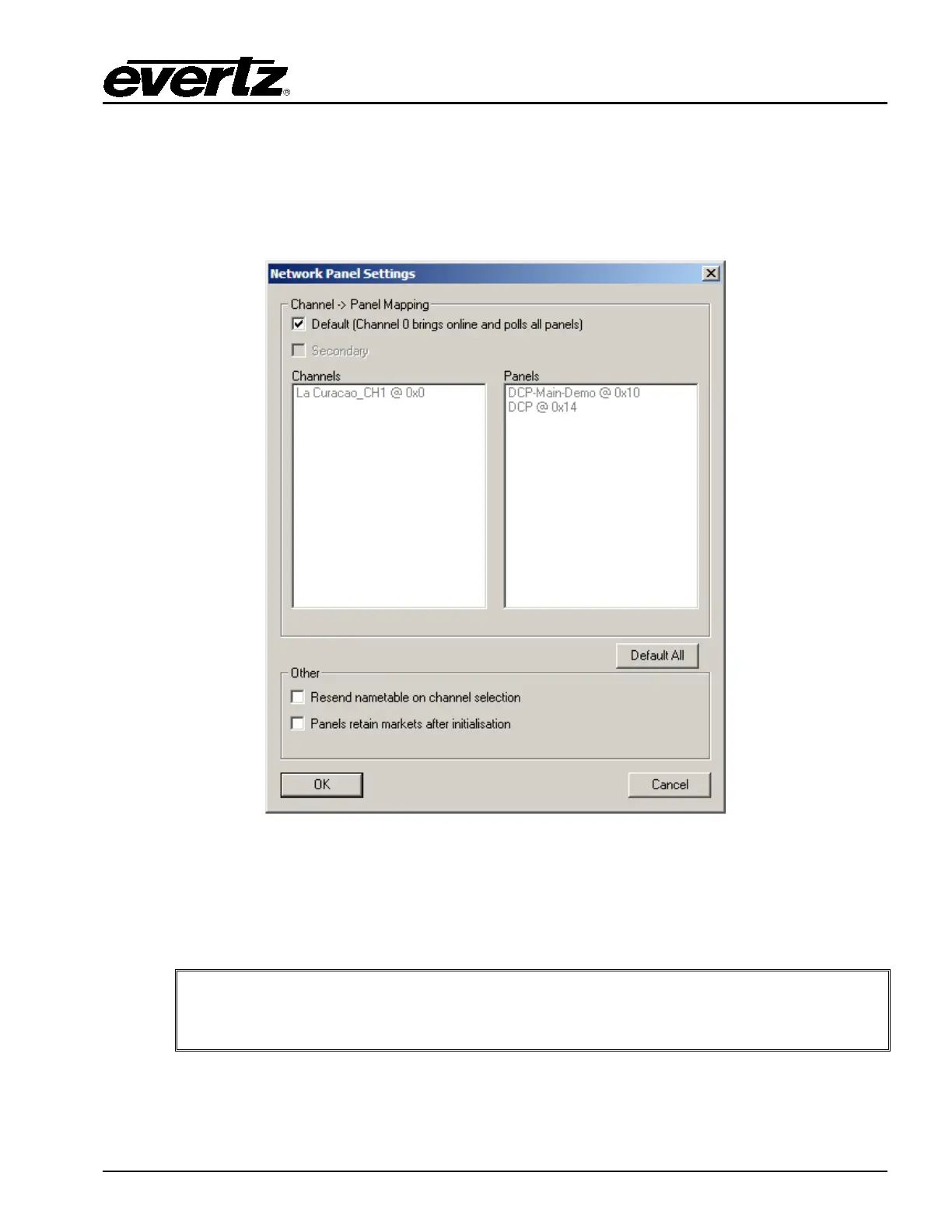
7.5. NETWORK PANEL SETTINGS
A very important step for creating an EMC system is to assign channels that will bring online and poll the
panels. The EMC control panels require an EMC channel that will both upload the panel configuration
and poll the panel to keep it online. The Network Panel Settings under the main EMC-Setup window
allows the user to configure this control.
Figure 7-13: Network Panel Settings
Default: This box will be set by default until configured by the user, the default behavior is for
Channel 0x00 to upload the configuration to the panel and send it online poll messages.
If this box is unchecked, the user can select which channels upload configuration and
online poll which panels.
NOTE: If the channel that brings up a panel is taken off-line, the panel(s) assigned
to that channel will also go off-line. It is recommended to configure (when
possible) a Secondary channel to keep the panel online.
Secondary: This is the secondary channel that will keep a panel online with online polls. If the primary
channel goes off-line, then the panel will be maintained in an online state by this
secondary channel.



 To Next Page