3025EMC Master Control Switching & Channel Branding
Revision 3.0.3 Page 117
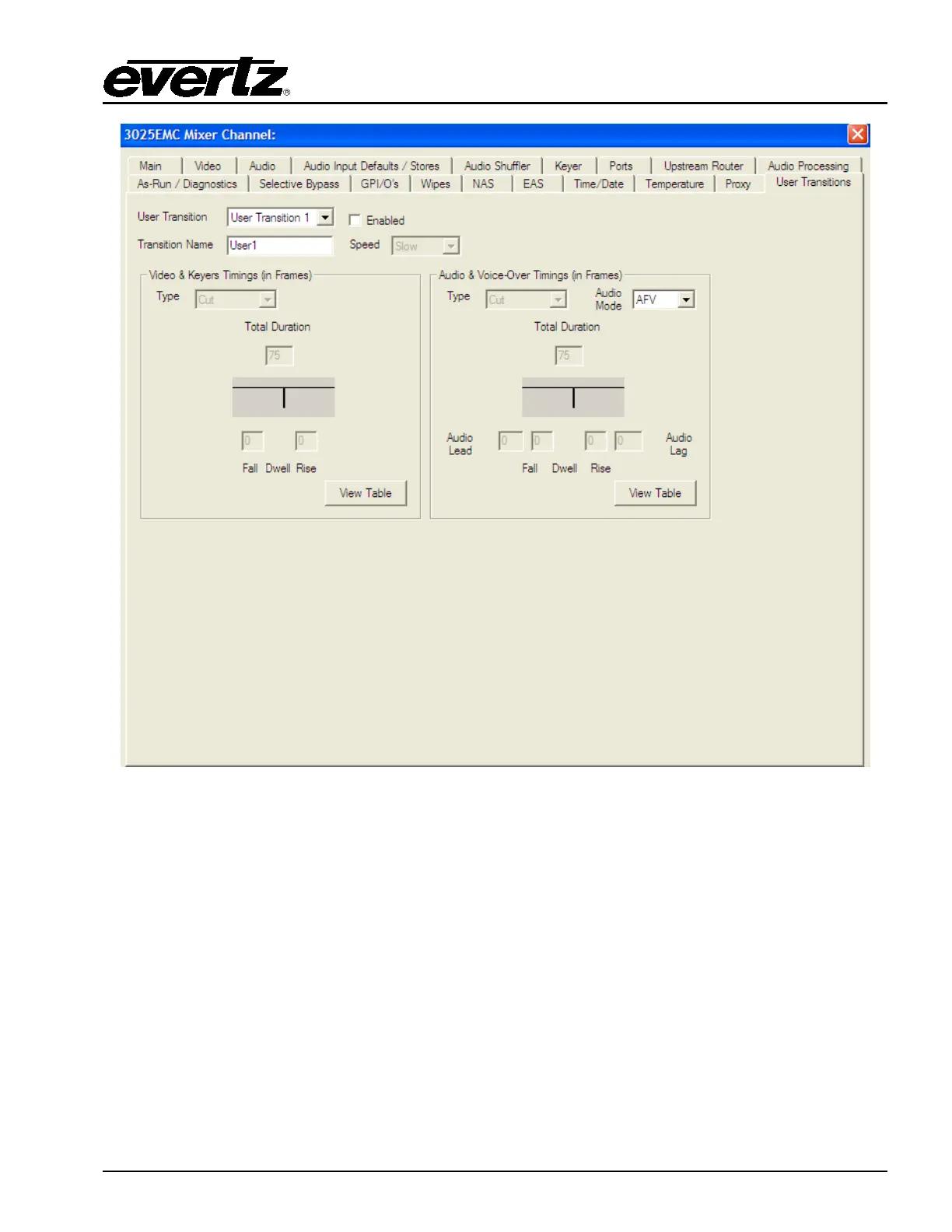
Figure 4-42: User Transitions
User Transition: Select a user transition (1 to 5) from the drop down menu and check the “Enabled”
box in order to enable the transition.
Transition Name: Provide a name for the transition using the text field.
Speed: Select a transition speed using the drop down menu.



 To Next Page