3025EMC Master Control Switching & Channel Branding
Revision 3.0.3 Page 197
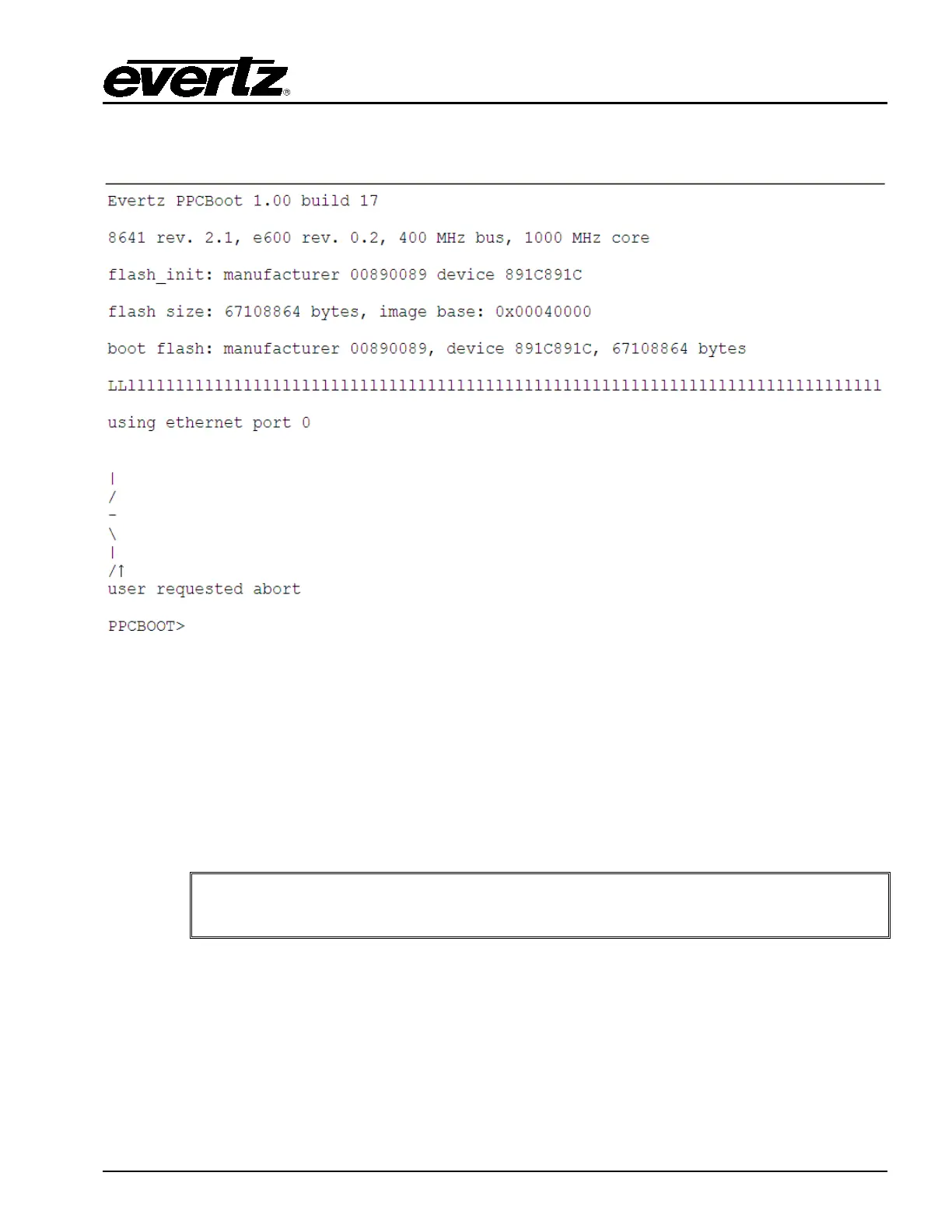
5. Immediately as the card begins the booting sequence press “CTRL+x” and ensure that
“PPCBOOT>” shows as the boot prompt.
Figure 9-2: Serial Boot Sequence (Upgrade)
6. Next, type “upgrade” and press “Enter”. Confirm that the EMC responds with “upload product
firmware now”.
7. You now need to send the file to the EMC using Xmodem Protocol. Navigate to the
firmware.bin file and then confirm and the serial upload process will begin.
8. When complete type “boot” and press “Enter” and the unit will boot using the new firmware.
It is recommended that the serial upgrade is performed only if Ethernet upgrade is
unavailable. The serial upgrade process will take approximately 45 minutes.



 To Next Page