3025EMC Master Control Switching & Channel Branding
Page 162 Revision 3.0.3
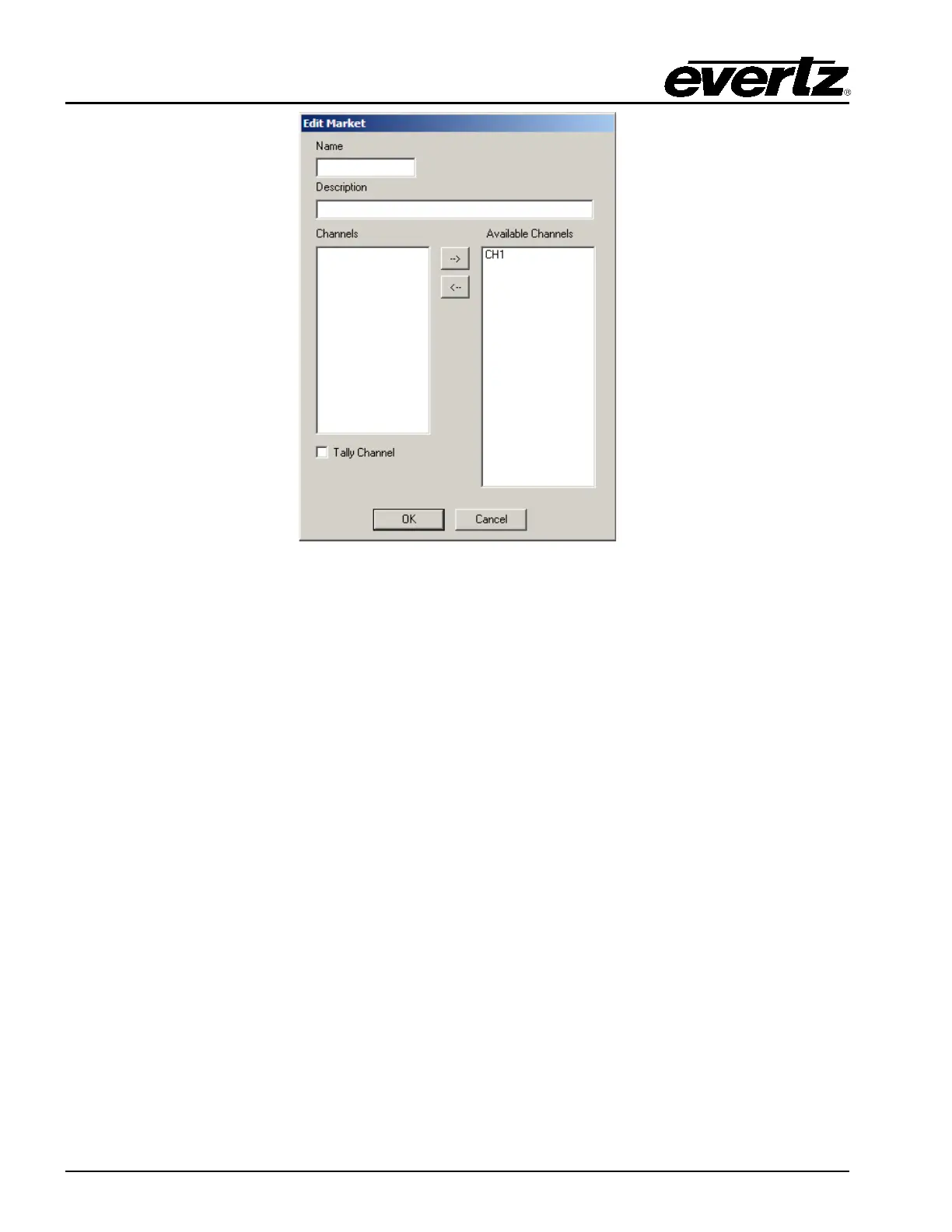
Figure 7-12: Edit Market Window
Name: Enter a name for the Market. This will be used by the control panels. Maximum length for
the market name is 10 characters.
Description: Enter a useful description that will help you identify this Market.
Channels: Use the arrow button (--> and <--) to move already defined channels from the Available
Channels box.
Available Channels: This lists all the channels that have already been defined in the Mixer Channels
dialog.
Tally Channel: Tick this box for the channel that will be the master tally back for the Market. Only one
channel can be the tally channel for a market.
The channels that are part of the market can be changed from the control panels and saved on a per
panel basis. This also applies to the Tally channel.



 To Next Page