Falcon M-Class | User Guide
201
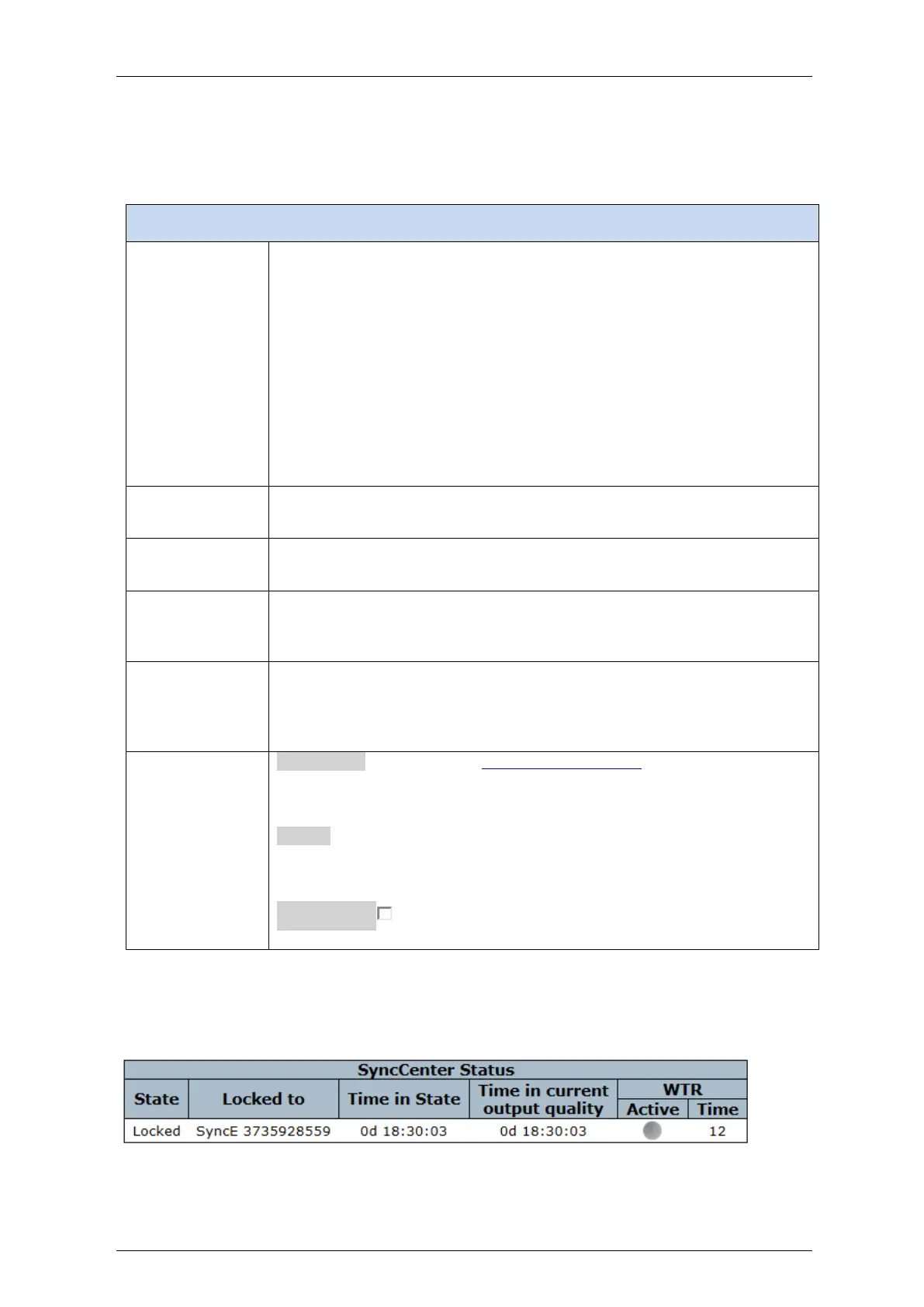
Table 4-104: SyncCenter parameters
Shows the current system's overall synchronization mode:
Auto Non-Revertive: source is automatically selected based on priority
and state. When higher priority source that previously failed, is valid again,
no switchover will take place.
Auto Revertive: source is automatically selected based on priority and
state. When higher priority source that previously failed, is valid again,
switchover will take place.
Manual: source will the one configured in the manual source configuration
fields, regardless of its state.
Forced Holdover: the system will be synchronized to the last selected
source, but will go into holdover mode and ignore this source.
Forced Free-running: the system will be synchronized to the local clock,
ignoring all sync sources.
When system sync mode is set to manual the source type is shown here
(None,SyncE, PTP, TDM, External)
When system sync mode is set to manual the source port or instance is
shown here.
The status of the sync source
When the source provides a valid reference clock, this indicator will be
Green. When source is disabled or not applicable, indicator will be Grey.
Indicates the sync source's current (clock) quality (QL) as received from the
source (e.g. via SSM).
When there is no quality indication received from the source, a default
quality value is shown with parentheses.
Configuration :Direct link to the SyncCenter configuration page
Refresh: Click to refresh the page immediately.
Auto-refresh Check this box to refresh the page automatically.
Automatic refresh occurs every 3 seconds.



 To Next Page