Falcon M-Class | User Guide
355
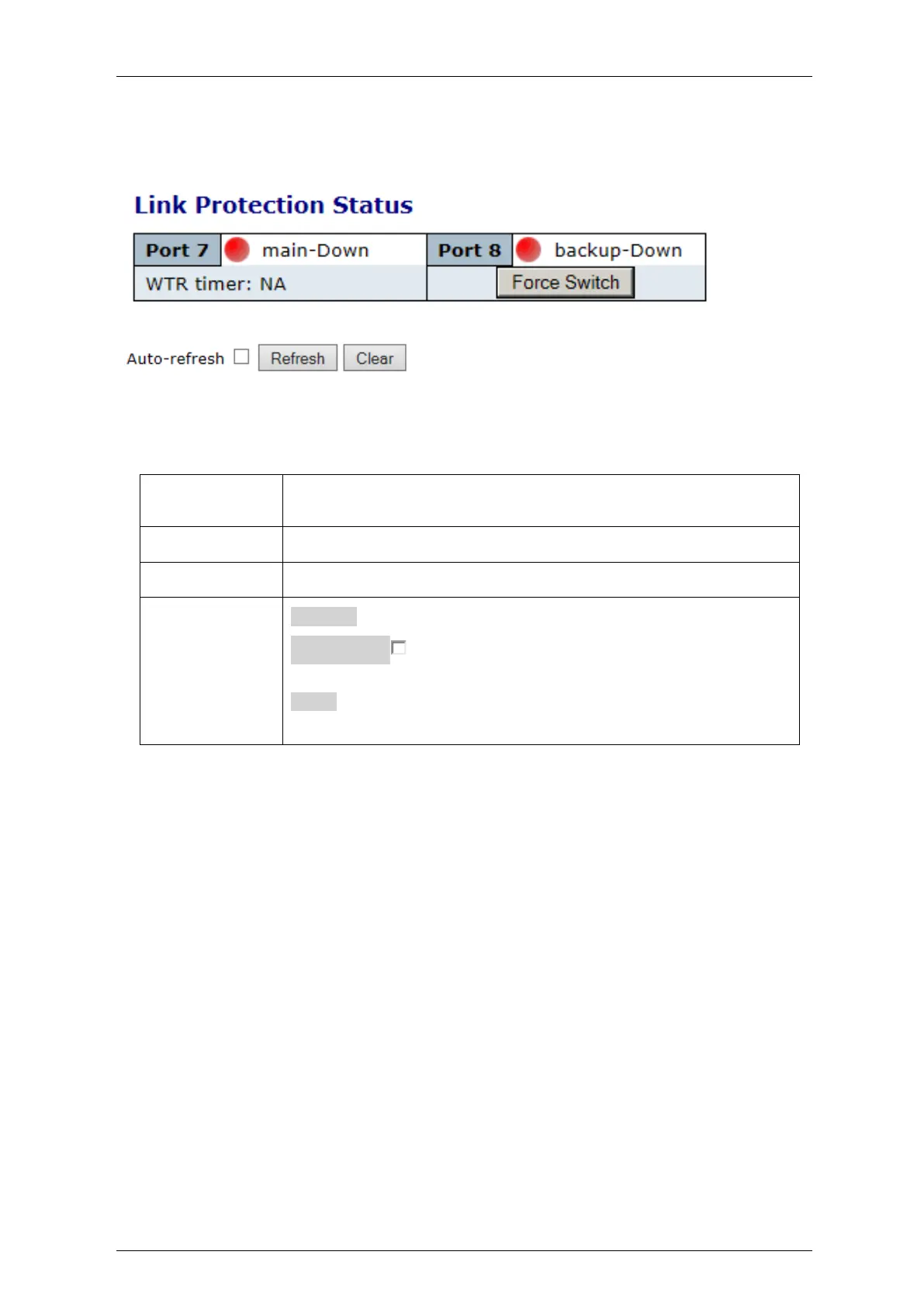
4.28.2 Link Protection Status
Figure 4-214: Link Protection Status
Table 4-187: Link Protection Status Parameters
Indicates the current state of the main and backup ports. States can be:
Active, Standby or Down.
Indicates the current time left on the WTR timer, when counting down
Overrides the WTR timer and forces switch back to main link.
Refresh: Click to refresh the list.
Auto-refresh : Check this box to enable an automatic refresh of
the page at regular intervals.
Clear: Click to clear the list



 To Next Page