Falcon M-Class | User Guide
211
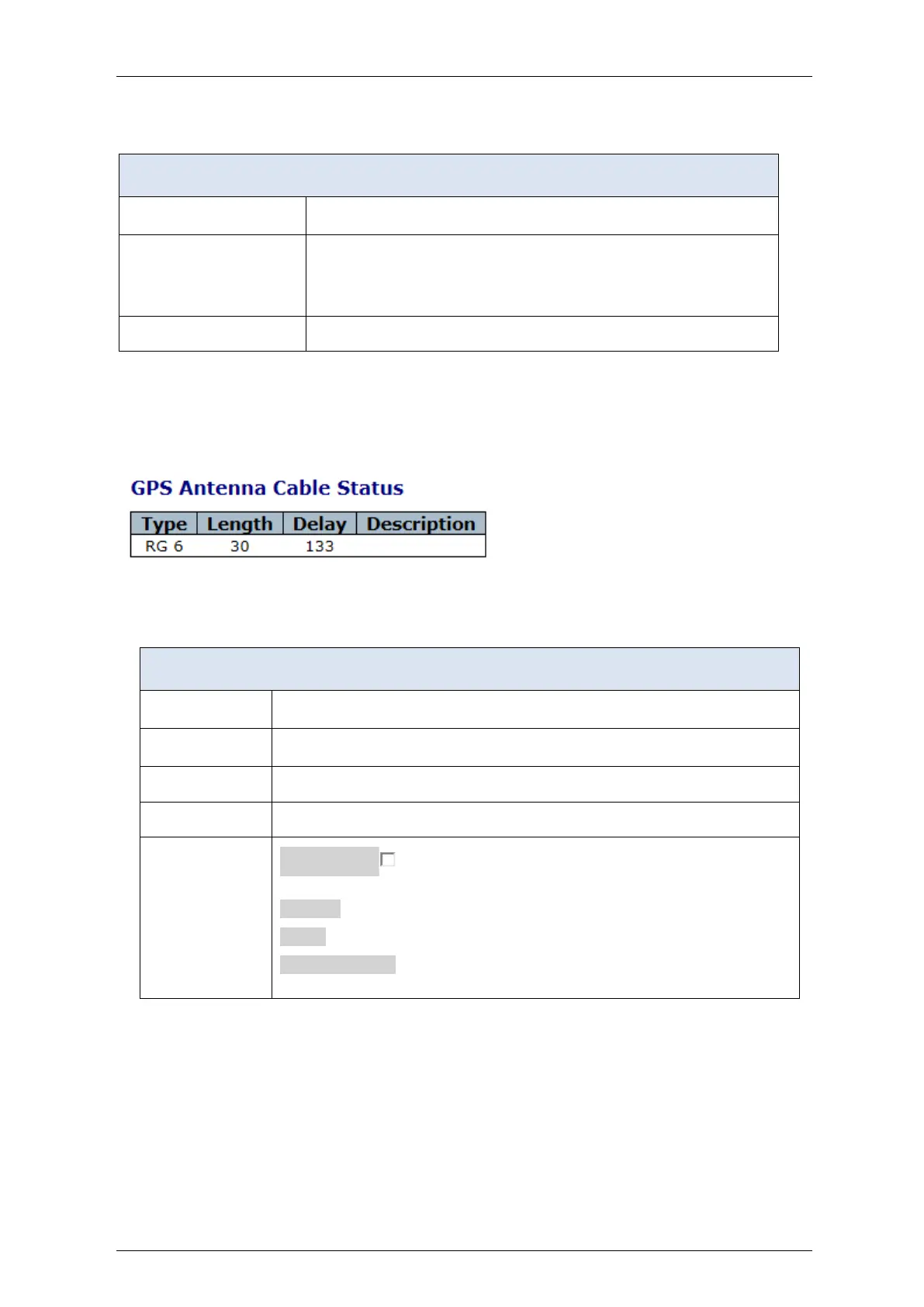
Table 4-113: Satellite Staus parameters
The PRN (satellite number) of the tracked satellites.
The satellite's received signal level in terms of Carrier to Noise ratio [dB-
Hz]. The accompanying LED indicates whether the satellite receive level
is good (green) or fair (orange).
When it lights red the GPS can see no satellites.
4.14.7 GPS Antenna Cable Status
Figure 4-118: GPS Antenna Cable Status
Table 4-114: GPS Antenna Cable parameters
The type of cable being used for the GPS antenna.
The length of the antenna cable in meters.
Indicates the cable delay in nsec.
A textual description of the cable.
Auto-refresh : Check this box to enable an automatic refresh of the
page at regular intervals.
Refresh: Click to refresh the page immediately.
Clear: Click to clear current status
Other Buttons: GPS Config. Sky View. Sat Coun are direct links to
the respective pages


 To Next Page