Falcon M-Class | User Guide
33
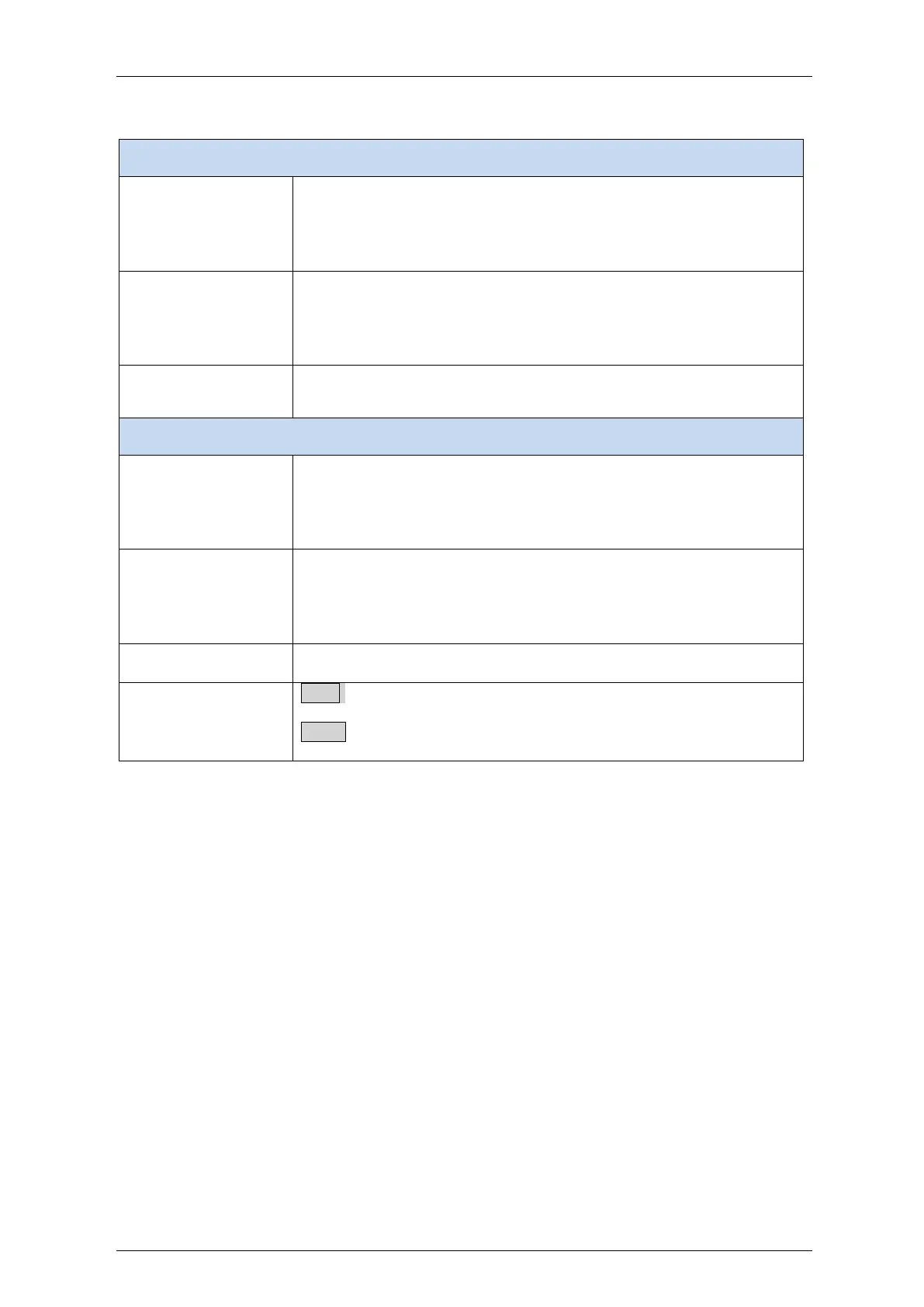
Table 4-8: Time Settings Parameters
Week - Select the starting week number.
Day - Select the starting day.
Month - Select the starting month.
Hours - Select the starting hour.
Minutes - Select the starting minute.
Week - Select the ending week number.
Day - Select the ending day.
Month - Select the ending month.
Hours - Select the ending hour.
Minutes - Select the ending minute.
Offset: Enter the number of minutes to add during Daylight Saving
Time. ( Range: 1 to 1440 )
Non Recurring Configurations
Month - Select the starting month.
Date - Select the starting date.
Year - Select the starting year.
Hours - Select the starting hour.
Minutes - Select the starting minute.
Month - Select the ending month.
Date - Select the ending date.
Year - Select the ending year.
Hours - Select the ending hour.
Minutes - Select the ending minute.
Offset: Enter the number of minutes to add during Daylight Saving
Time. ( Range: 1 to 1440 )
Save: Click to save changes.
Reset: Click to undo any changes made locally and revert to previously
saved values.


 To Next Page