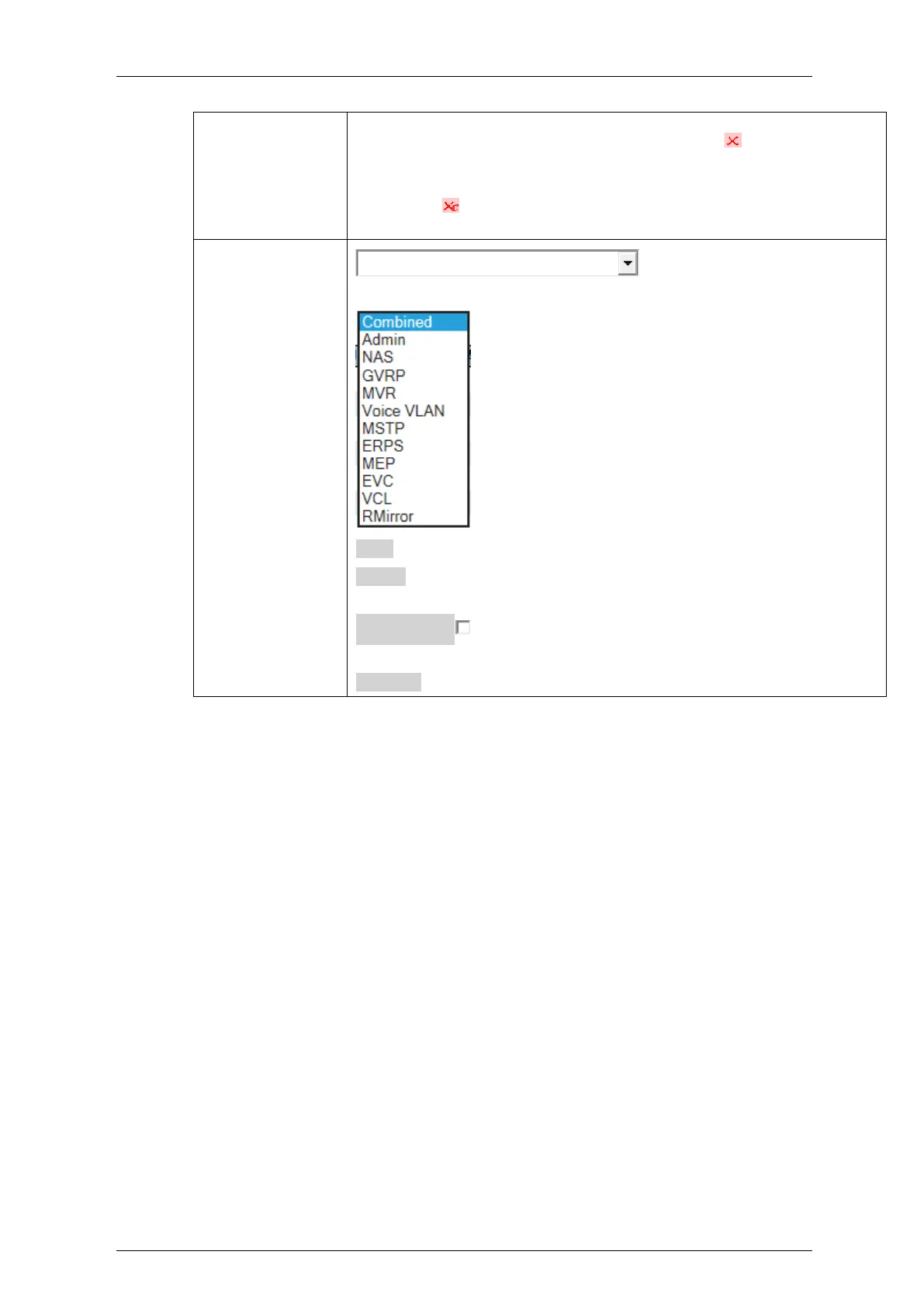
If a port is in the forbidden port list, an image will be displayed.
If a port is in the forbidden port list and at the same time
attempted included in the VLAN, the following image will be
displayed: . The port will not be a member of the VLAN in this
case.
: Select VLAN Users from this
drop down list
Save: Click to save changes.
Reset: Click to undo any changes made locally and revert to previously
saved values.
Auto-refresh : Check this box to refresh the page automatically.
Automatic refresh occurs every 3 seconds
Refresh: Click to refresh the page immediately


 To Next Page