54200
Users Manual
4-34
•
Press the
COLOR TEMP
key again longer than one second.
•
The
CTA_ADJ
popup menu appears again.
•
Press the
é
or
ê
softkey (F1 or F2) to select the next parameter you want to change,
for example, the luminance for the center,
CTA_Center 100%
.
•
Press the
enter
softkey (F5) to confirm your selection.
•
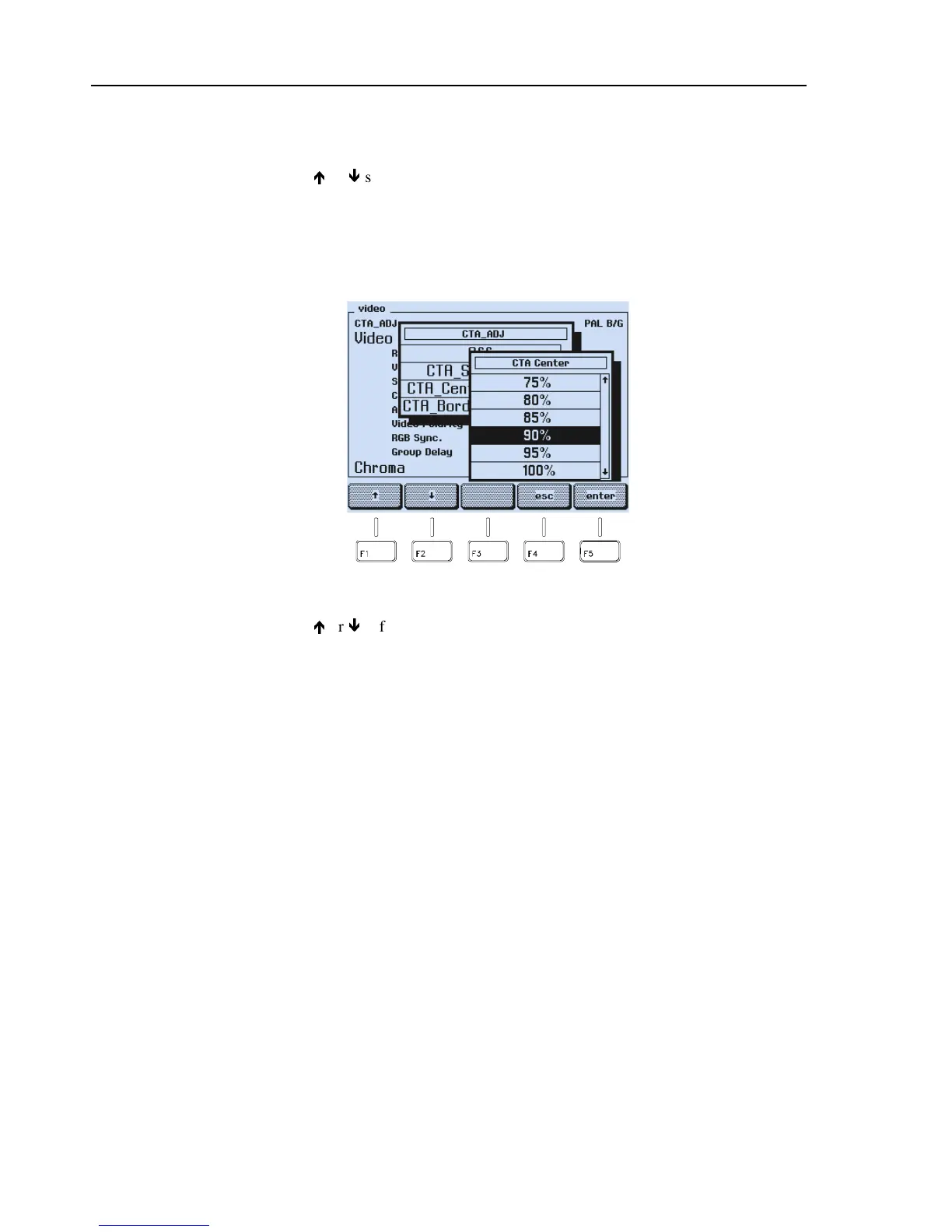
An additional popup menu appears to select the luminance level for the center of the
pattern.
Figure 4-56. Luminance Level Selection
•
Press the
é
or
ê
softkey (F1 or F2) to select the luminance value,
for example, 90%.
•
Press the
enter
softkey (F5) to confirm your selection.
•
Repeat the steps for the third parameter, the luminance level for the border.
For details about all selectable parameters for this pattern, see Appendix G.



 To Next Page