How to Use the Instrument
Operating via Keyboard
4
4-33
•
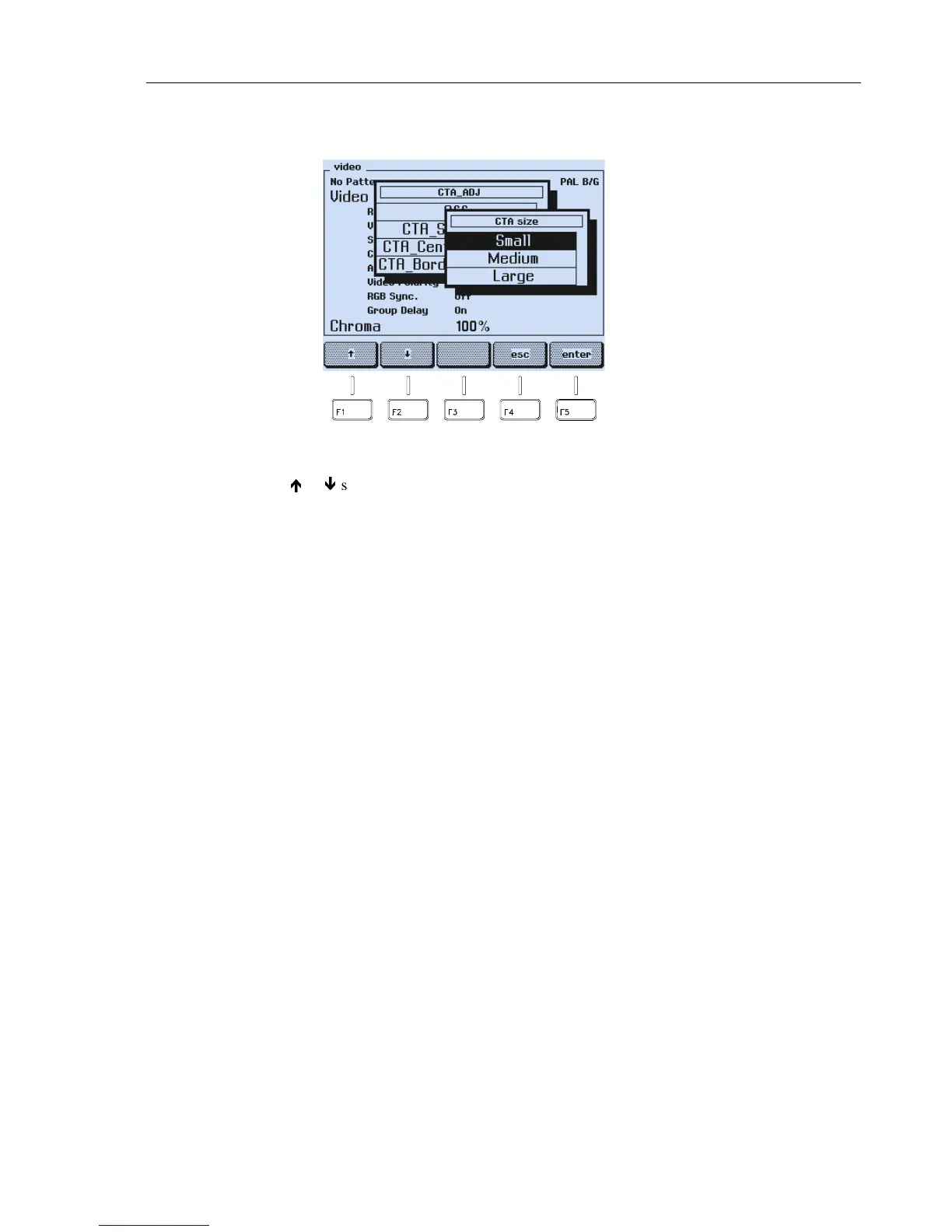
An additional popup menu appears to select the center size for the pattern.
Figure 4-55. Center Size Selection
•
Press the
é
or
ê
softkey (F1 or F2) to select the size, for example,
Medium
.
•
Press the
enter
softkey (F5) to confirm your selection.
The instrument returns to previous selected submenu.



 To Next Page