54200
Users Manual
6-10
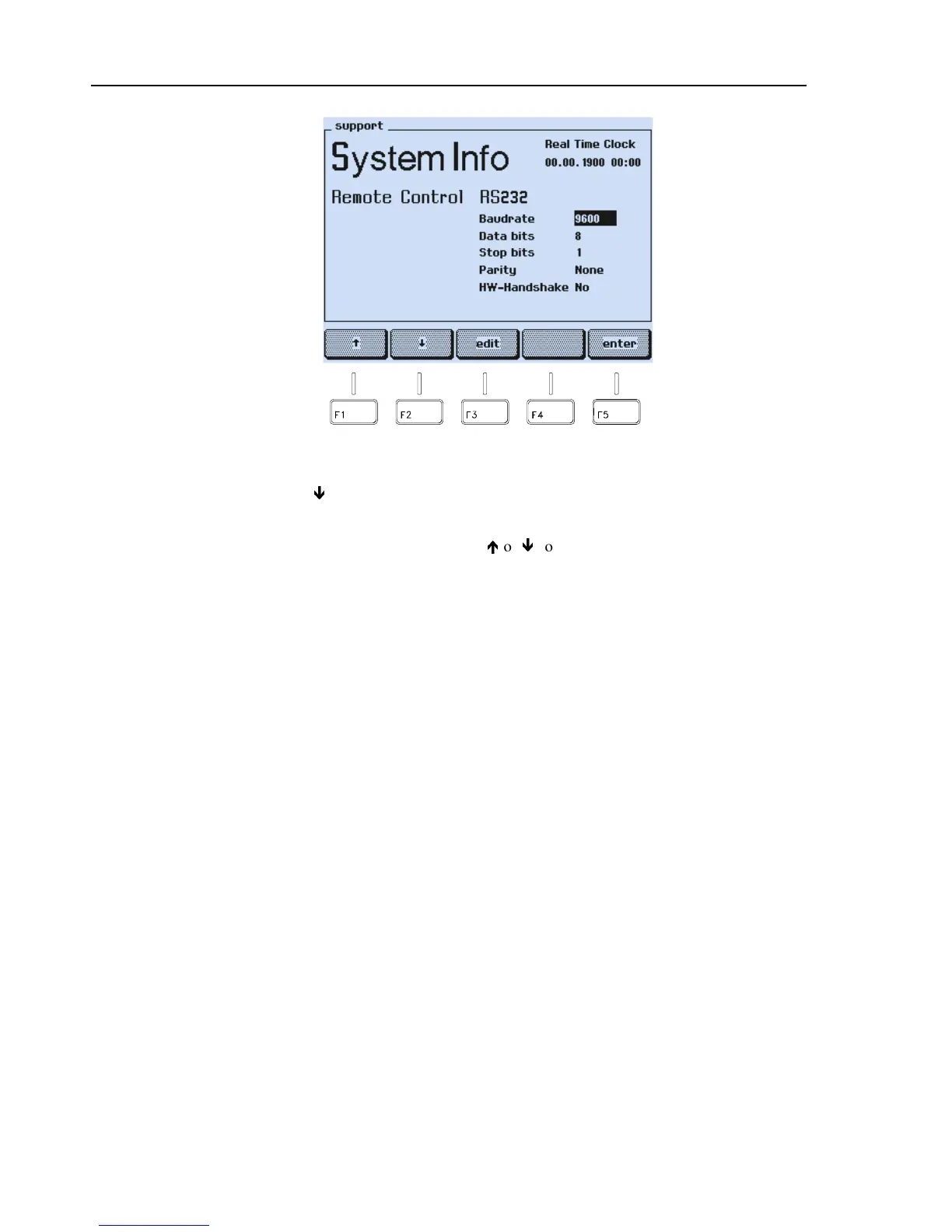
Figure 6-11. RS-232 Configuration Setting
•
Press the
ê
softkey (F2) to select the next parameter.
•
Press the
edit
softkey (F3).
•
Select the required settings with the
é
or
ê
softkeys (F1 or F2).
•
Press the
enter
softkey (F5) to confirm your selection.
•
Repeat the steps for each parameter you want to change.
•
Press the
enter
softkey (F5) to return to the
main
screen.
The settings are stored in a memory and are retained even after power off of the
instrument.
On power up, the instrument is in 'local' mode (input using keyboard). When you set the
instrument to listener mode by sending the command
ESC2
using the PC, the text
REMOTE
appears on the display. All keys except the
local
softkey are locked and you
can now operate the instrument in remote control. To return to local operation send the
command
ESC1
, or press the
local
softkey. To avoid unintended local control, you can
disable the
local
softkey by using the command
ESC5
.



 To Next Page