54200
Users Manual
8-30
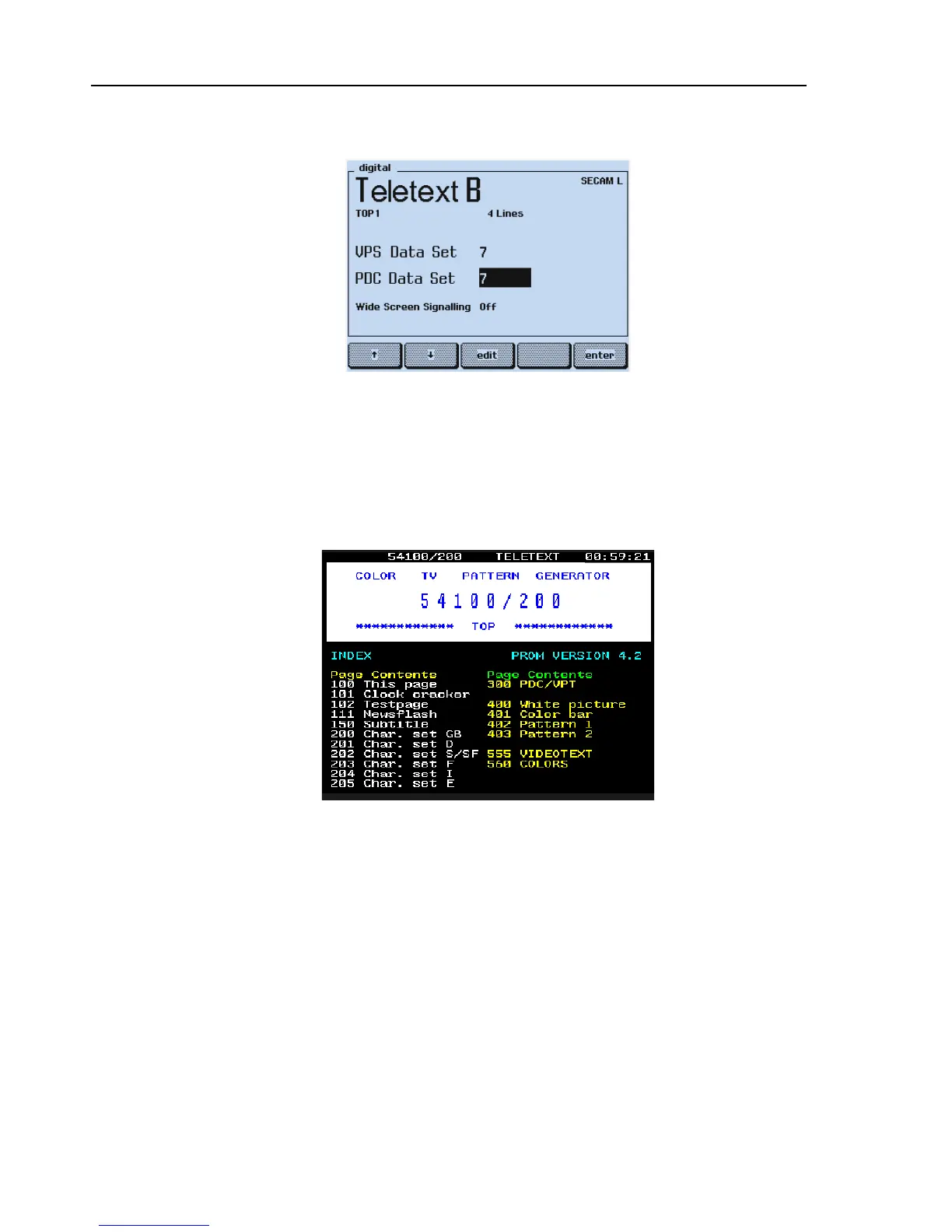
The display shows:
Figure 8-28. Teletext Settings
Set your TV to the Teletext function.
Test Result Requirement:
The TV shows the Index Page (Teletext Page 100):
Figure 8-29. Teletext Page 100
•
Check if the clock in the upper right corner is running and shows the same time as
the clock of the generator (shown in the upper right corner in the
support
submenu).
Depending on your TV, additional symbols for page selecting are shown in the lower
row of the screen.
The PDC data, Packet 8/30 Format 2, are included in the Teletext data; they are not
visible on the screen.



 To Next Page