54200
Users Manual
4-20
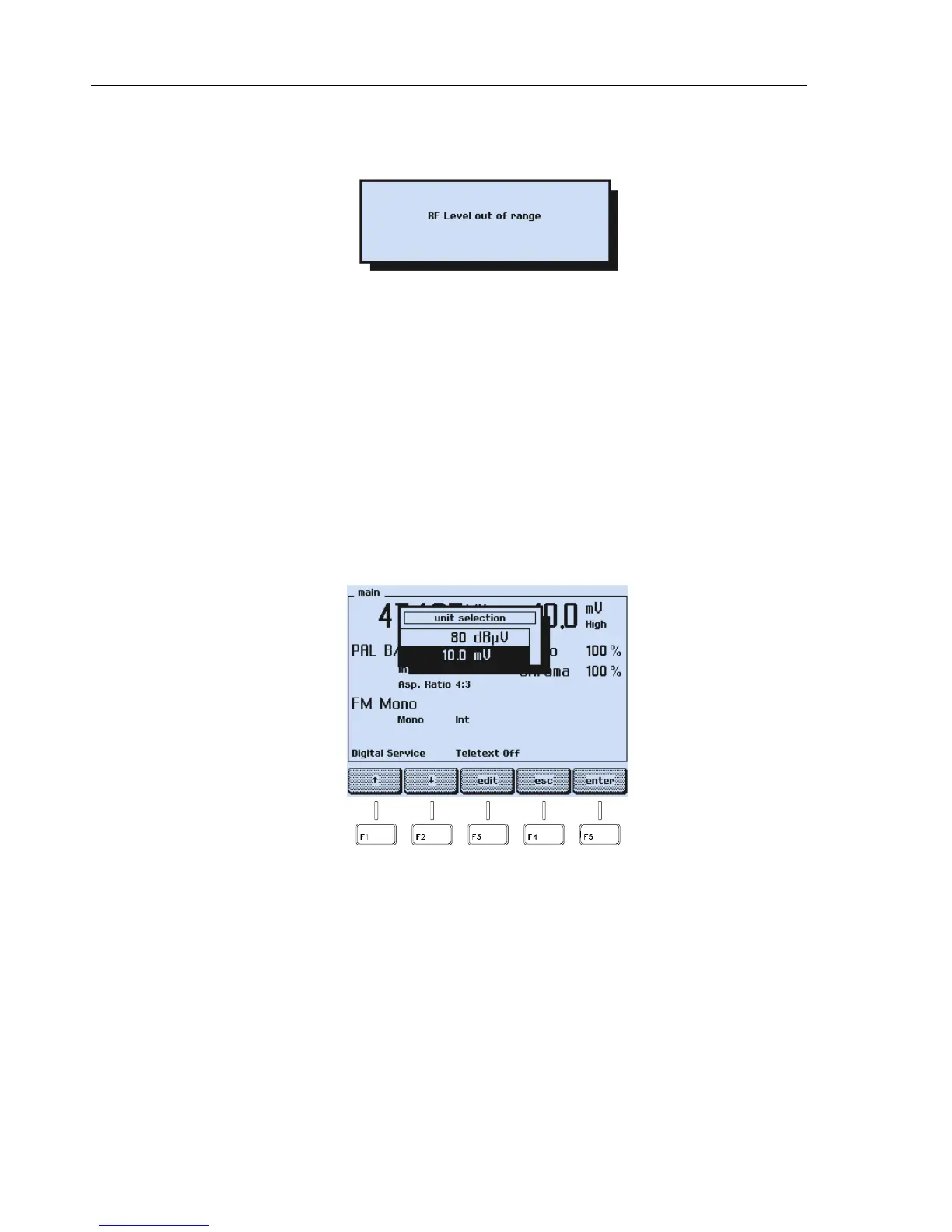
If you key in a value >100.0 mV or >100 dBµV, or <0.01 mV or <20 dBµV, the display
shows the message:
Figure 4-31. Level Out of Range Message
•
Press the
enter
softkey (F5) for acknowledgment. The instrument returns to the last
setting.
•
Press the
LEVEL
key.
•
Key in a value within the allowed setting range using the numerical keypad.
•
Press the
enter
softkey (F5) to confirm your input.
Step Function
•
Press the
LEVEL
key.
•
The popup menu for the
unit selection
appears, showing the current unit and the
value.
Figure 4-32. Vision Carrier Unit



 To Next Page