Cockpit Reference Guide for the Cirrus SR2x with Perspective Touch+ by Garmin
190-02954-01 Rev. A
Appendix
255
Flight
Instruments EIS
Nav/Com/
XPDR/Audio
Flight
Management
Hazard
Avoidance AFCS
Additional
Features Annun/Alerts Appendix Index
Flight
Instruments EAS
Audio and
CNS
Flight
Management
Hazard
Avoidance AFCS
Additional
Features
Abnormal
Operation Annun/Alerts Appendix Index
or
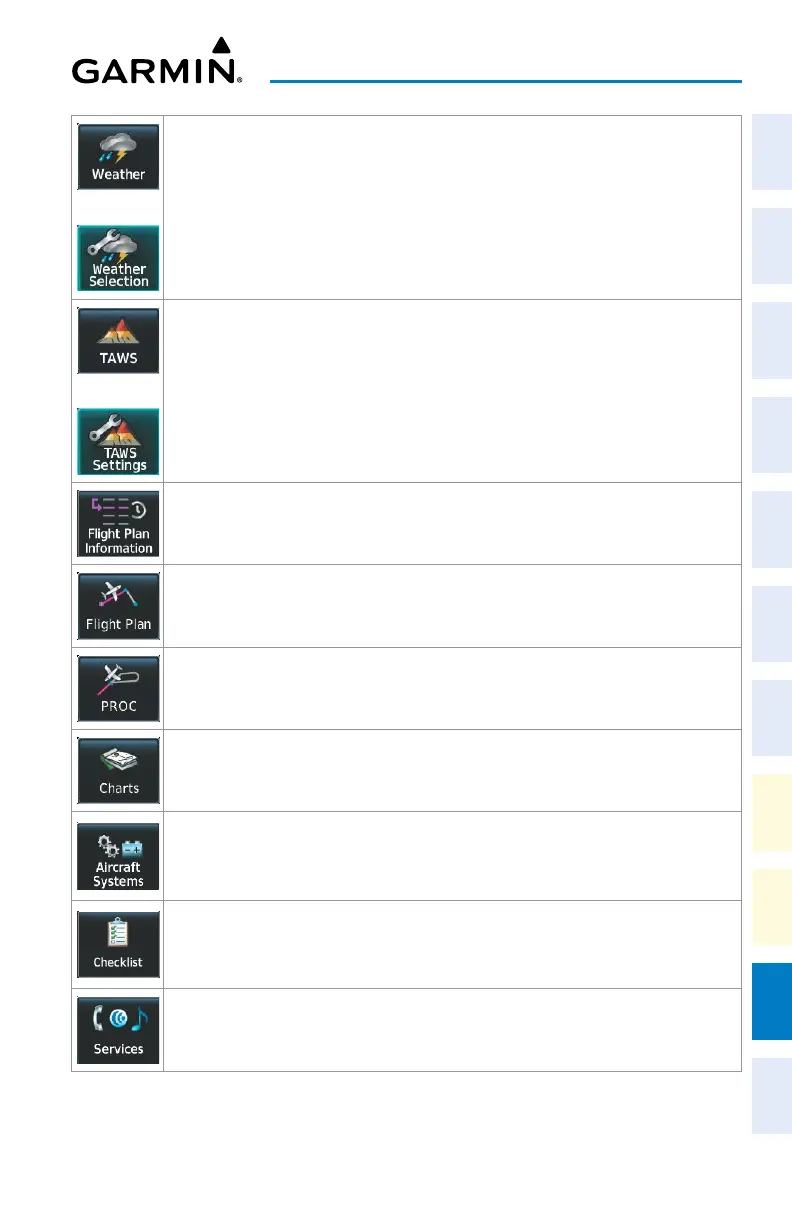
Shows a ‘Weather <SiriusXM, Connext, Stormscope, or FIS-B>’ Pane in the selected
Display Pane. When the weather pane is displayed, the button becomes the Weather
Selection Button. Touch the Weather Selection Button to access the ‘Weather
Selection’ Screen on Touchscreen Controller.
or
Shows the ‘TAWS’ Pane in the selected Display Pane. When the ‘TAWS’ Pane is displayed,
the button becomes the TAWS Settings Button. Touch the TAWS Settings Button to
access the ‘TAWS Settings’ Screen on Touchscreen Controller.
Accesses ‘Flight Plan Information’ Screen on Touchscreen Controller.
Accesses ‘Active Flight Plan’ Screen on the Touchscreen Controller.
Accesses ‘Procedures’ Screen on Touchscreen Controller. Additional map displays may be
shown as procedures are selected.
Accesses ‘Charts’ Screen on Touchscreen Controller. Charts are shown on the selected
Display Pane.
Accesses ‘Systems’ Screen on Touchscreen Controller. Systems data can be selected for
display on the Touchscreen Controller, and displayed on a Display Pane. Also provides
access to systems controls, systems tests, and optional video controls.
Accesses the Checklists for display in the selected Display Pane.
Accesses the ‘Services’ Screen on Touchscreen Controller. Includes optional Iridium phone,
and text messaging services, Networks and Pairing, Bluetooth Phone, Music, Position
Reports, Connext Setup, and Contacts.












 To Next Page