Cockpit Reference Guide for the Cirrus SR2x with Perspective Touch+ by Garmin
190-02954-01 Rev. A
Appendix
256
Flight
InstrumentsEIS
Nav/Com/
XPDR/Audio
Flight
Management
Hazard
AvoidanceAFCS
Additional
FeaturesAnnun/AlertsAppendixIndex
Flight
InstrumentsEAS
Audio and
CNS
Flight
Management
Hazard
AvoidanceAFCS
Additional
Features
Abnormal
OperationAnnun/AlertsAppendixIndex
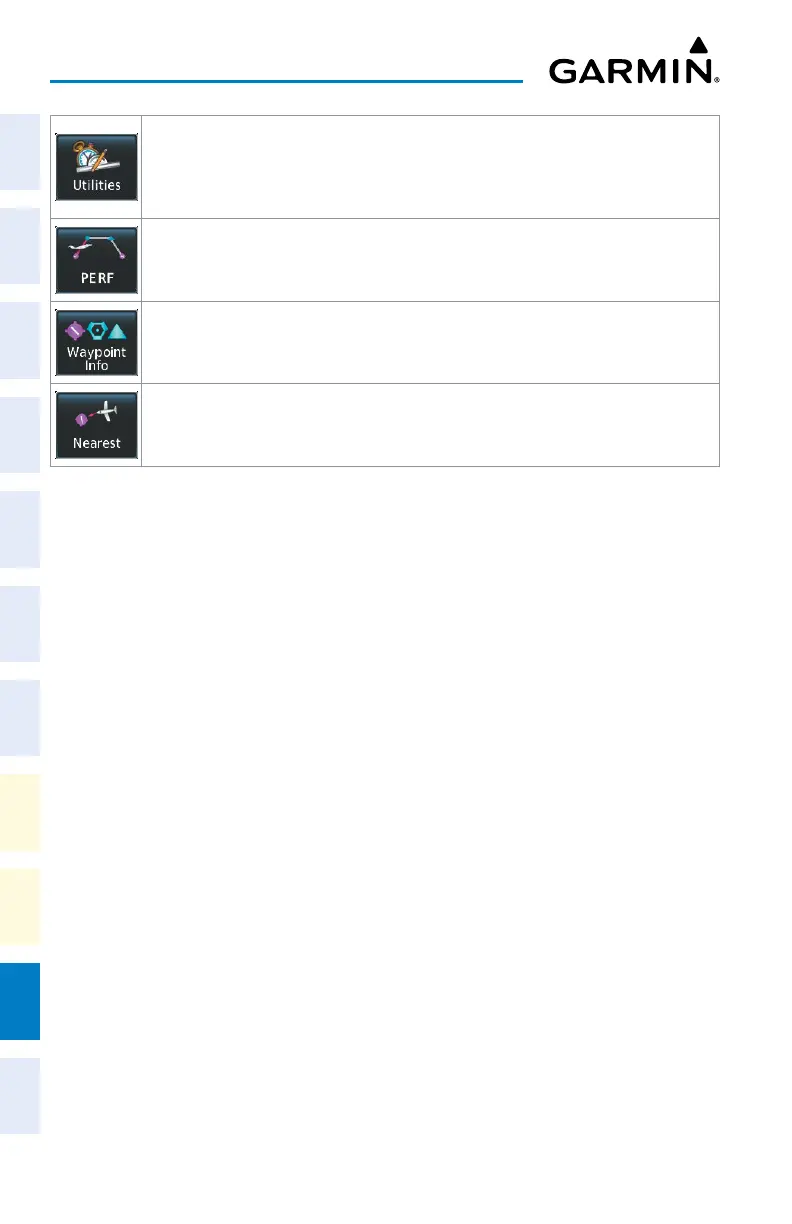
Accesses the ‘Utilities’ Screen on Touchscreen Controller. Includes Trip Planning functions,
Minimums, Trip Statistics, Timer, Scheduled Messages, FMS Sensors, Initialization, Electronic
Documents (optional), Screen Cleaning, Crew Profile, and Setup. If SurfaceWatch option is
not installed, Weight and Balance functions are also on the ‘Utilities’ Screen.
Accesses the ‘PERF’ Screen. Provides controls for entering takeoff, landing, PERF Datalink
wind and temperature and weight and balance data and speed bugs.
Provides information about Airports, Intersections, VORs, NDBs, VRPs, User Waypoints. Also
allows creation of User Waypoints.
Provides information about the nearest Airports, Intersections, VORs, NDBs, VRPs, User
Waypoints, Airspace, ARTCC facilities, Flight Service Stations, and Weather reporting stations.












 To Next Page