Cockpit Reference Guide for the Cirrus SR2x with Perspective Touch+ by Garmin
190-02954-01 Rev. A
Appendix
268
Flight
InstrumentsEIS
Nav/Com/
XPDR/Audio
Flight
Management
Hazard
AvoidanceAFCS
Additional
FeaturesAnnun/AlertsAppendixIndex
Flight
InstrumentsEAS
Audio and
CNS
Flight
Management
Hazard
AvoidanceAFCS
Additional
Features
Abnormal
OperationAnnun/AlertsAppendixIndex
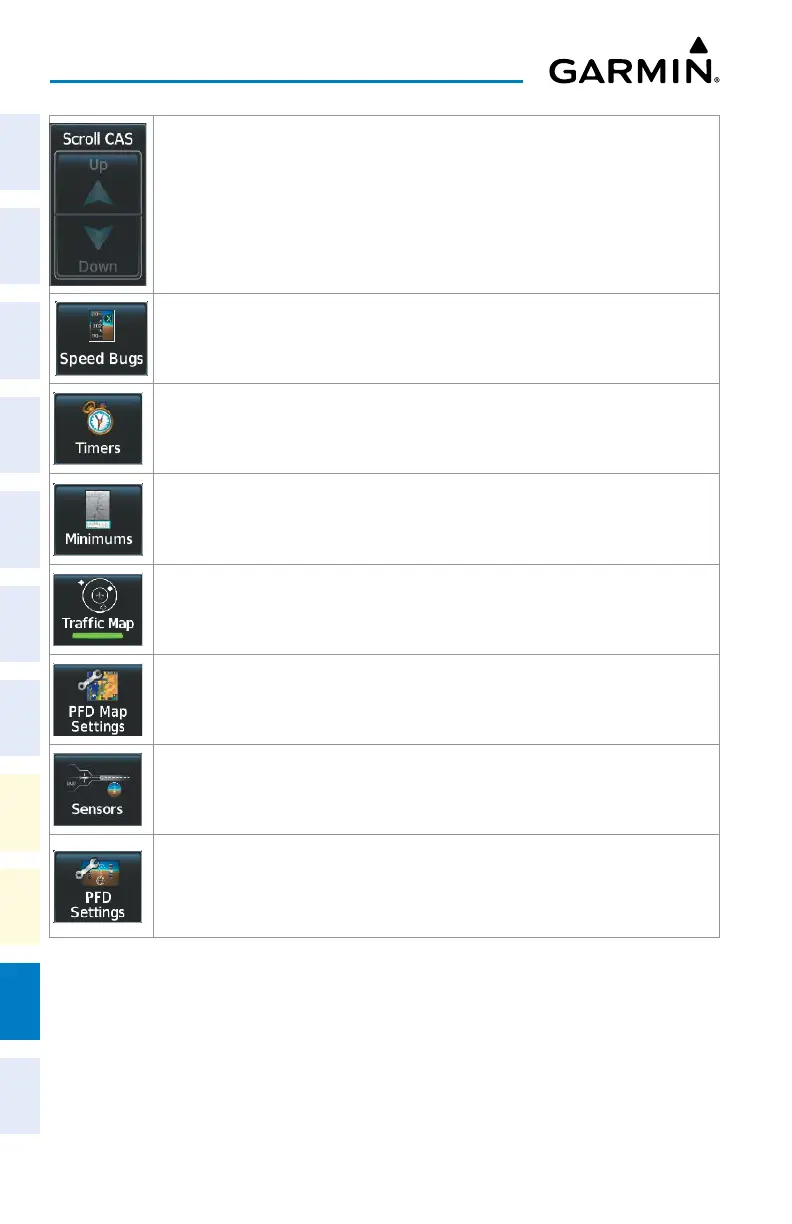
CAS messages cannot be scrolled. These buttons will remain inactive.
Accesses the ‘Speed Bugs’ Screen on Touchscreen Controller, where the speed bugs can
be configured.
Accesses the ‘Timer’ Screen on the Touchscreen Controller. Controls timer on PFD.
Accesses the ‘Minimums’ Screen on the Touchscreen Controller. Set MDA or DH.
Shows the Traffic Map on the PFD in inset format when the PFD is in Full Mode and turns
the annunciator green. Shows the ‘Traffic Map’ Pane on the PFD when the PFD is in Split
Mode, but the green/subdued annunciator is no longer displayed.
Accesses the ‘PFD Map Settings’ Screen on the Touchscreen Controller. The Inset Map is
not available when in split mode.
Accesses the ‘Sensors’ Screen. Allows for manual selection of ADC and AHRS sensors,
and access to RNP/EPE settings and Position Sensors settings.
Accesses the ‘PFD Settings’ Screen to view or set PFD Mode, Flight Director Active
Format, SVT, Flight Path Marker, AOA, Horizon Heading, Wind, Meters Overlay, Baro
Select Units, Time Format, Time Offset, COM Channel Spacing, and Screen Cleaning
function.












 To Next Page