Cockpit Reference Guide for the Cirrus SR2x with Perspective Touch+ by Garmin
190-02954-01 Rev. A
Appendix
282
Flight
InstrumentsEIS
Nav/Com/
XPDR/Audio
Flight
Management
Hazard
AvoidanceAFCS
Additional
FeaturesAnnun/AlertsAppendixIndex
Flight
InstrumentsEAS
Audio and
CNS
Flight
Management
Hazard
AvoidanceAFCS
Additional
Features
Abnormal
OperationAnnun/AlertsAppendixIndex
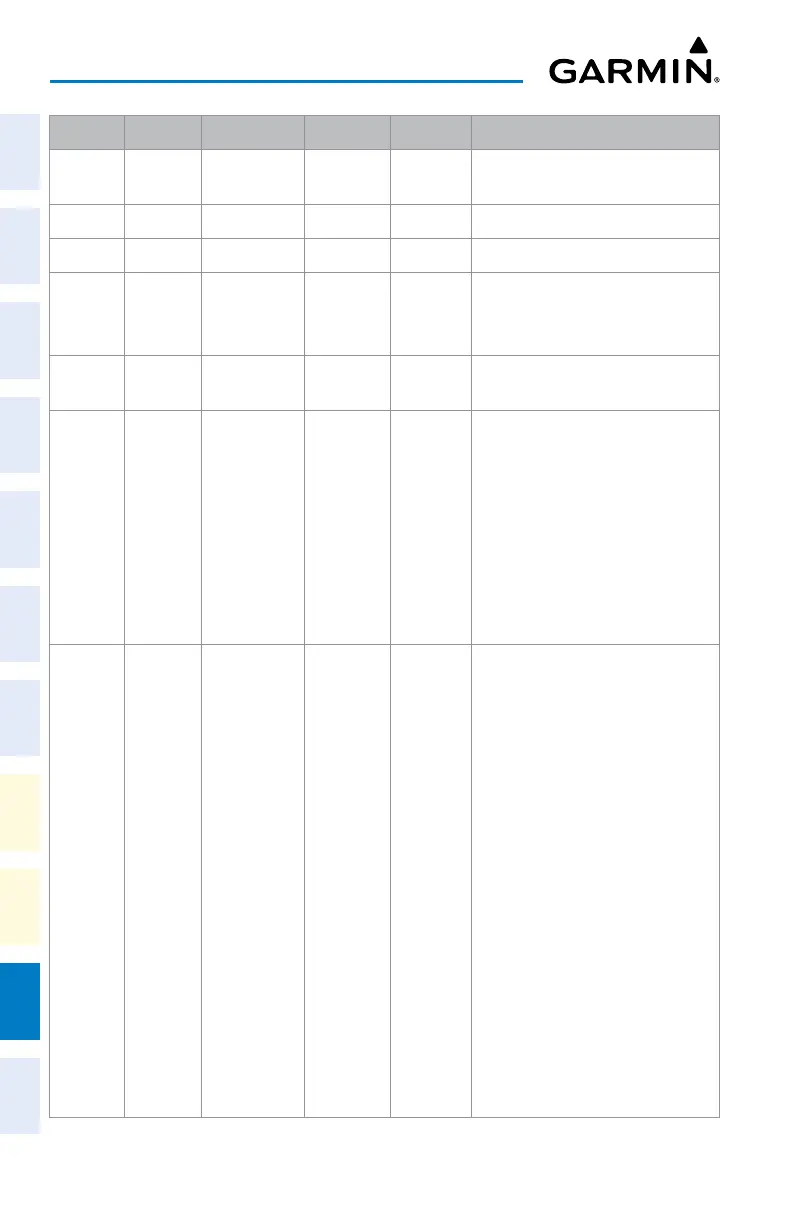
Level 1 Level 2 Level 3 Level 4 Level 5 Description
Off Removes terrain information from the
PFD Map.
Absolute Displays absolute terrain information.
Relative Displays relative terrain information.
Absolute
+
Relative
Displays absolute and relative terrain
information on the HSI Map.
Data Link
Settings
Displays Datalink softkeys.
Data Link Selects the data link source for
weather data displayed on the PFD
Map (optional):
Connext: Selects Garmin Connext as
the weather source.
SiriusXM: Selects SiriusXM as the
weather source.
FIS-B: Selects FIS-B as the weather
source.
NEXRAD Selects type of NEXRAD coverage
when FIS-B is the selected data link
source:
CONUS: Selects coverage for
continental U.S.
Regional: Selects coverage for a
region, which provides a higher
resolution.
Combined: Combines CONUS and
regional coverages.
Or:
Selects type of NEXRAD coverage
when SiriusXM is the selected data
link source:
COMP: Displays composite
reflectivity image.
Base: Displays base reflectivity
image.












 To Next Page