IP8820/IP8830/IP8840
Installer Guide
3
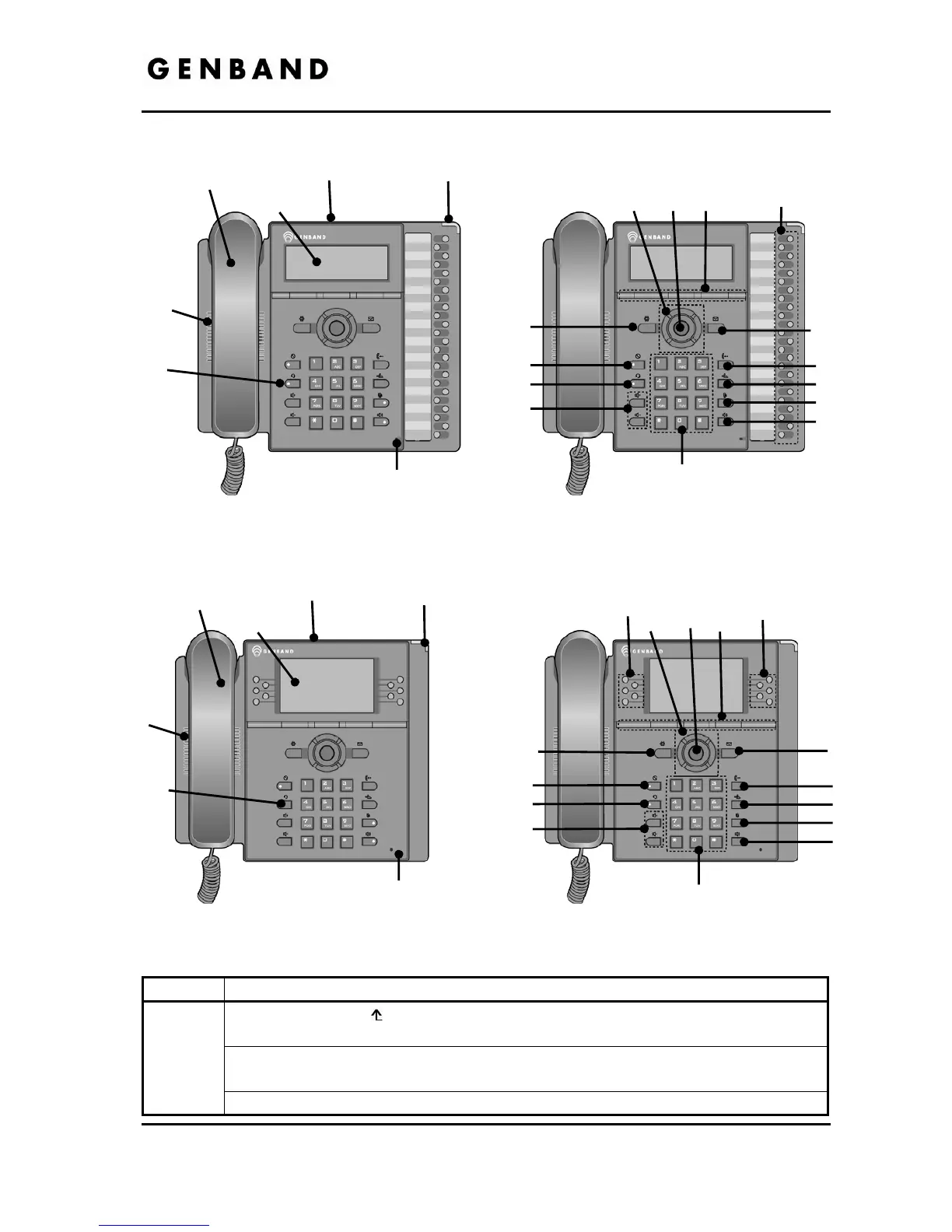
Figure 1.1-2 IP8830
Figure 1.1-3 IP8840
Number Function
Left button- When appears in the bottom-left corner of the LCD, the previous
menu may be selected with the left navigation button.
Right button- When appears in the bottom-right corner of the LCD, the next
group of softkeys may be selected with the right navigation button.
1
Up button- When the phone is in the idle state, accesses the call log.
Handset
LCD(240x56)
MWI LED
Speaker
Headset
Microphone
8
7
6
9
10
11
12
13
14
1 2 3
4
5
WiFi / Bluetooth
Module connector
Handset
LCD(240x144)
MWI LED
Speaker
Headset
Microphone
8
7
6
9
10
11
12
13
14
1 2
3
4
5
WiFi / Bluetooth
Module connector
4



 To Next Page