IP8820/IP8830/IP8840
Installer Guide
2
Mute
Multiple line appearance (MLA)
One-button Call Transfer
Phone Book
Private line
Speakerphone, full duplex
Speed dial buttons
Speed number dialing
Station-to-Station dialing
Volume control (handset, headset, speakerphone, and ring)
Wireless network, WiFi, support (LIP8830 and LIP8840 only)
3-Way conference, centralized or local
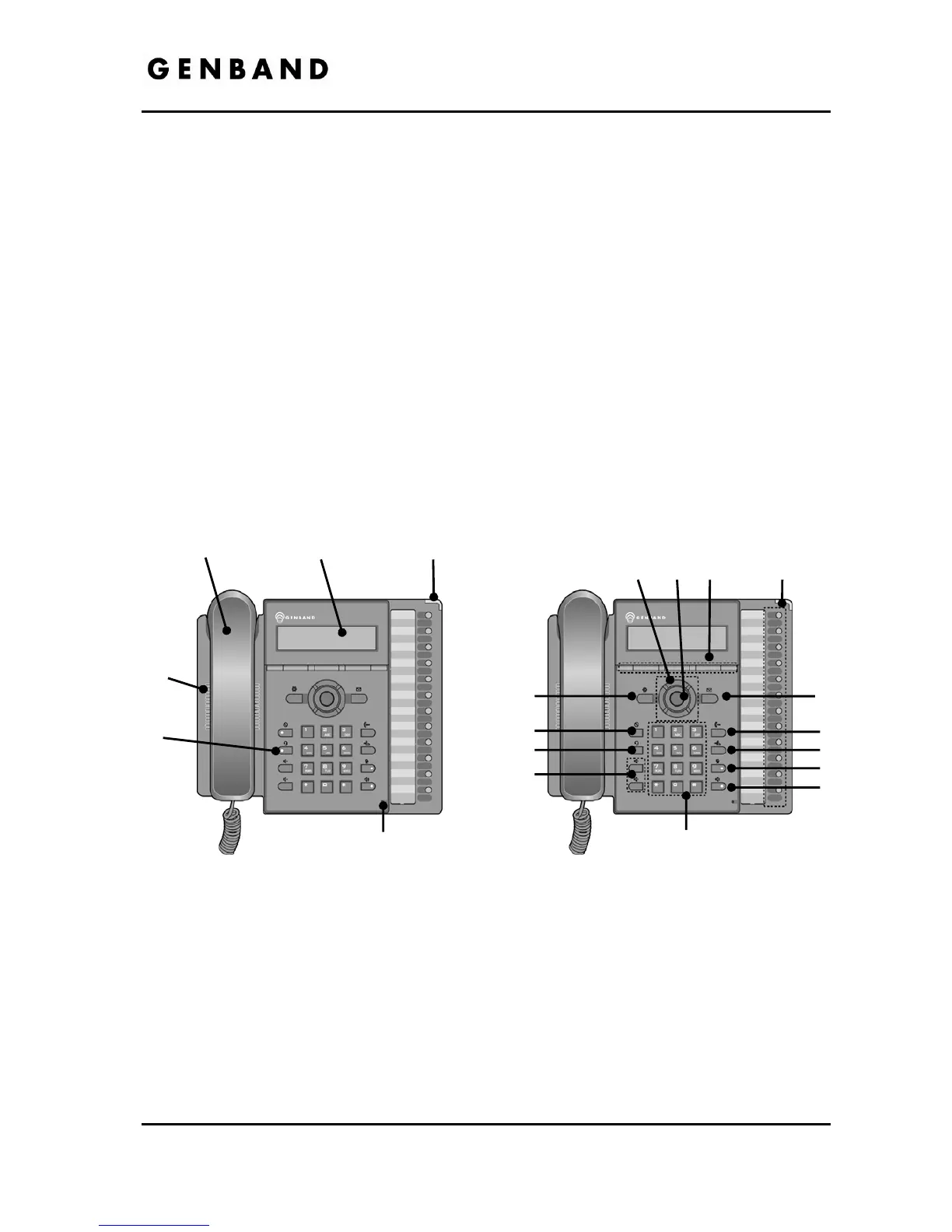
For ease of use, the IP8820, IP8830 and IP8840 are equipped with fixed buttons, flexible
(programmable) buttons, an LCD display, softkeys, menu navigation buttons, and a dial pad.
Figure 1.1-1, Figure 1.1-2 and Figure 1.1-3 illustrate these elements of the IP8820, IP8830 and
IP8840 resp
ectively.
Figure 1.1-1 IP8820
Handset
LCD(240x42)
MWI LED
Speaker
Headset
Microphone
8
7
6
9
10
11
12
13
14
1 2 3 4
5



 To Next Page