3-60
Chapter 3 Settings and Measurement
Contents General Description
Checks and Preparation
Settings and Measurement
Example of Use Specification
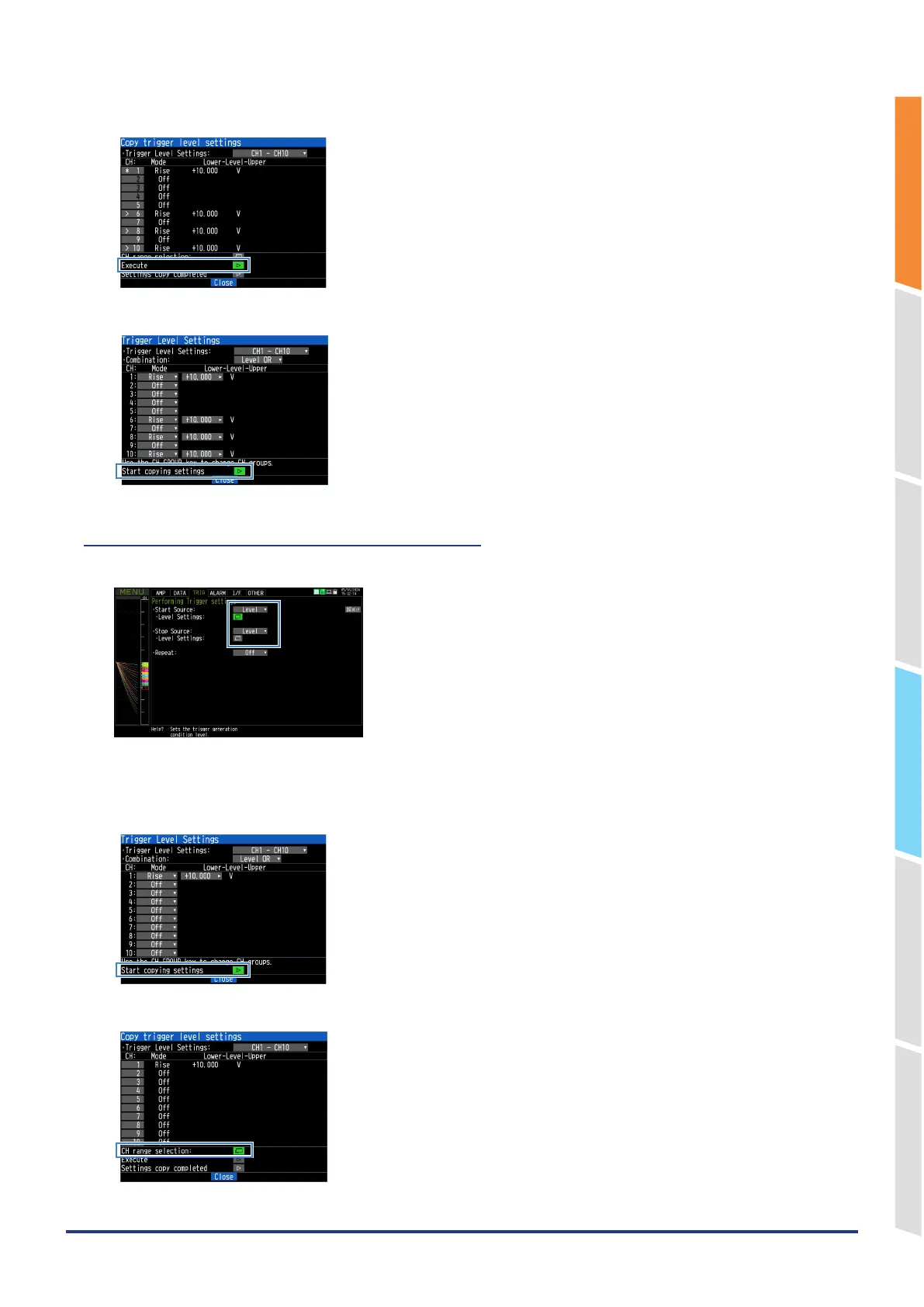
6. Execute the copy.
7. The copy will be executed. When you finish copying the settings, the copy mode will end.
(4)-7 How to specify the copy channel range
1. Select a level value in the START SOURCE setting or STOP SOURCE setting on the “TRIG” tab.
2. Open the level settings.
3. Start copying settings.
4. Open the CH range selection.















 To Next Page